

Samsung Smart View - Cast To

Features of Samsung Smart View - Cast To
Simple and Easy Screen Mirroring
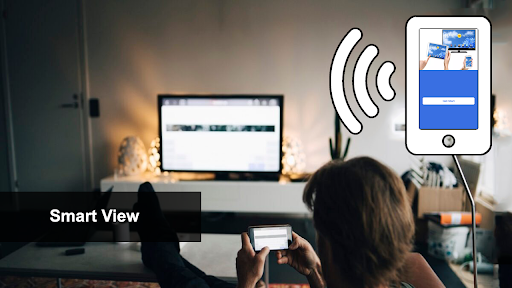
Easily cast your smartphone screen to your Samsung Smart TV with just a few taps. Enjoy videos, photos, and games on the big screen effortlessly.
Seamless Connectivity
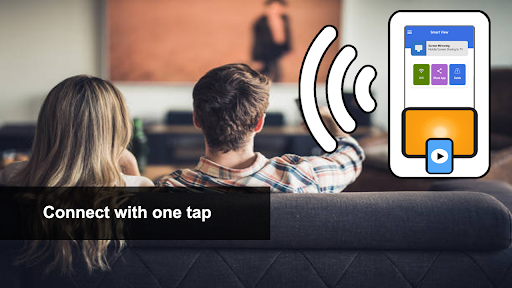
Connect your Android device to your Samsung Smart TV wirelessly, without the need for any cables or additional equipment. Experience seamless and hassle-free screen mirroring.
Intuitive Remote Control
Control your Samsung Smart TV directly from your smartphone. Use your device as a remote control to navigate menus, change channels, adjust volume, and much more with ease.
Tips
📲 Connect instantly.
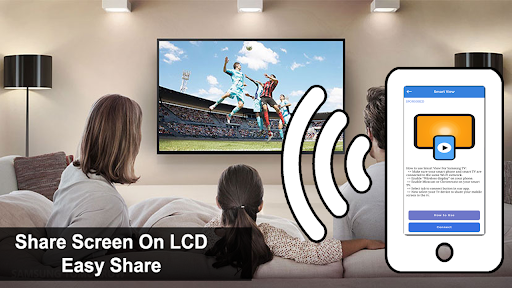
Begin by ensuring your smartphone and smart TV are on the same Wi-Fi network. This fundamental step is crucial for a successful connection. Then, activate 'Wireless display' on your smartphone to make it visible for screen sharing. On your smart TV, enable either Miracast or Chromecast, depending on its compatibility. Now, open the Samsung Smart View - Cast To app and select the 'connect' tab. Choose your TV from the list of available devices, and you're ready to cast your screen.
🌟 Enjoy diverse media.
Utilize the app to share a variety of content on a larger screen. Whether it's your favorite movie, photo album, thrilling game, or a playlist, the app handles it all seamlessly. The enhanced screen size dramatically improves your viewing and gaming experiences. It’s perfect for solo enjoyment or sharing these moments with friends and family. Remember, the quality of the content remains intact, ensuring a high-quality display on your smart TV.
👓 Relieve your eyes.
The app provides a much-needed break for your eyes from the small screen of your smartphone. Casting to a larger TV screen means less strain on your eyes, especially during long viewing sessions. This feature is particularly beneficial for watching movies, playing games, or browsing through photos. It's also great for group settings, where everyone can comfortably view the content. Plus, you don't need any additional hardware; your smartphone and smart TV are enough.
Pros & Cons
- Easy wireless connectivity
- Supports multiple media types
- Compatible with various smart TVs
FAQ
How do I connect my phone to my TV using the app?
Ensure both devices are connected to the same Wi-Fi, enable 'Wireless display' on your phone, turn on Miracast or Chromecast on your TV, and select your TV in the app.
Ratings
Similar Apps









Top Apps



