Google Classroom

Features of Google Classroom
Streamlined Communication and Collaboration
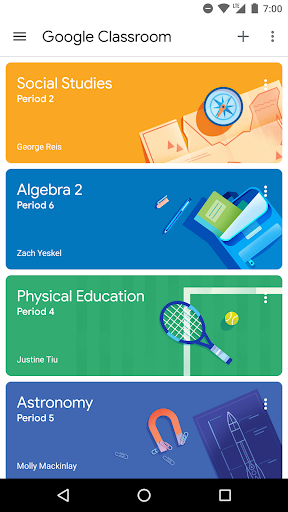
Google Classroom provides a centralized platform for teachers and students to communicate, collaborate, and share resources efficiently. With real-time messaging, assignment notifications, and document sharing, it simplifies the entire learning process.
Seamless Assignment Management
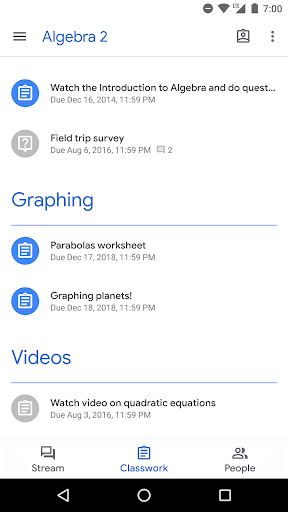
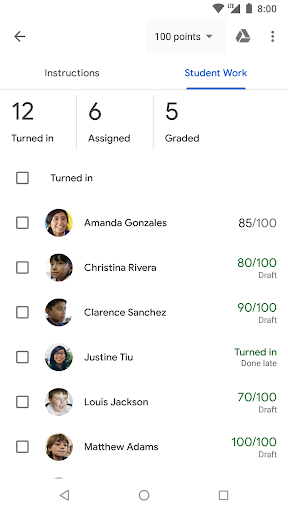
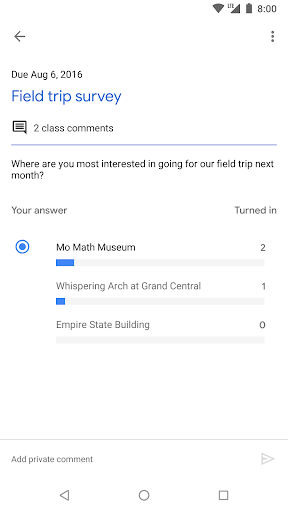
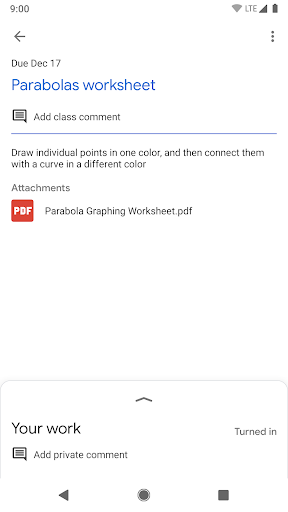
Managing assignments becomes effortless with Google Classroom. Teachers can create, distribute, and collect assignments digitally, enabling them to track student progress easily. The app also provides a convenient grading system, making assessment and feedback a breeze.
Integration with Google Apps
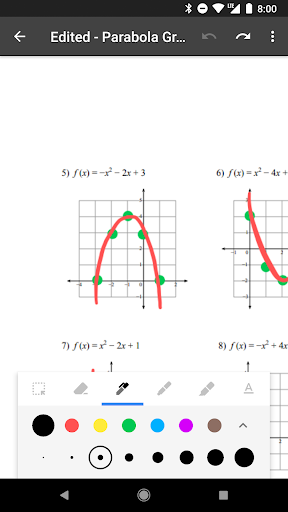
Google Classroom seamlessly integrates with other Google Apps, such as Google Docs, Sheets, and Slides. This integration allows for smooth collaboration on documents, presentations, and spreadsheets, enhancing students' productivity and encouraging teamwork.
Tips
🎓 Set up in a snap.
Teachers can quickly integrate their students into Google Classroom. Whether by directly adding them or by sharing a class code, you'll be up and running in no time.
📜 Go paperless efficiently.
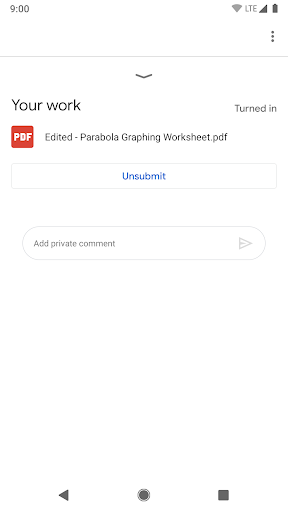
Say goodbye to the traditional paper hassle. With Classroom's streamlined assignment workflow, teachers can distribute, review, and grade assignments without a shred of paper.
📂 Stay organized effortlessly.
No more losing important class materials. With Classroom, everything from documents to videos gets auto-sorted into dedicated folders in Google Drive, ensuring students always have what they need at their fingertips.
Pros & Cons
- Quick and easy setup
- Efficient paperless workflow
- Organized Google Drive integration
FAQ
How is data privacy ensured in Google Classroom?
Google Classroom is ad-free and does not use content or student data for advertising purposes, ensuring a secure learning environment.
Do I need specific permissions to fully utilize Google Classroom on my device?
Yes, for functionalities like posting photos/videos or attaching local files, permissions for camera, storage, and accounts are necessary.
Ratings
Similar Apps







Top Apps