Google Slides

Features of Google Slides
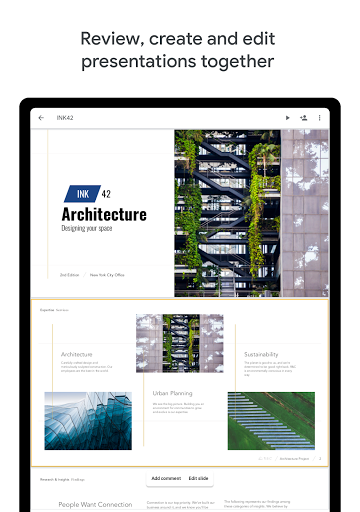
Easy-to-use presentation software
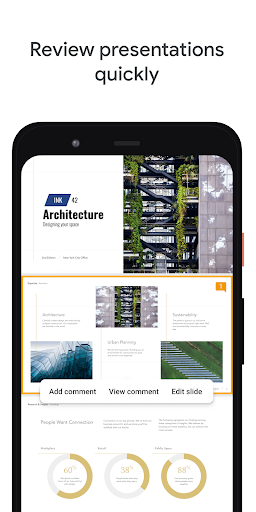
Create stunning presentations with Google Slides. Effortlessly add text, images, charts, and more. Customize layouts and themes to make your presentations stand out.
Real-time collaboration
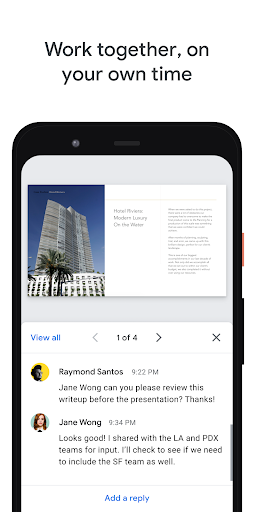
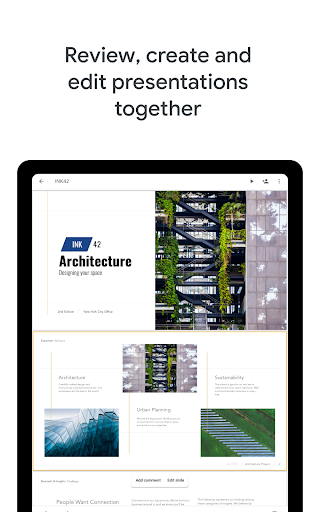
Collaborate with colleagues in real-time on Google Slides. Edit, comment, and make suggestions simultaneously, boosting productivity and streamlining workflow.
Access from any device
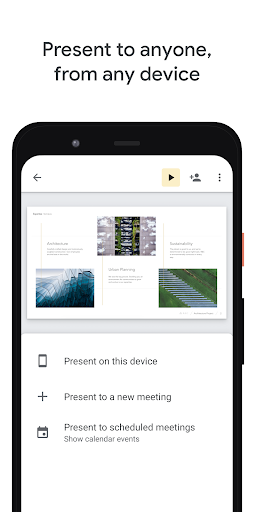
Access your presentations on any device with Google Slides. Whether using a computer, tablet, or smartphone, you can view, edit, and present anywhere, anytime.
Tips
🌐 Explore Google Workspace.
Google Slides is an integral part of Google Workspace, which offers a range of tools for efficient collaboration and productivity. Explore how it integrates with other Google services to enhance your workflow and team collaboration.
📊 Create and edit effortlessly.
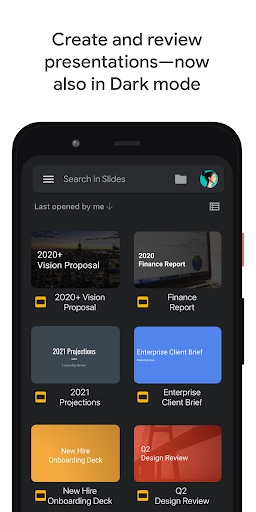
Use Google Slides to create new presentations or edit existing ones with ease. Its user-friendly interface allows you to add and rearrange slides, format text and shapes, making it simple to bring your ideas to life.
🤝 Collaborate in real-time.
Share your presentations and collaborate with your team in the same document simultaneously. This feature enhances teamwork and streamlines the process of creating impactful presentations together.
Pros & Cons
- Create and edit presentations on the go
- Real-time collaboration features
- Works offline for uninterrupted productivity
- Compatible with PowerPoint files
FAQ
Can I use Google Slides to work on presentations offline?
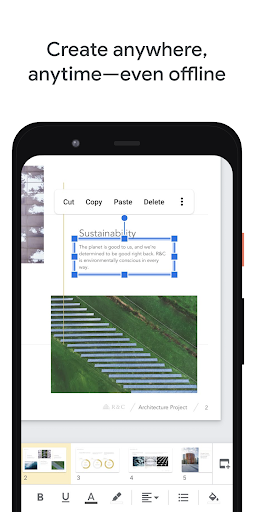
Yes, Google Slides allows you to work on your presentations anywhere, anytime, even without an internet connection, making it a convenient tool for on-the-go productivity.
Ratings
Similar Apps









Top Apps