

Lenovo

📌 Core Features
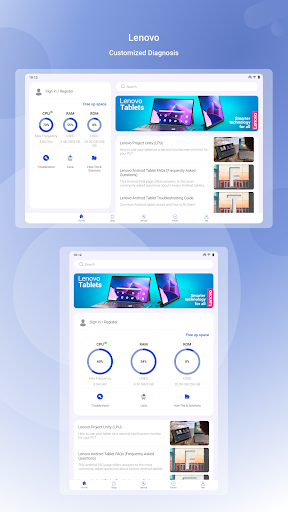
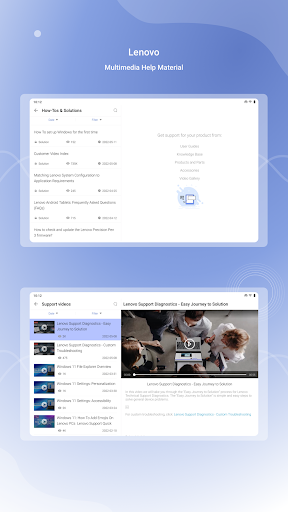
Device Health & Diagnostics: Run quick hardware and software checks to identify issues and recommend fixes in minutes. Clear status summaries make troubleshooting fast and actionable. 🛠️
System Updates: Automatic and manual firmware updates keep drivers and OS components current with minimal fuss. Update notifications prioritize security patches for timely installation. 🔄
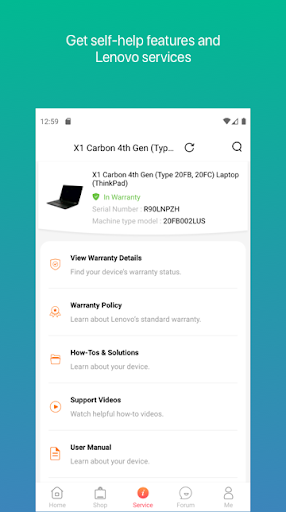
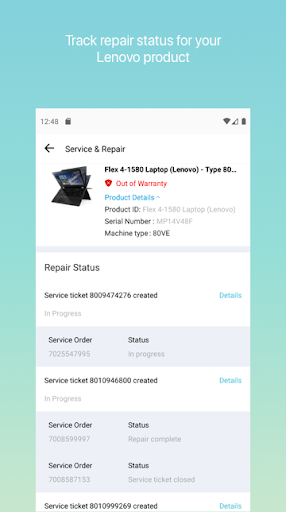
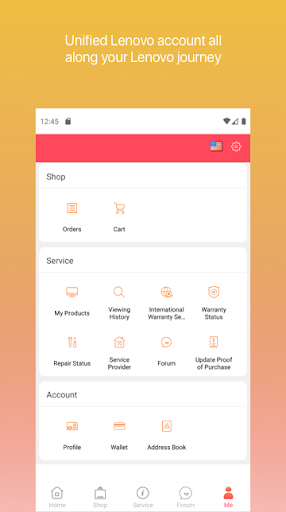
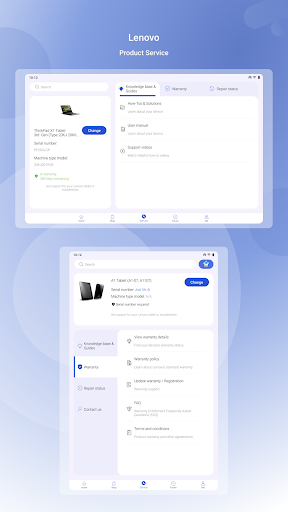
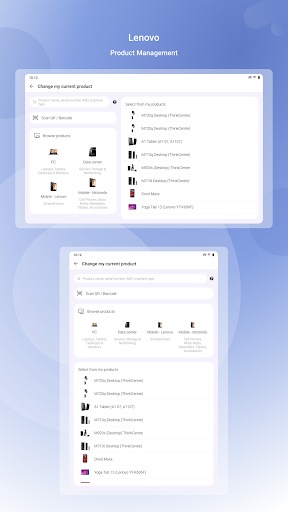
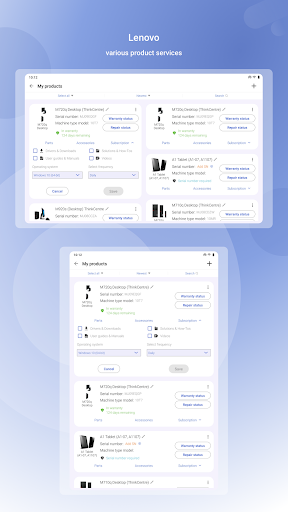
Support & Warranty: Access warranty details, service options, and direct contact with Lenovo support from a single screen. Claim tracking and service history are easy to find. 📞
Performance Optimization: Built-in tools free up resources, adjust power profiles, and suggest performance modes for work or gaming. Real-time monitoring helps sustain smooth operation. 🚀
Backup & Security Settings: Manage backup schedules, recovery options, and key security settings to protect data and device access. Integration with cloud and local backup methods simplifies restores. 🔒
👍🏼 Pros
Tight Lenovo integration: Deep hardware-level access enables accurate diagnostics and driver updates tailored to Lenovo models. This delivers better compatibility than generic tools. ✅
User-friendly interface: Clear menus and one-tap actions make maintenance approachable for non-technical users. Setup guides and prompts speed first-time configuration. ⚡
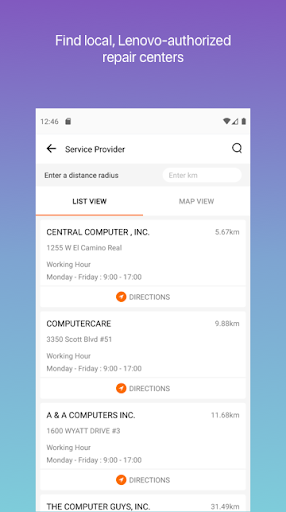
Direct support channels: In-app support options connect to warranty info, live chat, and service scheduling without hunting through websites. That reduces downtime for repairs. 🔍
Regular security patches: Timely update delivery helps keep devices protected against emerging threats. Automated scheduling minimizes missed updates. 📦
Free core features: Most maintenance tools and diagnostics are available at no cost, making it easy to start optimizing immediately. No upfront payment required for basic care. 💸
👎🏼 Cons
Lenovo-only focus: Functionality is optimized for Lenovo devices and offers limited benefit on non-Lenovo hardware. Cross-brand support is minimal. ⚠️
Permissions required: Deep system access demands many permissions that may concern privacy-focused users. Review permission requests before granting access. 🔐
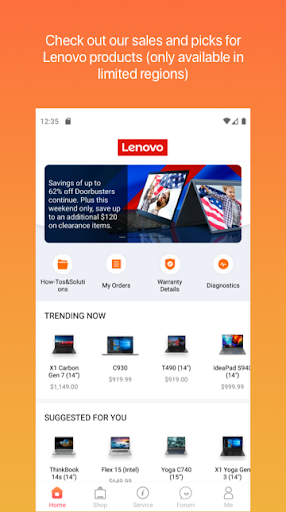
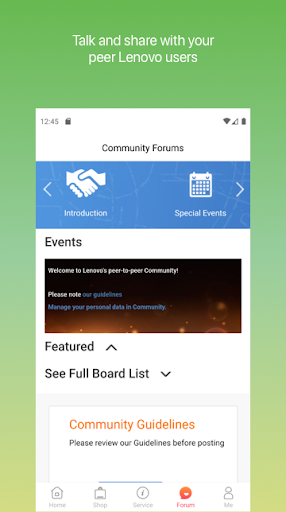
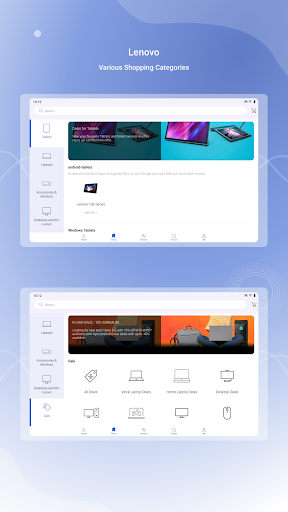
Promotional content: Occasional in-app offers and hardware promotion prompts appear that can interrupt the experience. Some users may find the upsell frequency distracting. 🛒
Occasional update issues: Rare update failures or diagnostic false positives can require manual intervention or support assistance. Keep recovery options ready just in case. 🐞
Limited advanced controls: Power users may find advanced system tuning and customization options lacking compared with dedicated third-party tools. Expert-level tuning may require external apps. 📵
💰 Prices
The Lenovo app is free to download and includes core diagnostics, updates, and basic support at no cost. Paid services such as extended warranties, premium support, and on-demand repair may incur fees or subscriptions. In-app purchases and service charges are clearly disclosed before purchase. Try the free tools first and upgrade only if premium support or extended coverage is needed.
Ratings
Similar Apps












Top Apps


