Microsoft PowerPoint

Features of Microsoft PowerPoint
Intuitive Design and User-Friendly Interface
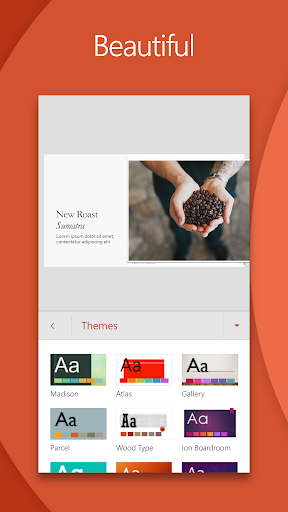
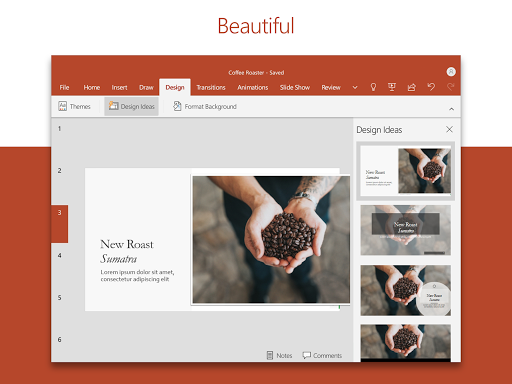
Microsoft PowerPoint delights users with its intuitive design and user-friendly interface, making it easy to create impressive presentations with just a few taps. From adding multimedia elements to selecting eye-catching themes, users can effortlessly craft professional-level slideshows.
Seamless Collaboration and Sharing
With Microsoft PowerPoint, collaboration becomes a breeze. Team members can work together on presentations in real-time, making it easy to brainstorm ideas and incorporate feedback. Furthermore, seamless sharing options allow users to effortlessly distribute presentations to colleagues, clients, or friends.
Powerful Editing Tools and Smart Features
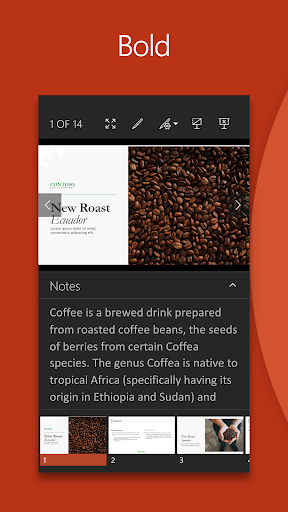
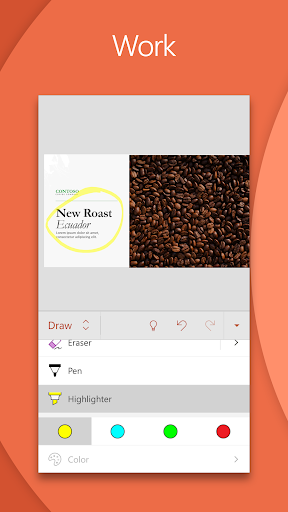
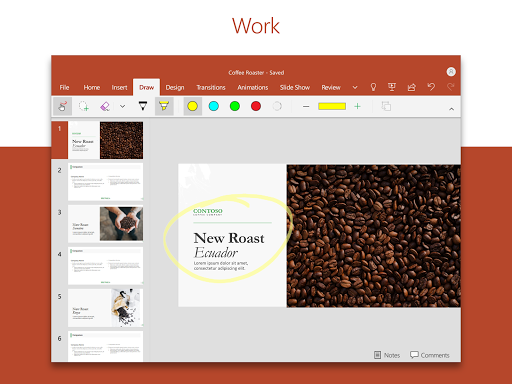
Experience the power of Microsoft PowerPoint with its extensive collection of editing tools and smart features. Users can tweak slide layouts, apply stunning visual effects, and even utilize the powerful presenter view to deliver seamless presentations. The app also offers smart suggestions to enhance presentations and save time while creating impactful content.
Tips
📊 Make impactful slideshows.
Ensure your slides are engaging by incorporating music, graphics, and charts. Using templates can help structure your content, ensuring your reports shine during presentations.
🤖 Utilize presenter coach.
Harness the AI capabilities of Presenter Coach to refine your public speaking skills. This feature provides real-time suggestions, helping you avoid fillers like “umms” and maintain a steady pacing.
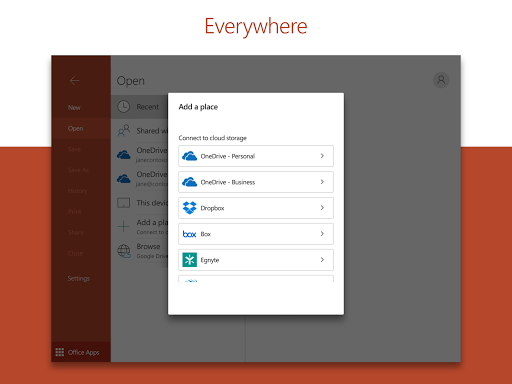
🌐 Sync and access from anywhere.
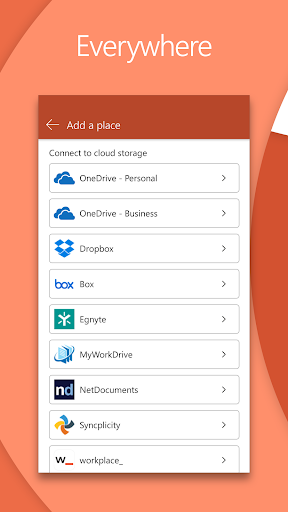
Thanks to PowerPoint mobile, you can access recent files on the go. Ensure you’re signed in to
seamlessly sync presentations across devices, eliminating the hassle of multiple file versions.
Pros & Cons
- Familiar interface for consistent user experience
- Real-time collaboration and comment integration
- AI-driven presenter coach
FAQ
Can I edit slideshows on any device with the PowerPoint app?
Yes, the PowerPoint app allows you to create, edit, and view slideshows on any compatible device.
Is there an option to collaborate on a presentation with teammates?
Absolutely! PowerPoint enables real-time collaboration, allowing team members to provide feedback, make edits, and view slide permissions.
Ratings
Similar Apps









Top Apps