Easy PDF - Image to PDF

Features of Easy PDF - Image to PDF
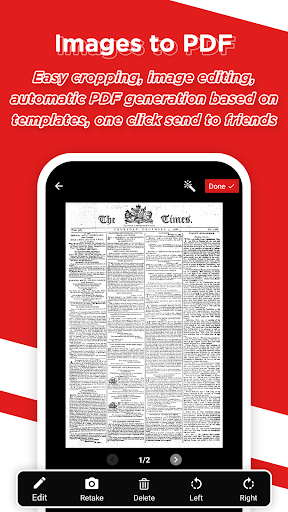
Convert Images to PDF in a Snap
Easily convert your images, such as photos or scanned documents, into high-quality PDF files with just a few taps. Preserve the original image quality and layout while conveniently consolidating multiple images into a single PDF.
Customize PDF Creation
Choose from various options to personalize your PDF files. Adjust the page size, orientation, and margins to your preference. Add a custom cover page or watermarks to enhance the professionalism and branding of your PDF documents.
Organize and Manage PDFs Effortlessly
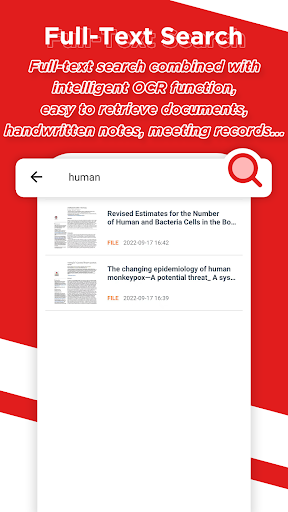
Efficiently manage your PDF files with built-in organizational features. Easily rename, delete, or rearrange the order of your PDF documents. An intuitive file explorer interface allows you to navigate through your PDF collection with ease.
Tips
📚 Explore the interface!
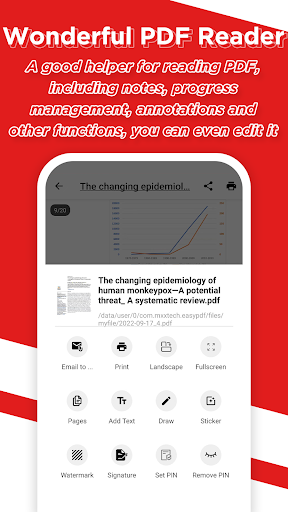
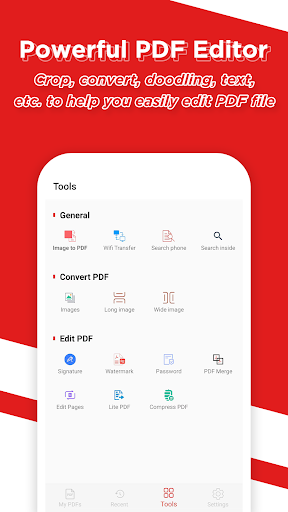
Discover the simplicity of Easy PDF's user-friendly interface. It's designed for ease of use, ensuring that you can navigate through various features without confusion. From the main menu to editing tools, every aspect is intuitive and straightforward.
🌐 Utilize multi-language support!
Take advantage of Easy PDF's multi-language options. Whether you're comfortable with English, French, Spanish, or Arabic, this app caters to your linguistic needs. Switching between languages is effortless, making document handling more inclusive and accessible.
🔒 Secure your documents!
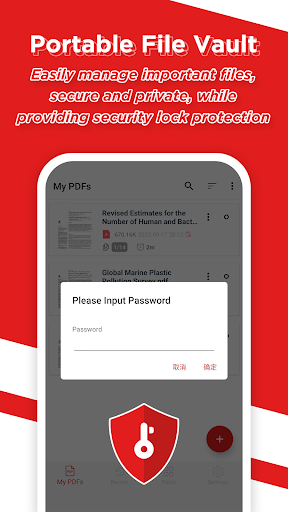
Securely manage your important files with Easy PDF's file vault. This feature provides top-notch security, ensuring your sensitive documents are safe. With added lock protection, you can be confident about the confidentiality of your files.
Pros & Cons
- Intuitive user interface
- Multilingual support features
- Advanced editing tools
FAQ
Is Easy PDF suitable for professional use?
Yes, Easy PDF is designed for both casual and professional use. Its advanced editing tools and secure file management make it ideal for business environments.
Ratings
Similar Apps









Top Apps