PDFPro: Scanner & Editor

Features of PDFPro: Scanner & Editor
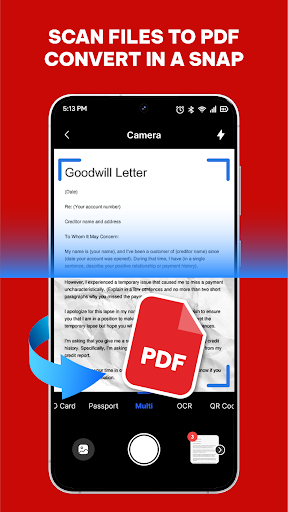
Smart Scanner
Capture documents with the device camera using automatic edge detection, perspective correction and image enhancement. Batch scanning and multi-page support help convert paper forms and receipts into clear digital PDFs quickly.
PDF Editor & Annotation
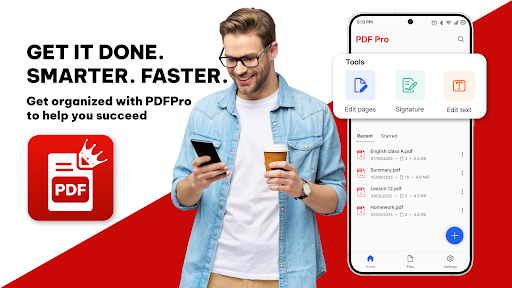
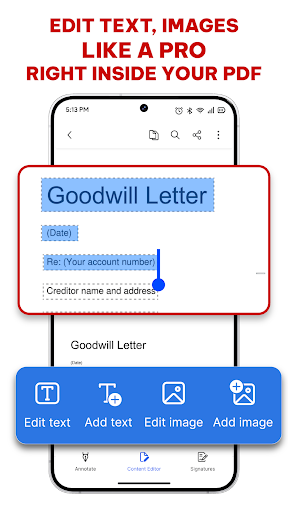
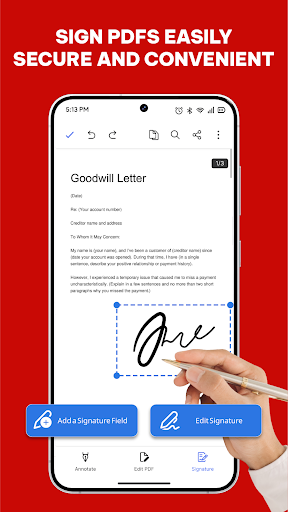
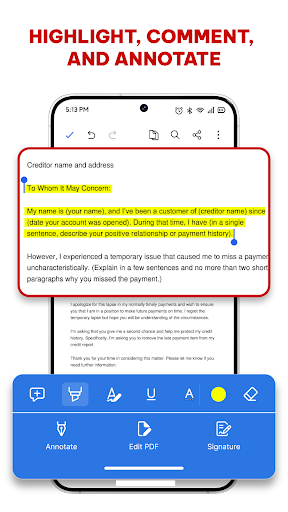
Edit text blocks, highlight passages, add comments, and sign documents within the app. Annotation tools include pens, shapes and stamps for reviewing or marking up files without exporting to another program.
Optical Character Recognition (OCR)
Extract editable text from scanned pages in multiple languages to enable searching, copying and lightweight editing. OCR improves accessibility of documents and speeds up data extraction from printed materials.
File Management & Export
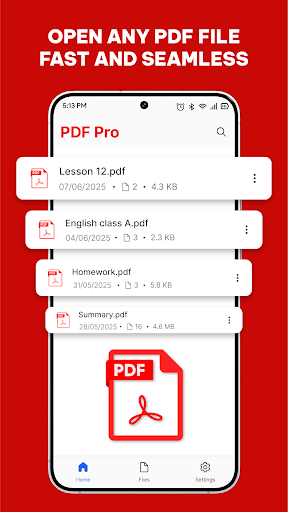
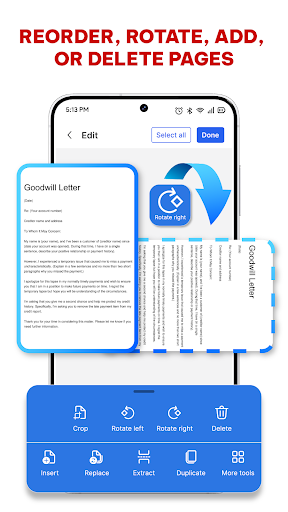
Organize, rename, merge, split and compress PDFs, with options to save locally or export to common cloud services and email. Metadata and folder organization simplify document retrieval and sharing workflows.
Ratings
Similar Apps









Top Apps