TeamViewer QuickSupport

Features of TeamViewer QuickSupport
Remote Support for Android devices
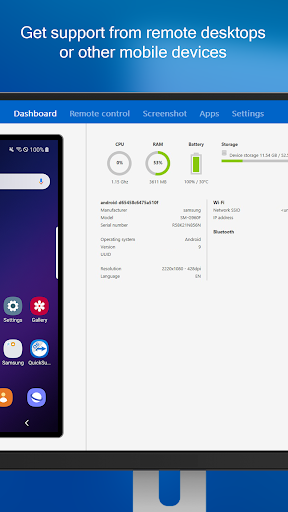
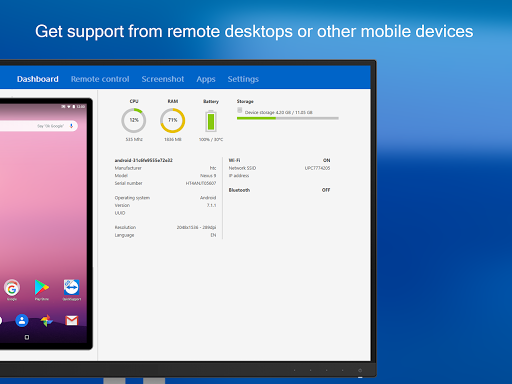
Easily provide support to Android devices remotely, troubleshoot and resolve issues, and offer guidance to users in real-time.
Screen Sharing and Control
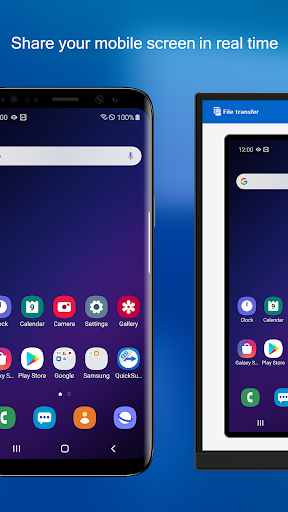
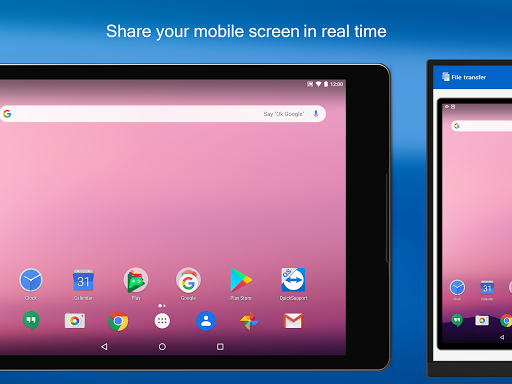
Effortlessly view and access the screen of Android devices remotely, making it easy to guide and demonstrate actions to users.
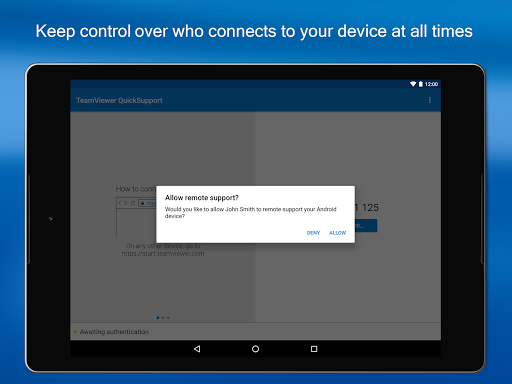
Secure and Private Connection
Ensure the privacy and security of remote support sessions with encrypted data transfer, protecting sensitive information and maintaining confidentiality.
Tips
💻 Connect with ease.
Download and launch the TeamViewer QuickSupport app, then share your ID with your technician who uses the full version of TeamViewer. Ensure a smooth and efficient remote support session by keeping your app up to date and your device connected to a stable internet connection.
🔧 Troubleshoot like a pro.
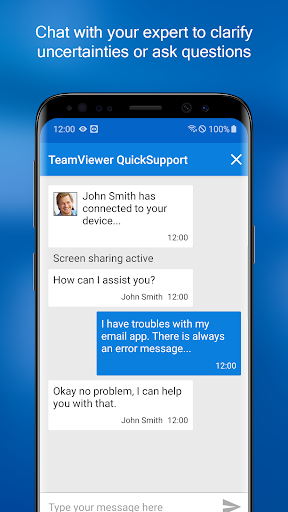
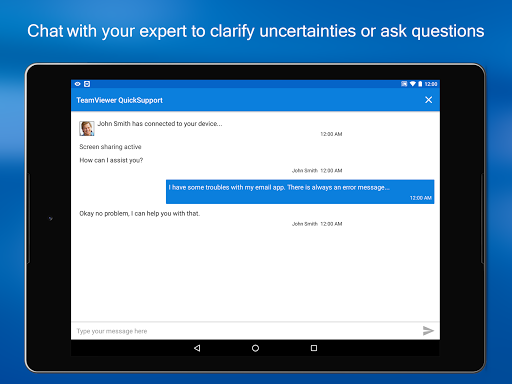
Make the most of the remote control feature for in-depth troubleshooting. If you're assisting someone, guide them to keep the app open and their device awake for uninterrupted access. Remember, clear communication via the chat feature can significantly enhance the support experience.
🔒 Keep your data secure.
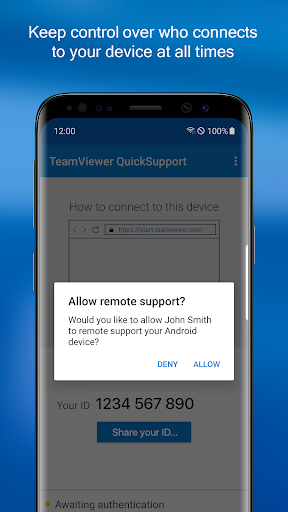
Security is paramount in remote access. Familiarize yourself with TeamViewer QuickSupport's security features, like 256 Bit AES Session Encoding. Always verify the identity of the person you're allowing to access your device, and ensure all sensitive files and data are secured before initiating a session.
Pros & Cons
- Easy remote access to mobile devices
- Secure connection with encryption
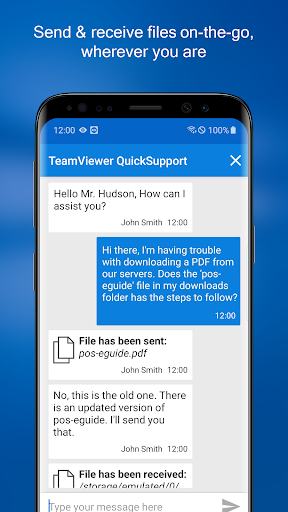
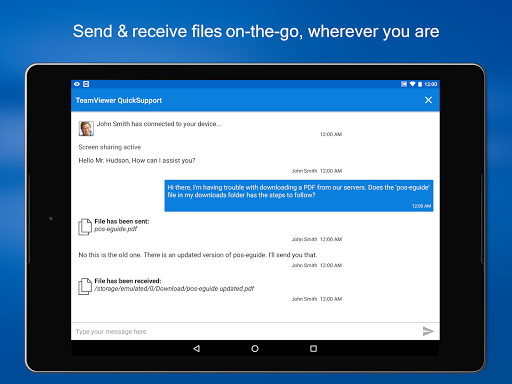
- File transfer and chat functionality
FAQ
Can TeamViewer QuickSupport control all Android devices?
It supports many devices (Samsung, Sony, Asus, etc.), but remote control capabilities may vary based on the device and manufacturer.
Ratings
Similar Apps








Top Apps