

ZArchiver

Features of ZArchiver
Sleek and Intuitive Interface
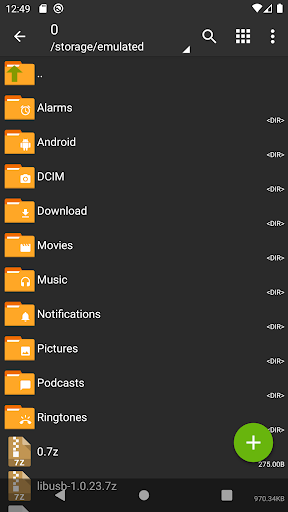
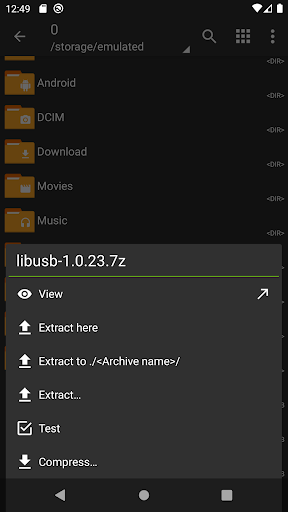
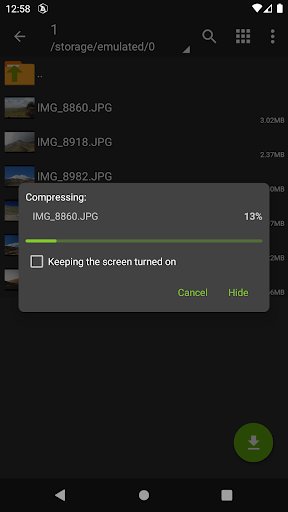
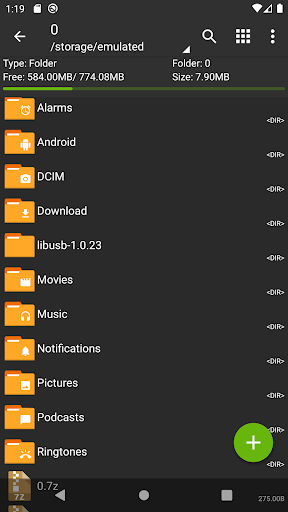
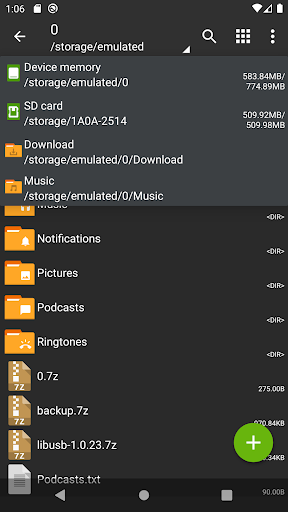
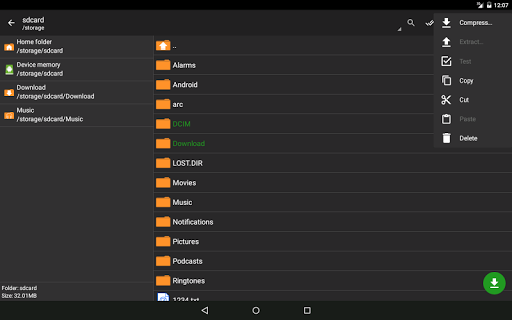
With ZArchiver, users can enjoy a sleek and intuitive interface that makes managing archives a breeze. Its user-friendly design ensures effortless navigation, so you can easily browse, extract, and compress files with just a few taps.
Wide Range of Archive Formats Supported
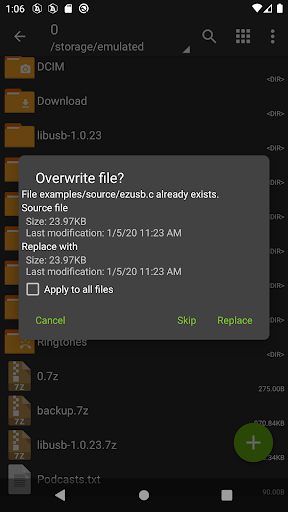
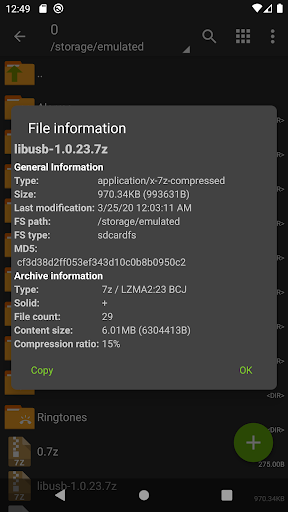
ZArchiver is a comprehensive app that supports an extensive range of archive formats, including ZIP, RAR, 7Z, TAR, and more. Whether you need to extract files from a compressed folder or create archives, this app has you covered.
Advanced Archive Management Features
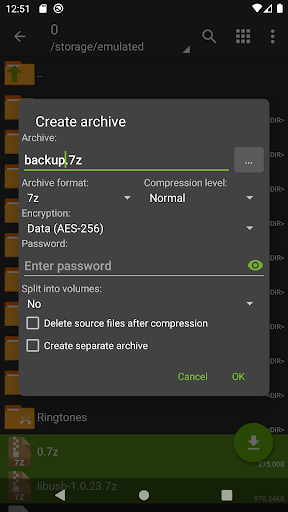
Go beyond basic file extraction and compression with ZArchiver. With advanced features like password-protected archives, multi-part archives, and partial archive extraction, this app offers a robust set of tools to handle all your archive management needs.
Tips
📂 Manage a variety of archive types.
ZArchiver stands out with its ability to create and decompress a wide range of archive types, including popular formats like 7z, zip, rar, and more. This versatility makes it an essential tool for managing various file types efficiently.
🔒 Create and handle secure archives.
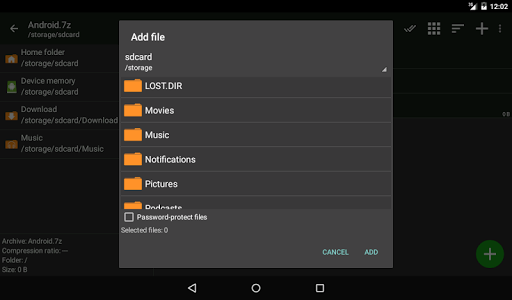
Enhance your file security with ZArchiver's feature to create and decompress password-protected archives. The app ensures your sensitive information remains secure while providing easy access when needed.
🛠 Edit and customize archives.
With ZArchiver, you can easily add or remove files to and from archives, giving you flexibility in managing your stored data. This feature is particularly useful for organizing files and updating archive contents without the need to create a new archive.
Pros & Cons
- Supports a wide array of archive formats
- Password protection for secure file management
- No internet access required
- User-friendly interface for ease of use
FAQ
Can ZArchiver handle large files?
Yes, ZArchiver supports multithreading, making it efficient in processing large files, especially on multicore processors.
How does ZArchiver ensure the security of my files?
ZArchiver doesn't require internet access, preventing data transmission to external services, and it allows the creation of password-protected archives for additional security.
Ratings
Similar Apps









Top Apps




