Waze Navigation & Live Traffic

Features of Waze Navigation & Live Traffic
Find The Right Route
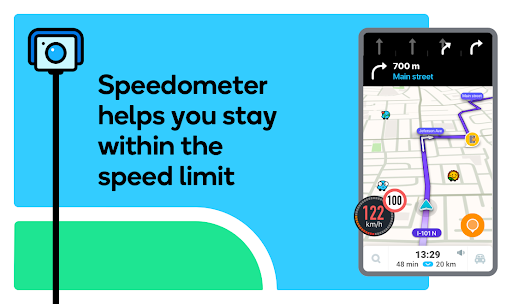
You can view multiple modes of transportation or driving directions to your destination on Waze, which will recommend the most appropriate route to get you to your destination in the shortest amount of time.
Inform You of The Traffic Reality
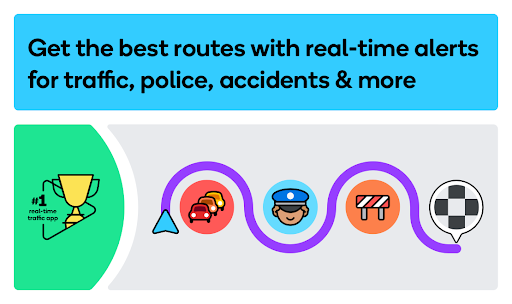
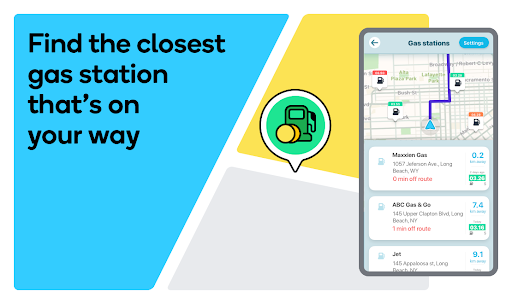
You can use Waze to check the current traffic jams, see if there are car accidents nearby, check road restrictions, and check for the lowest-priced gas stations. Learn more about the roads so you can better plan your travel time and mode and save money.
Make Travel More Fun
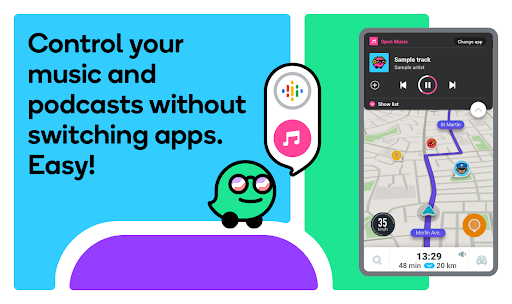
While you are driving, you can use Wase to play your favorite music and blogs. You can also use Waze on your car's display, which can increase the fun of driving and not get distracted by the boring road anymore.
Tips
🚗 Get directions with the display through Waze.
Put your car in park (P). You may not be able to type in your destination until you do so.
- Connect your mobile device to your vehicle with a USB cable.
- Select the app launcher and select “Waze.”
- To open the keyboard, select the search field at the top of the screen.
Please note that if Android Auto isn't supported in your country, search through voice commands and the Search bar will only be available in English. - Enter your destination.
🗺️ Plan a drive.
- Open Waze and then tap My Waze
- Tap the Plan a Drive tab
- Tap Add a drive
- Search for your destination in the Search bar
- Choose the time and date at which you'd like to arrive at your destination and then tap Save
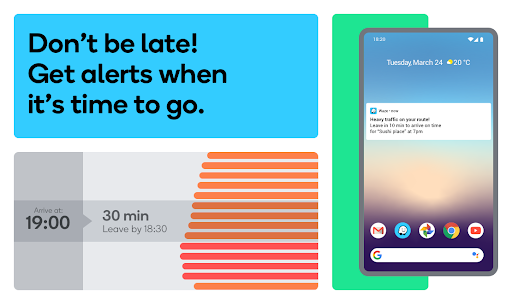
Waze will remind you when it’s time to leave, based on real-time traffic. The notification is also based on where you are at the time, but only if you allow Waze to use your phone’s GPS location.
You can view your planned drive at any time in the Menu panel under Plan a Drive.
Ratings
Similar Apps




Top Apps