

Features of Epson Print and Scan
High-Quality Scans and Prints
Epson Print and Scan is a software dedicated to providing high-quality scans and prints. It leverages the superior technology of Epson printers and scanners to reproduce digital copies of physical documents and photos with exceptional clarity. This software is a must-have for users who value the quality of their printed and scanned materials.
Easy to Use Interface
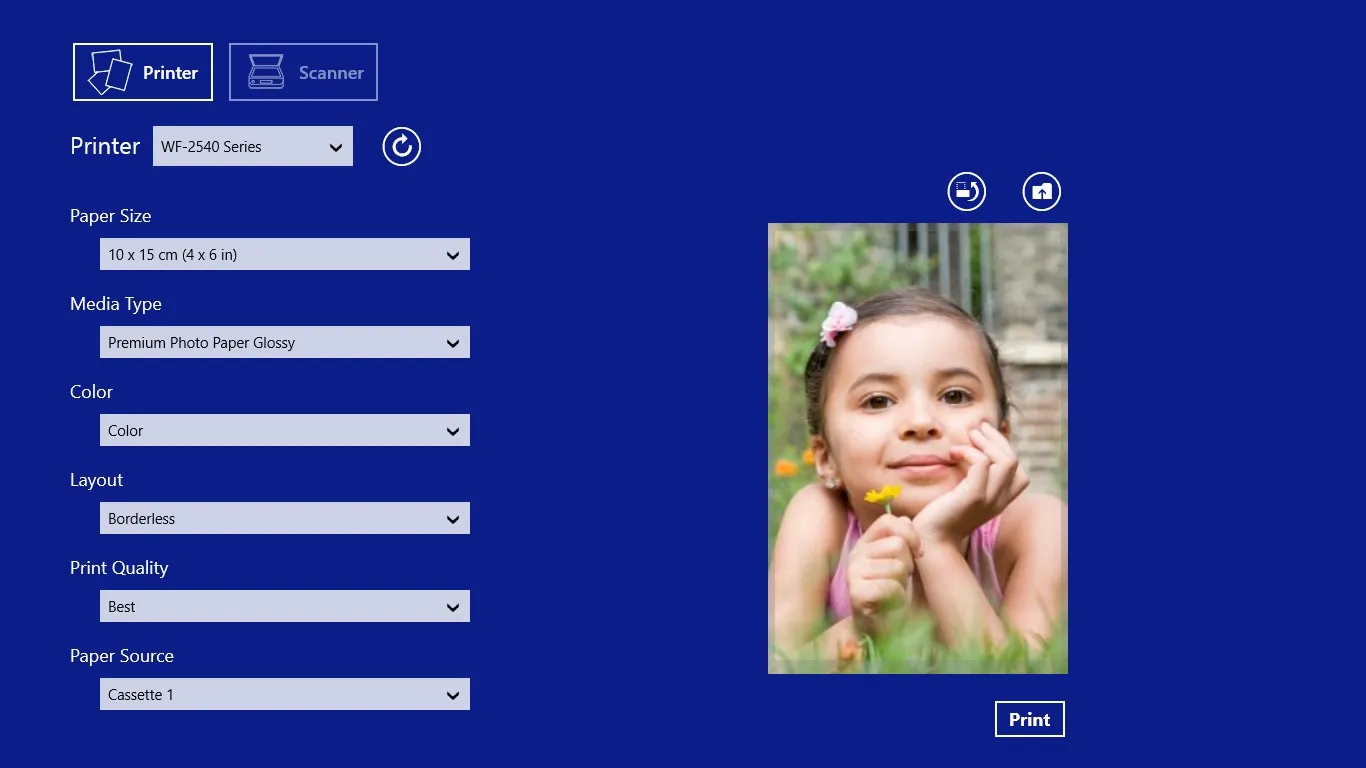
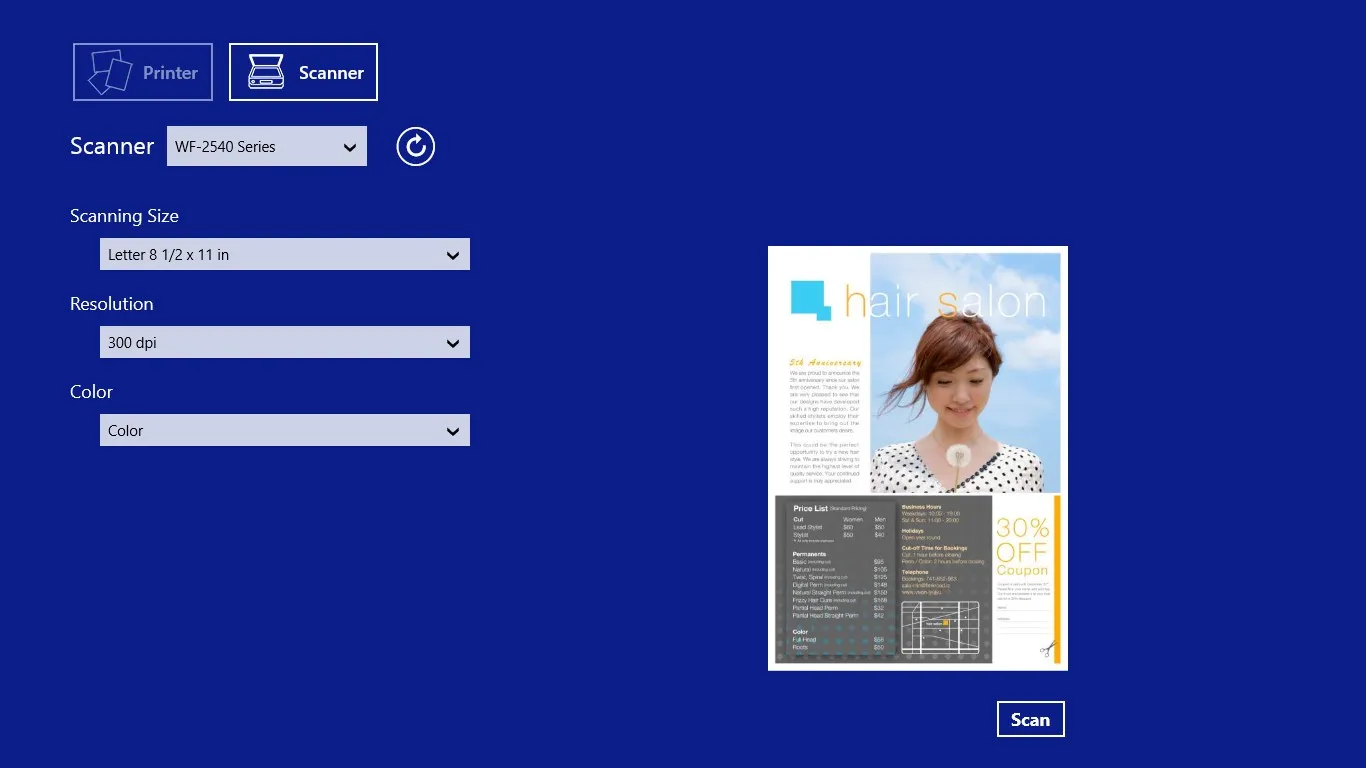
The software is designed with an intuitive user interface that makes it easy for anyone to navigate. The buttons and options are clearly labeled, and the process of scanning or printing is straightforward. This means that even users who aren't tech-savvy can easily use the software to get their scanning and printing tasks done.
Advanced Settings Customization
Epson Print and Scan allows users to customize their print and scan settings to suit their specific needs. You can adjust the resolution, color, and size of your prints and scans, among other things. This feature gives users more control over their tasks, enhancing the overall user experience.
Pros & Cons
- High-quality output
- User-friendly interface
- Customizable settings
- Requires Epson hardware
- Occasional software bugs
- Limited features for professionals
Top Downloads for Windows


