

Features of HP Smart
Easy Printer Management
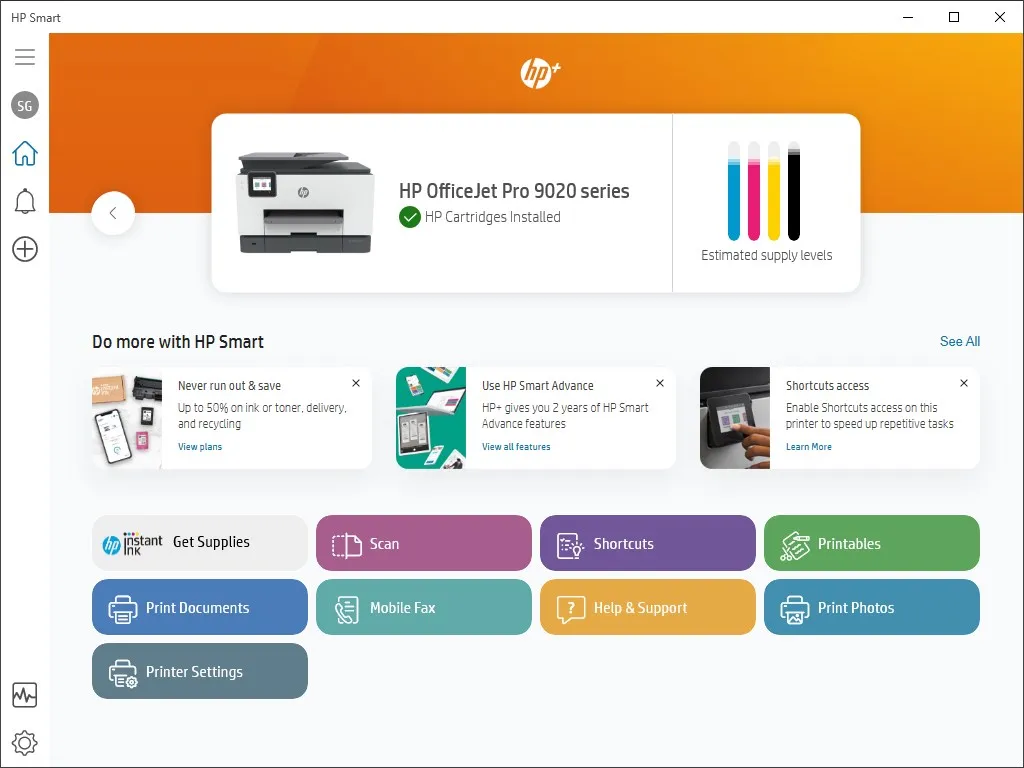
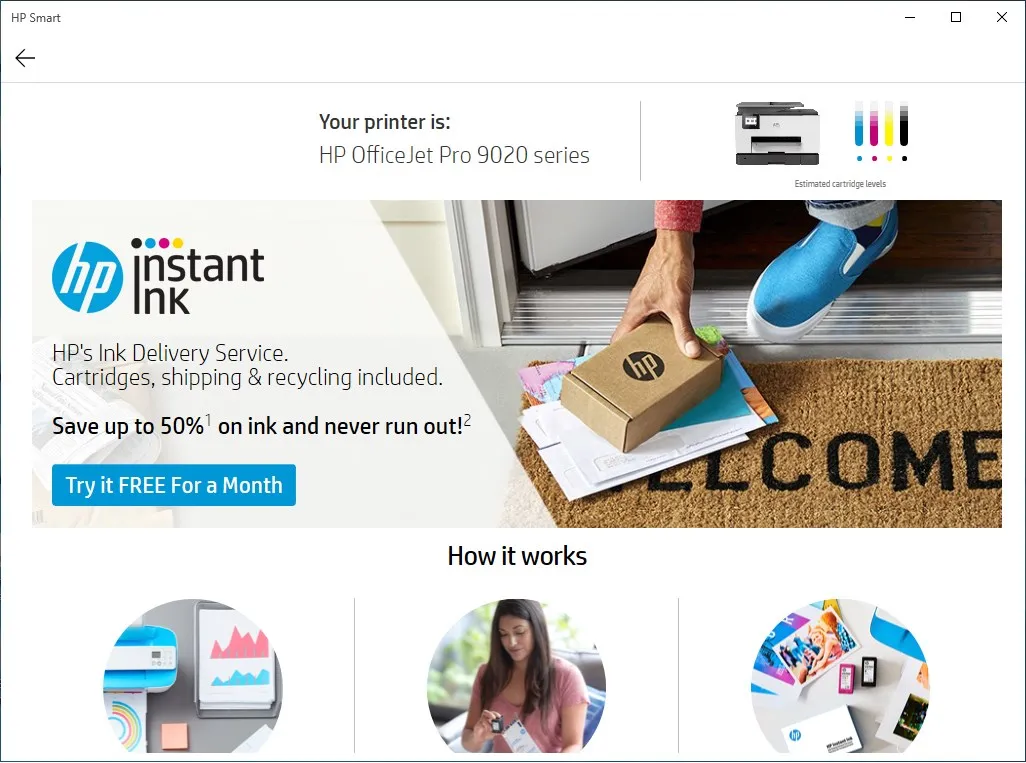
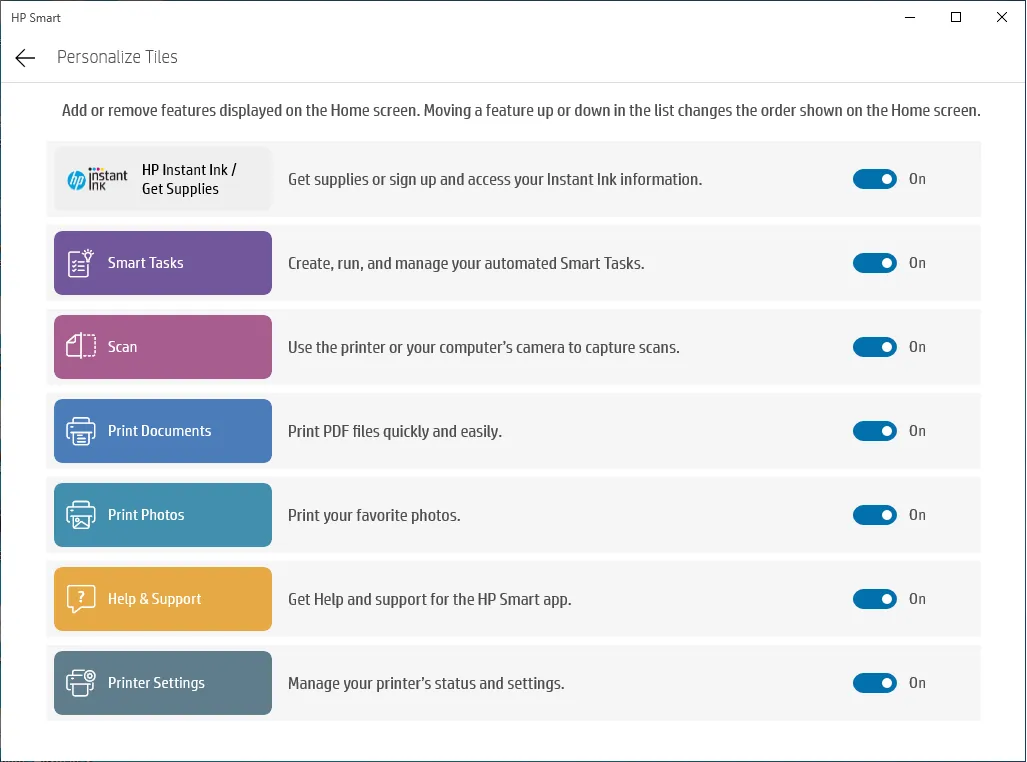
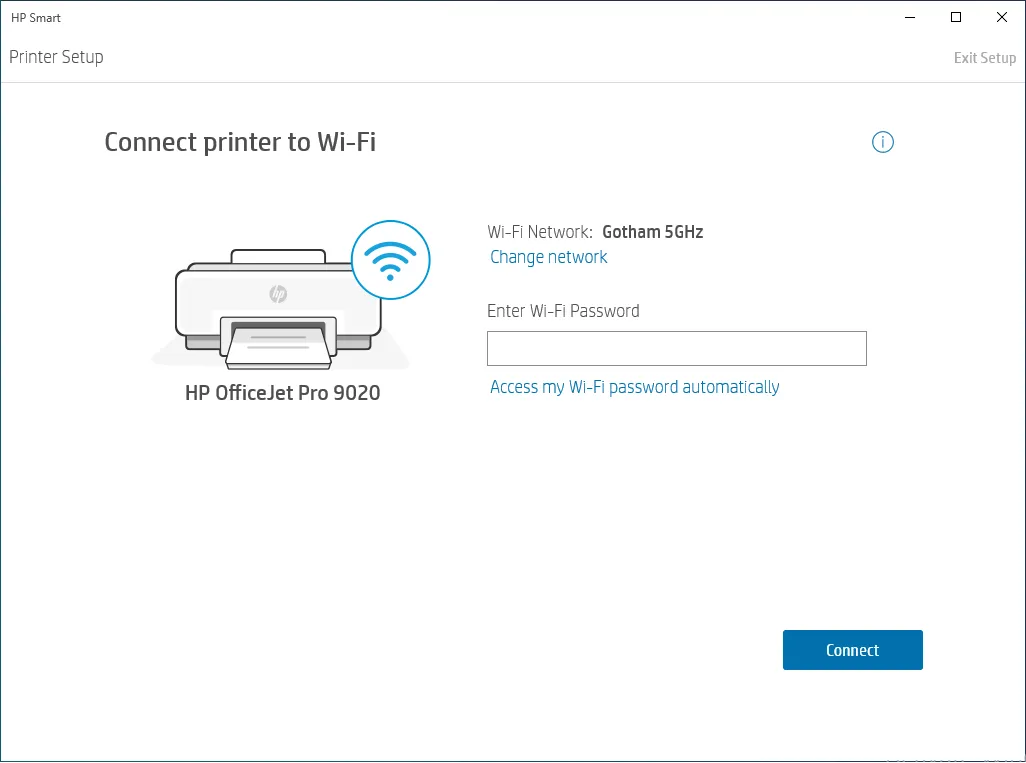
HP Smart is a desktop application that offers easy management of your HP printer. It enables you to check printer status, ink levels, and perform maintenance tasks right from your computer. This user-friendly interface makes it simple to navigate and operate your printer settings, saving you time and effort.
Scan and Print Functionality
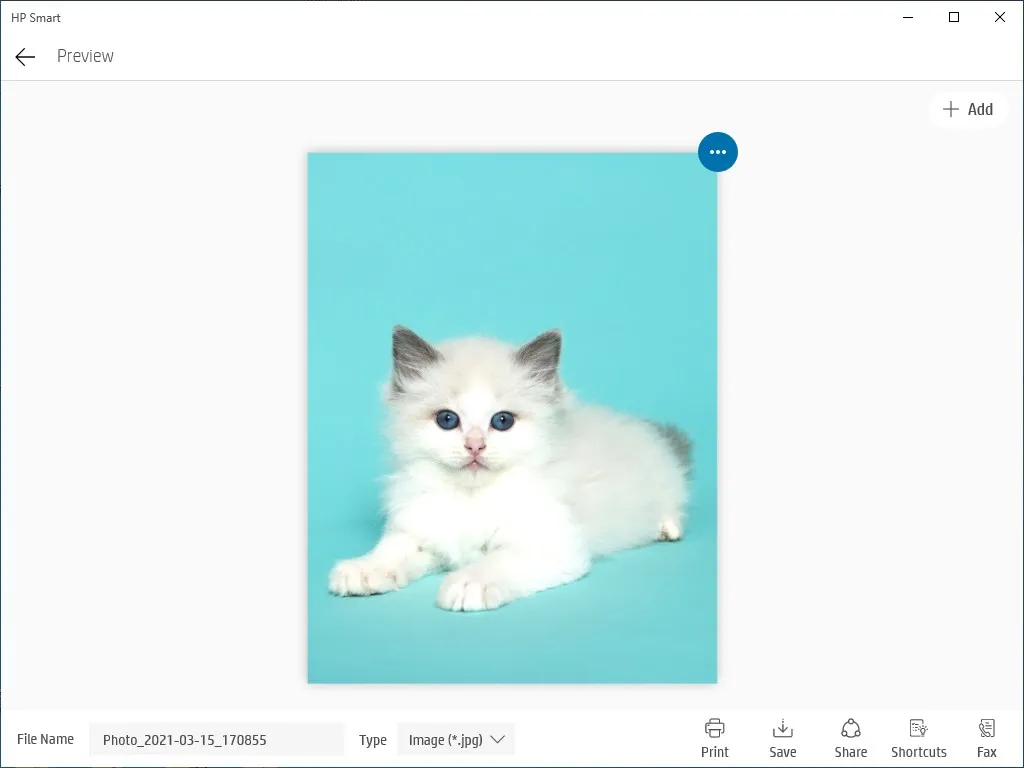
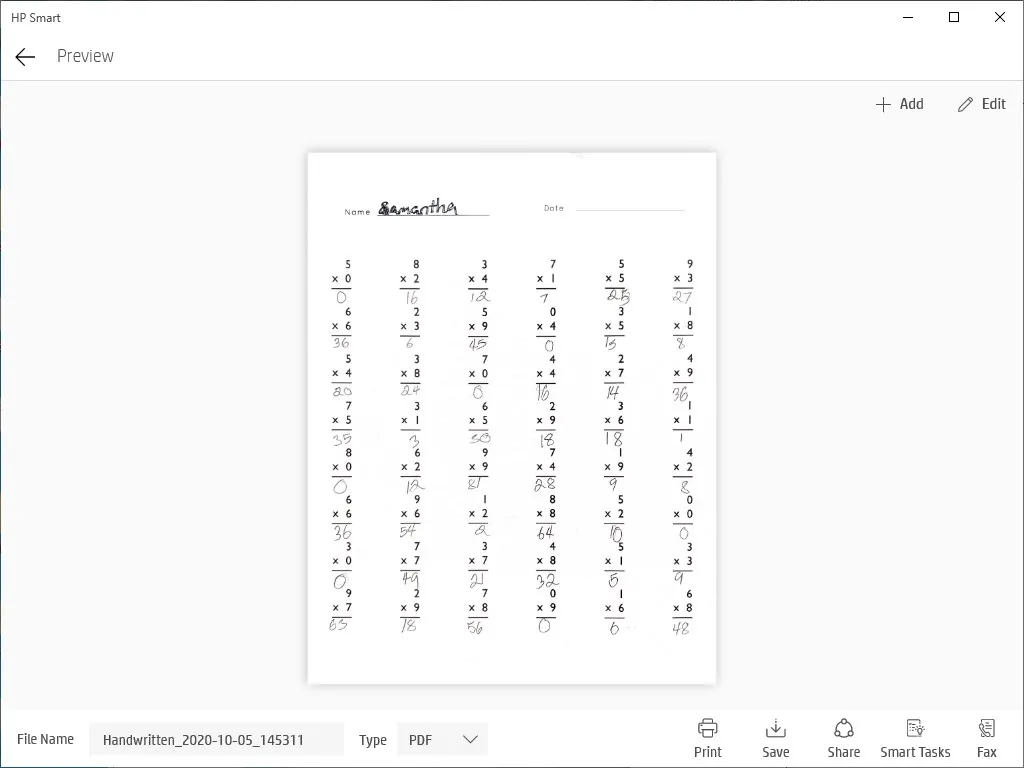
Another key feature of HP Smart is its scan and print functionality. You can scan documents using your HP printer and view the scanned images directly on your computer. Moreover, it allows you to print documents from your PC, providing you with a seamless printing experience.
Integration with Cloud Services
HP Smart stands out with its integration with various cloud services. You can easily access and print documents from cloud storage platforms like Dropbox and Google Drive. This feature simplifies the process of printing documents stored online, making it extremely convenient for users.
Pros & Cons
- Efficient printer management
- Seamless scan and print
- Cloud service integration
- Requires HP printers only
- Occasional software glitches
- Limited editing tools
Top Downloads for Windows


