

Category
Social
Developer
WhatsApp Inc.
Website
http://whatsapp.com/
Available on
PC
OS
Windows 10 version 18362.0 or higher
Architecture
x64
Features of WhatsApp
Seamless Sync with Mobile
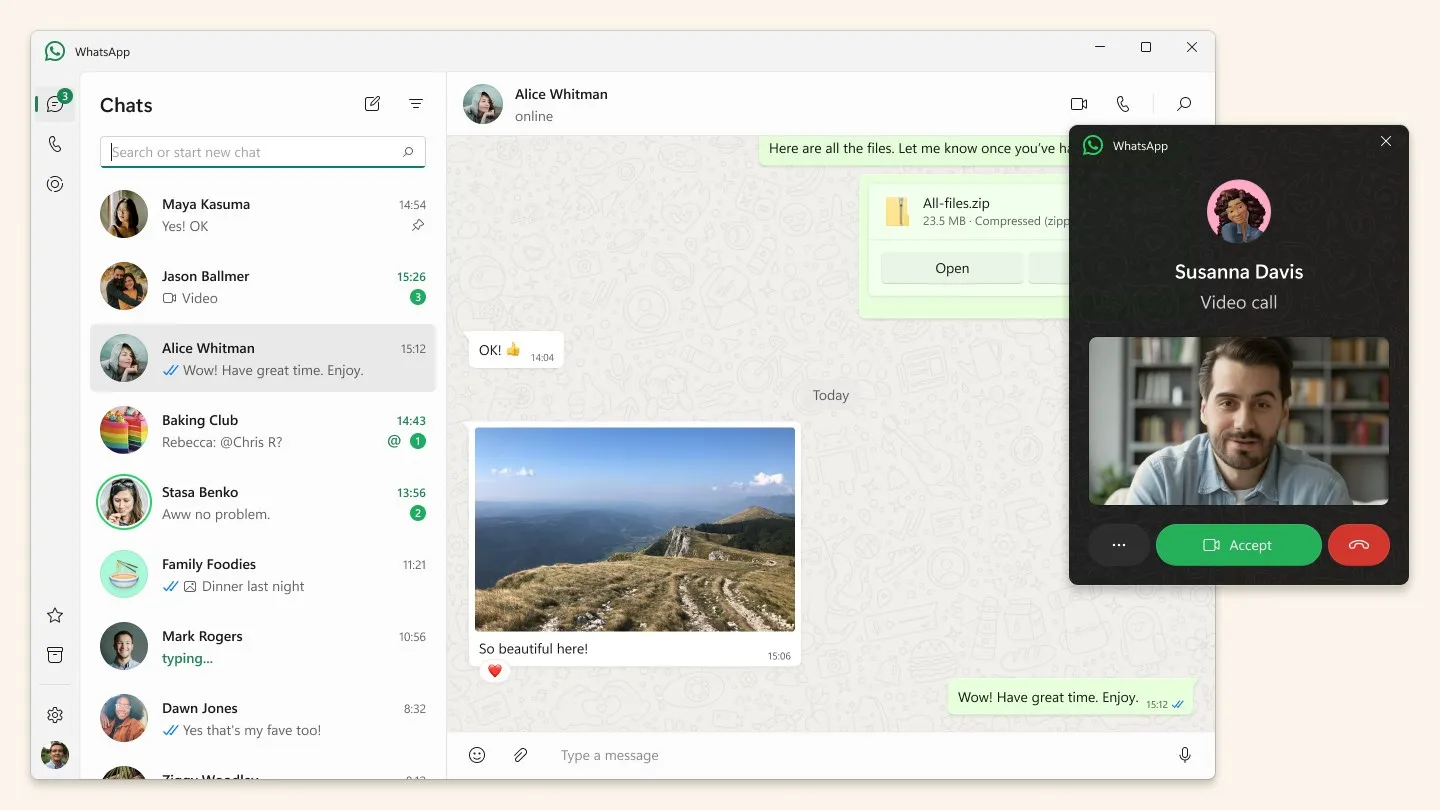
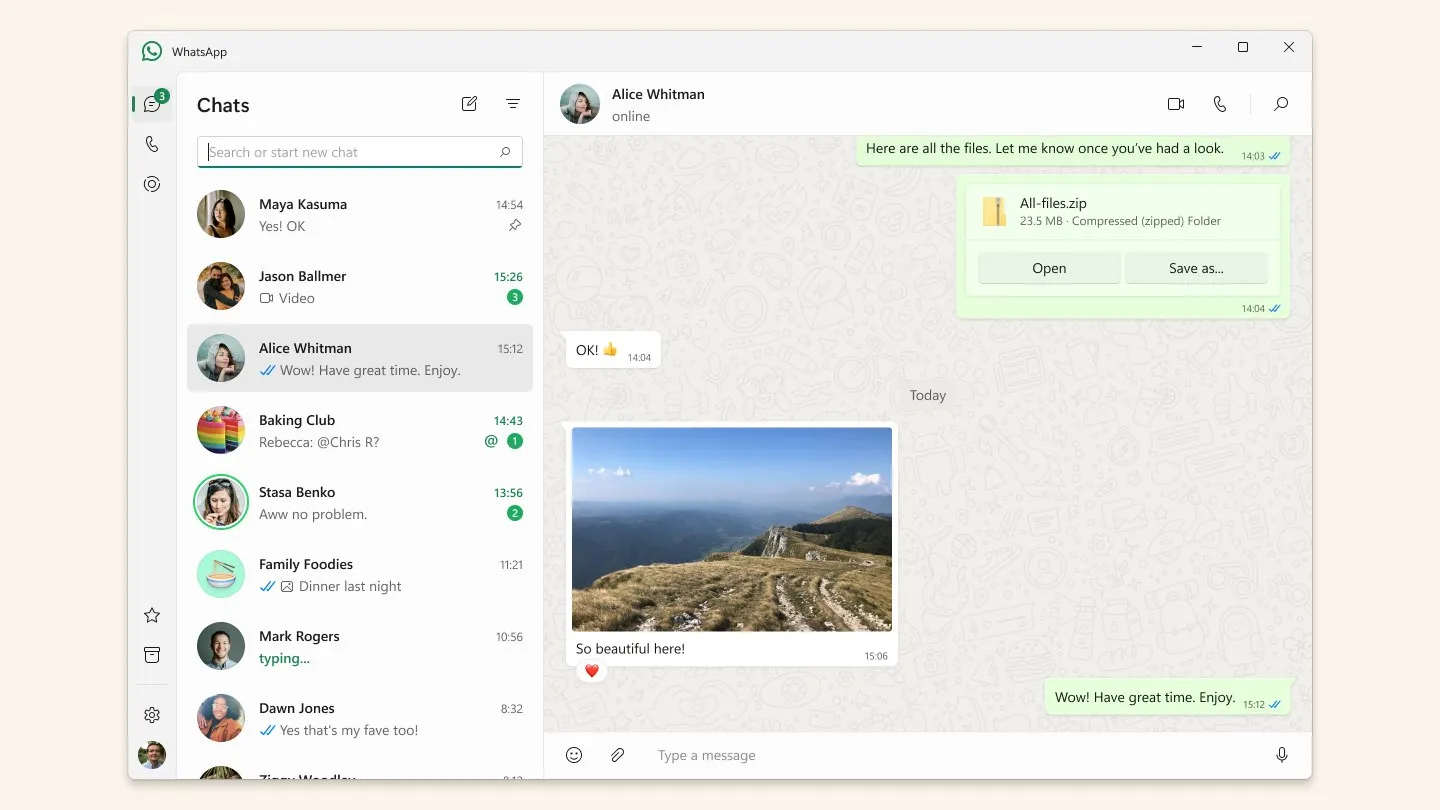
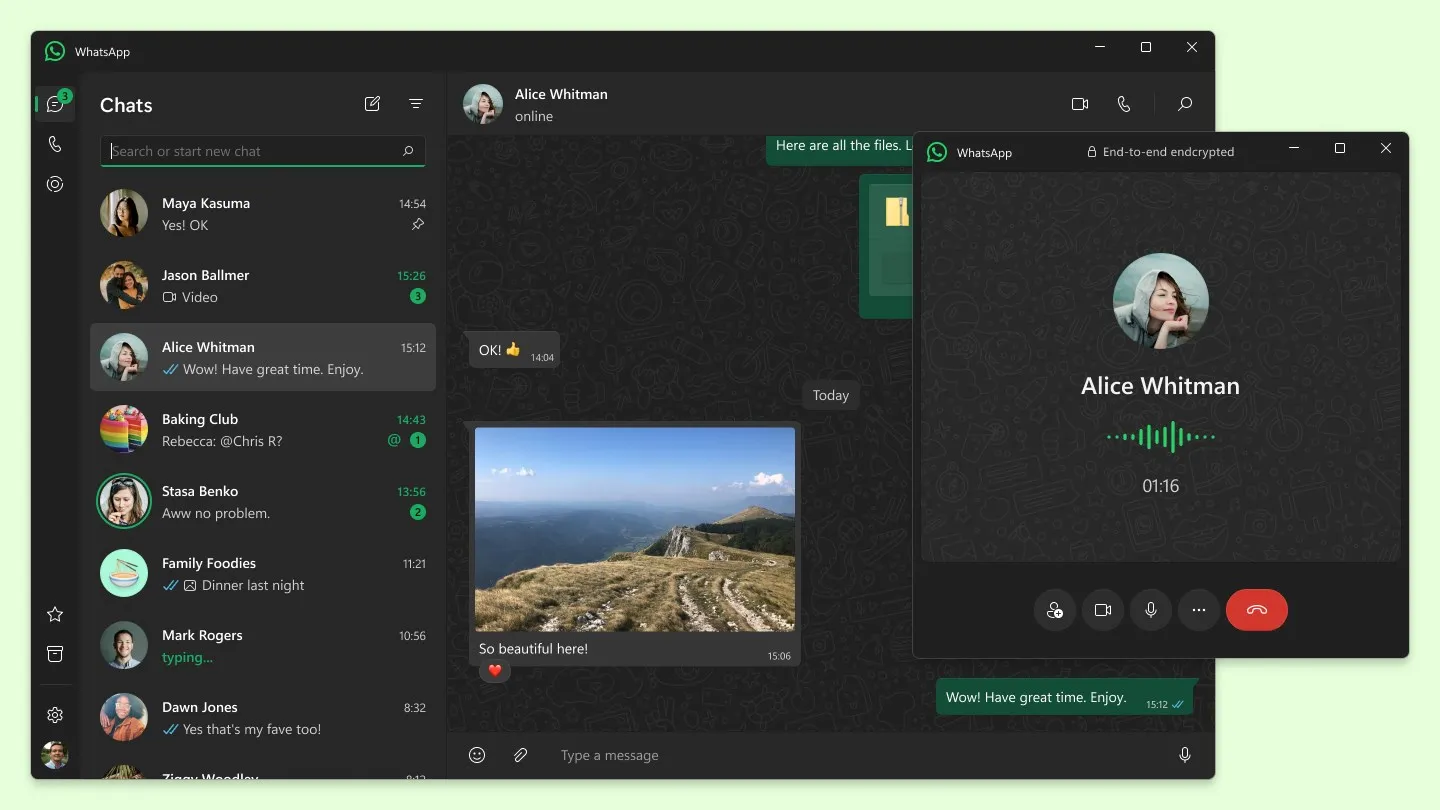
WhatsApp on PC offers a seamless transition from mobile to desktop. Messages and calls are fully synced between devices, allowing users to continue conversations on their PC where they left off on their phone.
File Sharing & Management
Users can send documents, images, and other files up to 100 MB directly from their desktop. This feature is particularly useful for quickly sharing files from a PC without the need to transfer them to a mobile device first.
Desktop-Specific Notifications
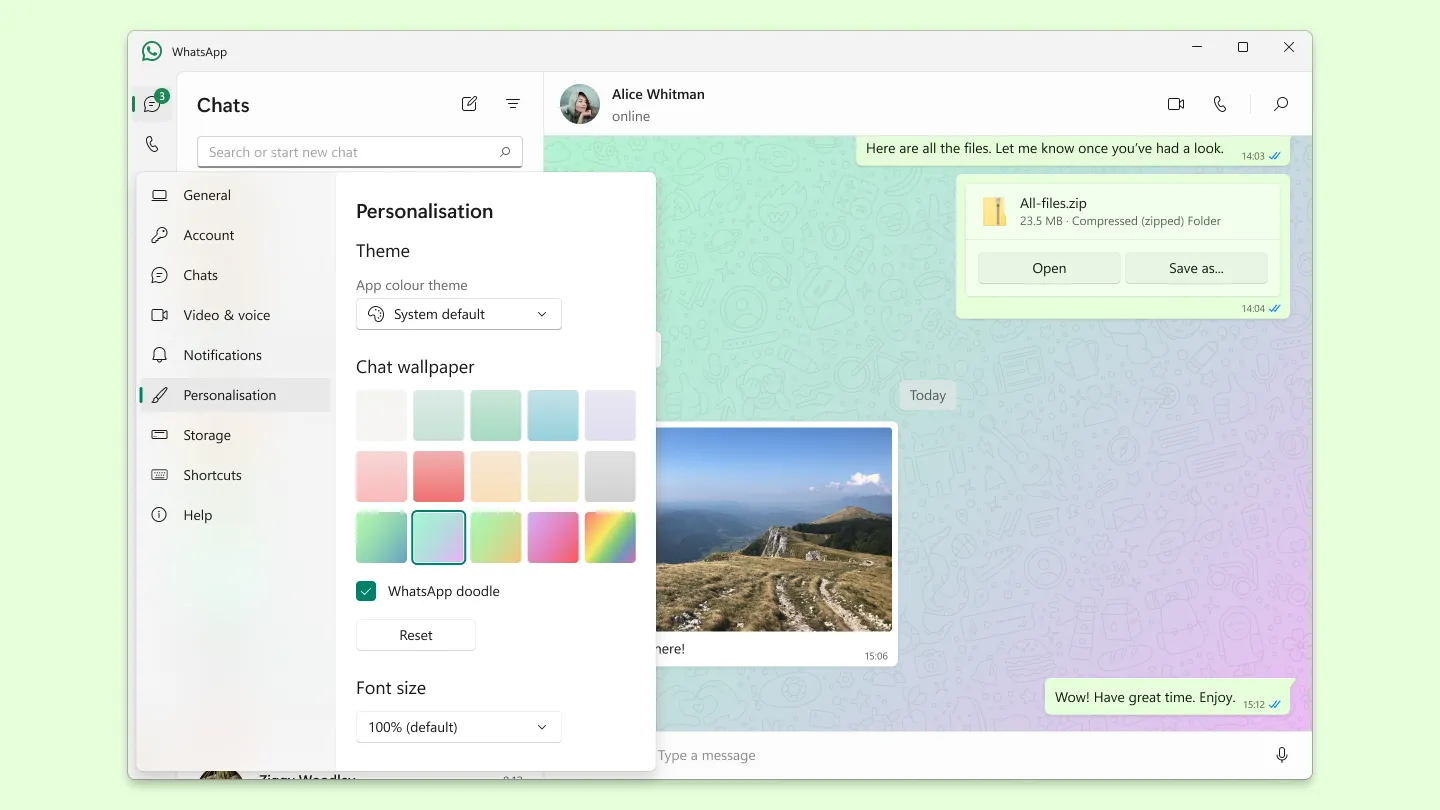
Desktop notifications ensure that you don’t miss important messages or calls when you’re working on your PC. They can be customized or muted directly within the app, according to your needs and preferences.
Pros & Cons
- Syncs with mobile app
- Easy file sharing
- Custom notifications
- Requires mobile connection
- Limited features vs mobile
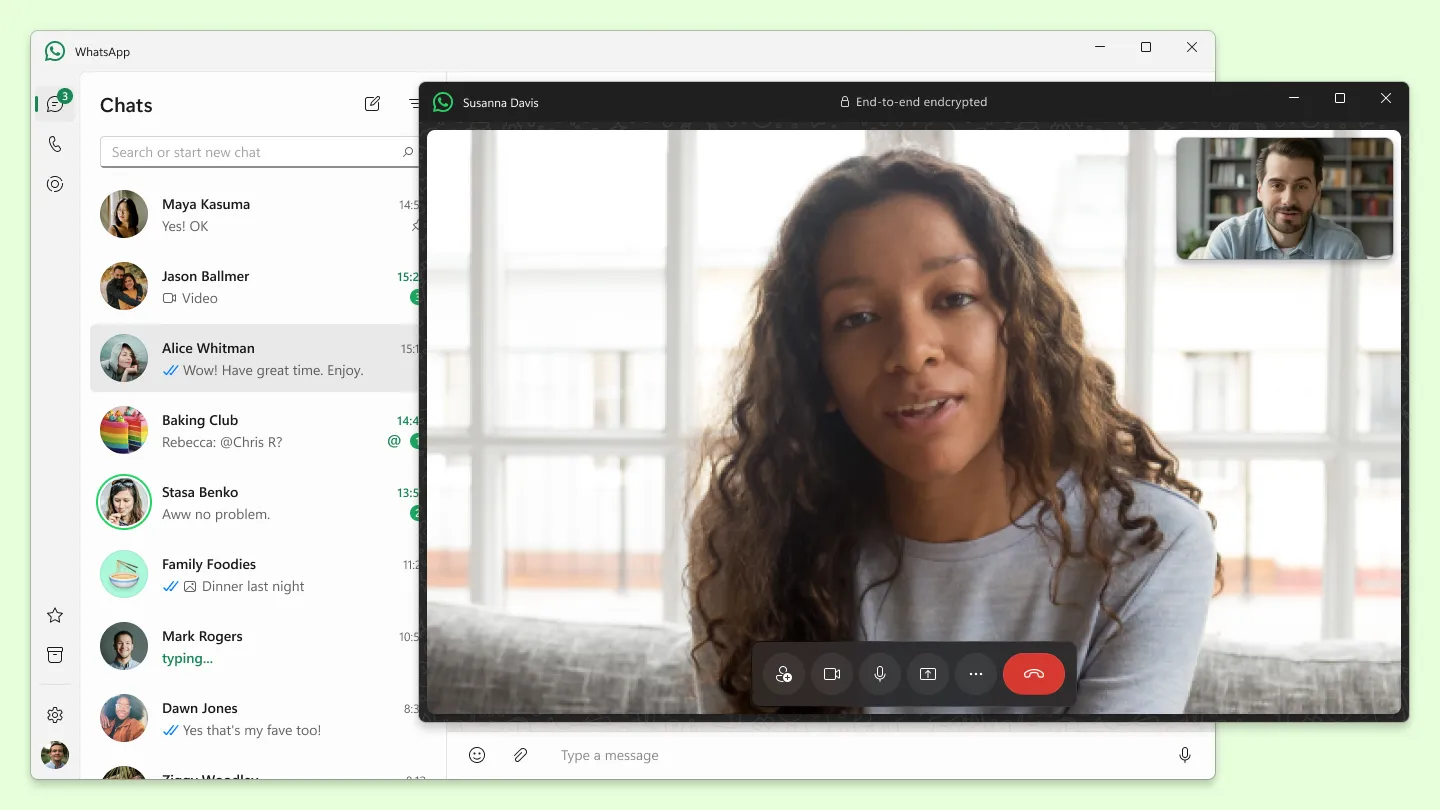
- No video calls on PC


Free Download for Mac
Top Downloads for Windows

Outlook for Windows
Productivity
2.1

Canva
Multimedia design
4.4

iTunes
Music
2.6

Crunchyroll
Entertainment
4.5

Amazon Music
Music
4.6

HP Smart
Utilities & tools
4.7

Auto Clicker - autoclicker.org
Utilities & tools
3.5

Calculator +
Utilities & tools
3.5

McAfee Personal Security
Security
3.5

Mail
Productivity
4.1

DRC INSIGHT Online Assessments
Education
2.1

Twitter
Social
4.2