

Features of iCloud
Easy File Access and Sharing
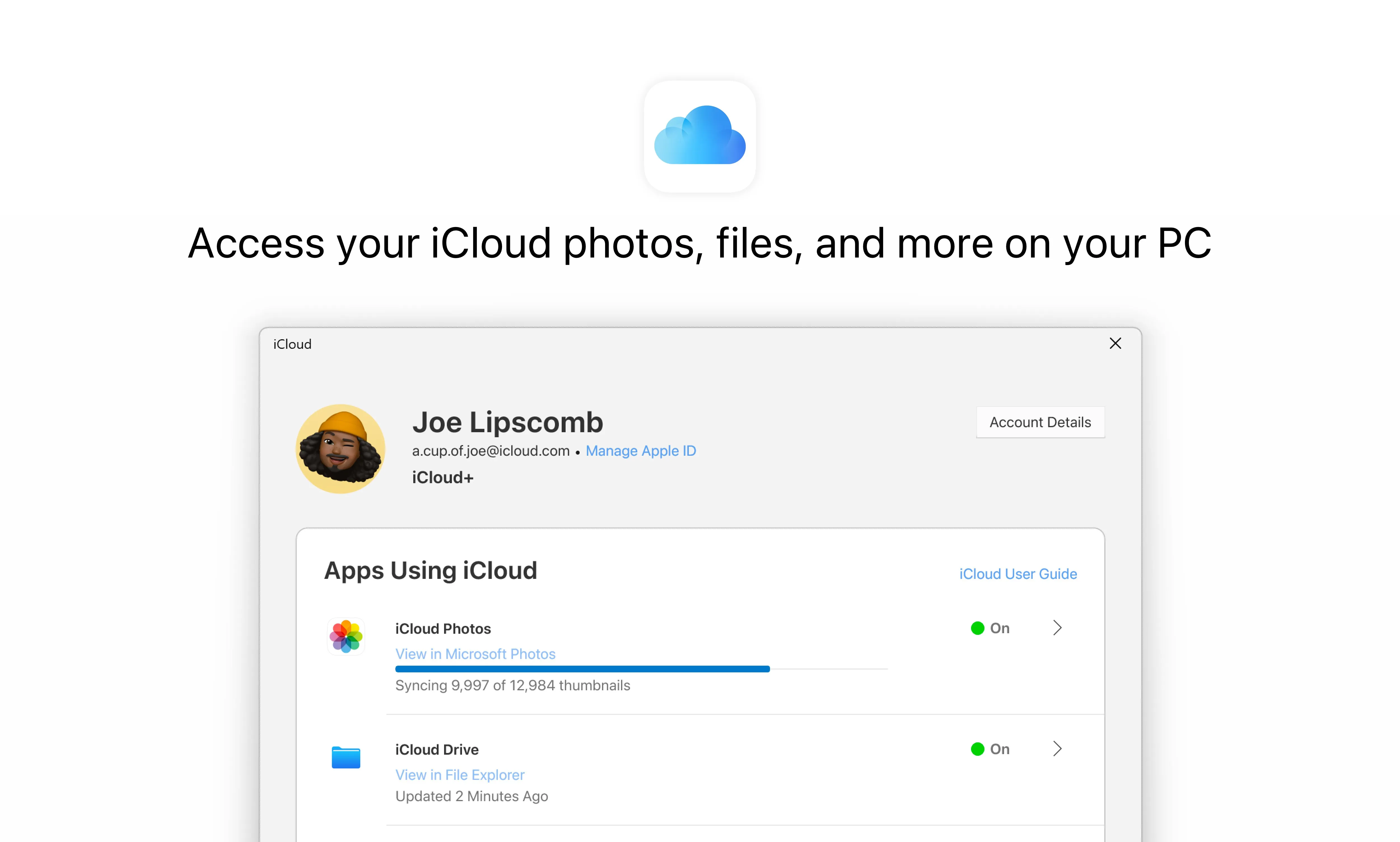
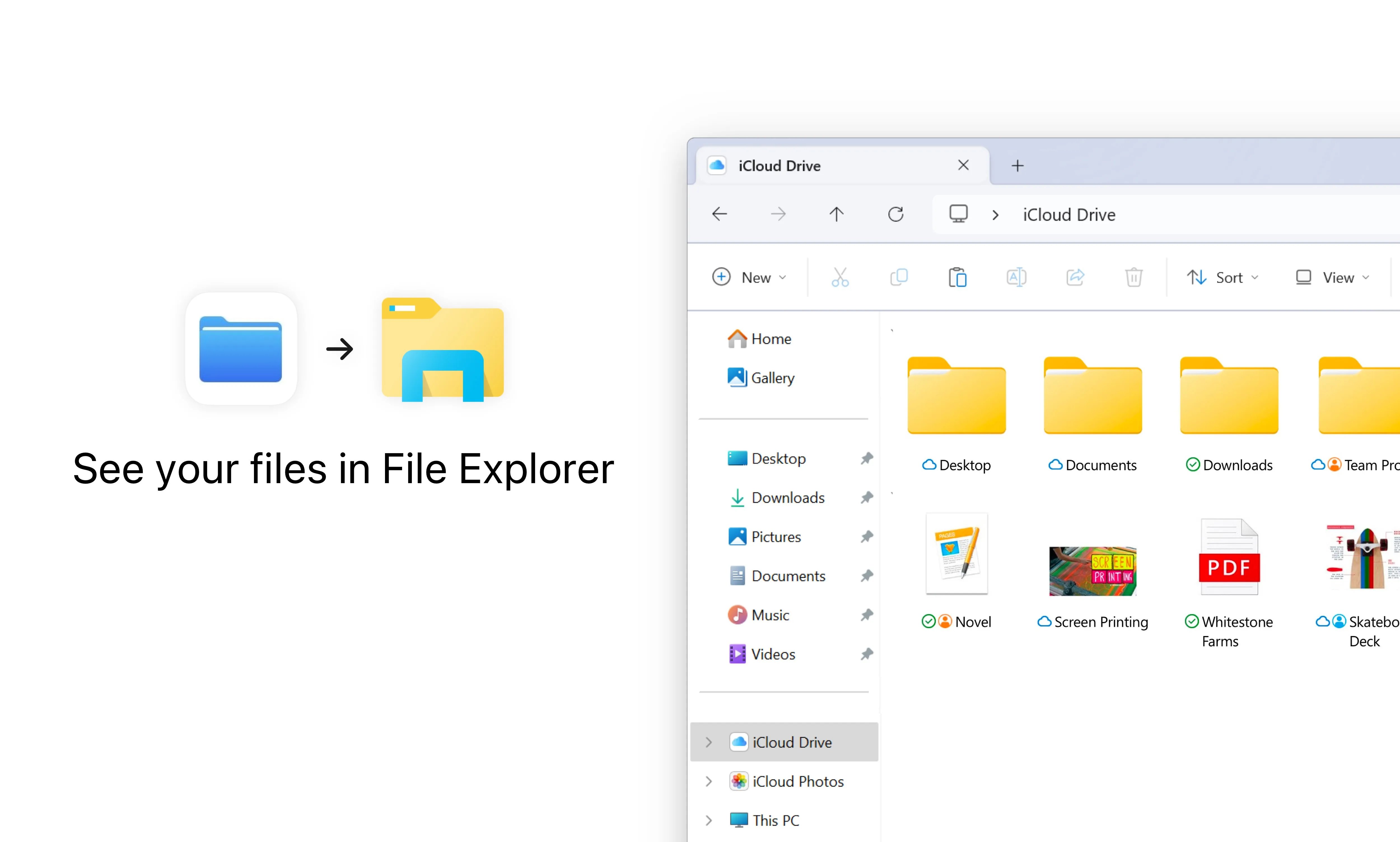
iCloud for PC provides users with seamless file access and sharing capabilities. It allows users to store files in the cloud and access them from any PC with an internet connection. This feature can be particularly useful for those who use multiple devices and need to keep their files in sync. Additionally, iCloud enables users to share files with others, making collaboration easy and efficient.
Photo and Video Storage
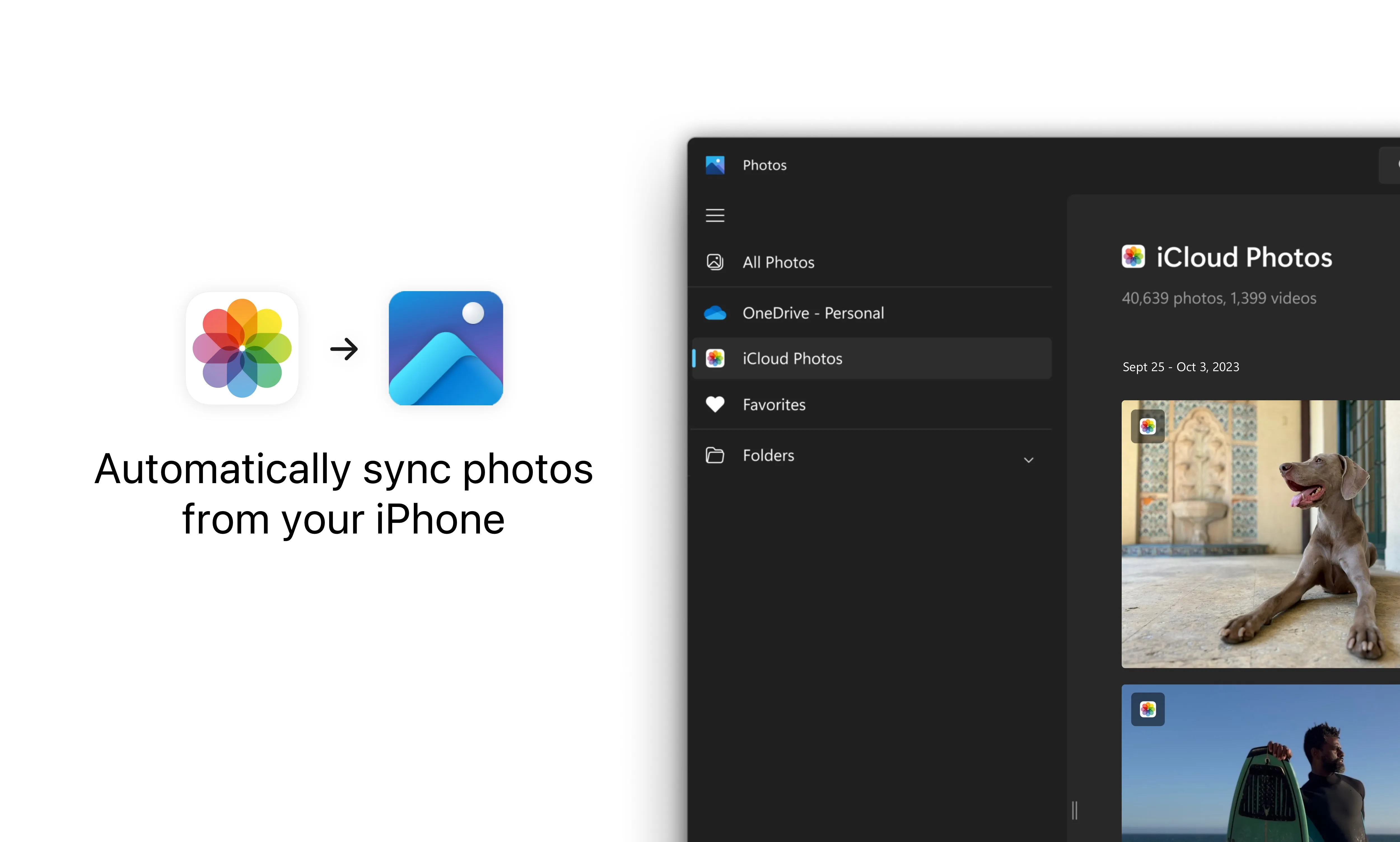
Another standout feature of iCloud for PC is its capacity for storing photos and videos. Users can upload their media files to iCloud and access them from any PC. This not only frees up space on users' local drives but also provides a safe and secure location for these files. Plus, iCloud automatically organizes photos and videos by years, months, and days, making it easy to navigate through your memories.
Integrated with Apple Services
iCloud for PC is deeply integrated with Apple services. This means that any changes made to files in apps like Pages, Numbers, and Keynote are automatically updated on all your devices. Moreover, iCloud users can also sync their bookmarks, history, and tabs in Safari across their devices. This feature enhances the continuity of work and leisure activities across devices.
Pros & Cons
- Seamless file synchronization
- Large storage capacity
- Deep integration with Apple services
- Limited features for non-Apple users
- Requires internet for access
- Storage can be expensive
Top Downloads for Windows


