

Features of My Calendar
Organize Your Life
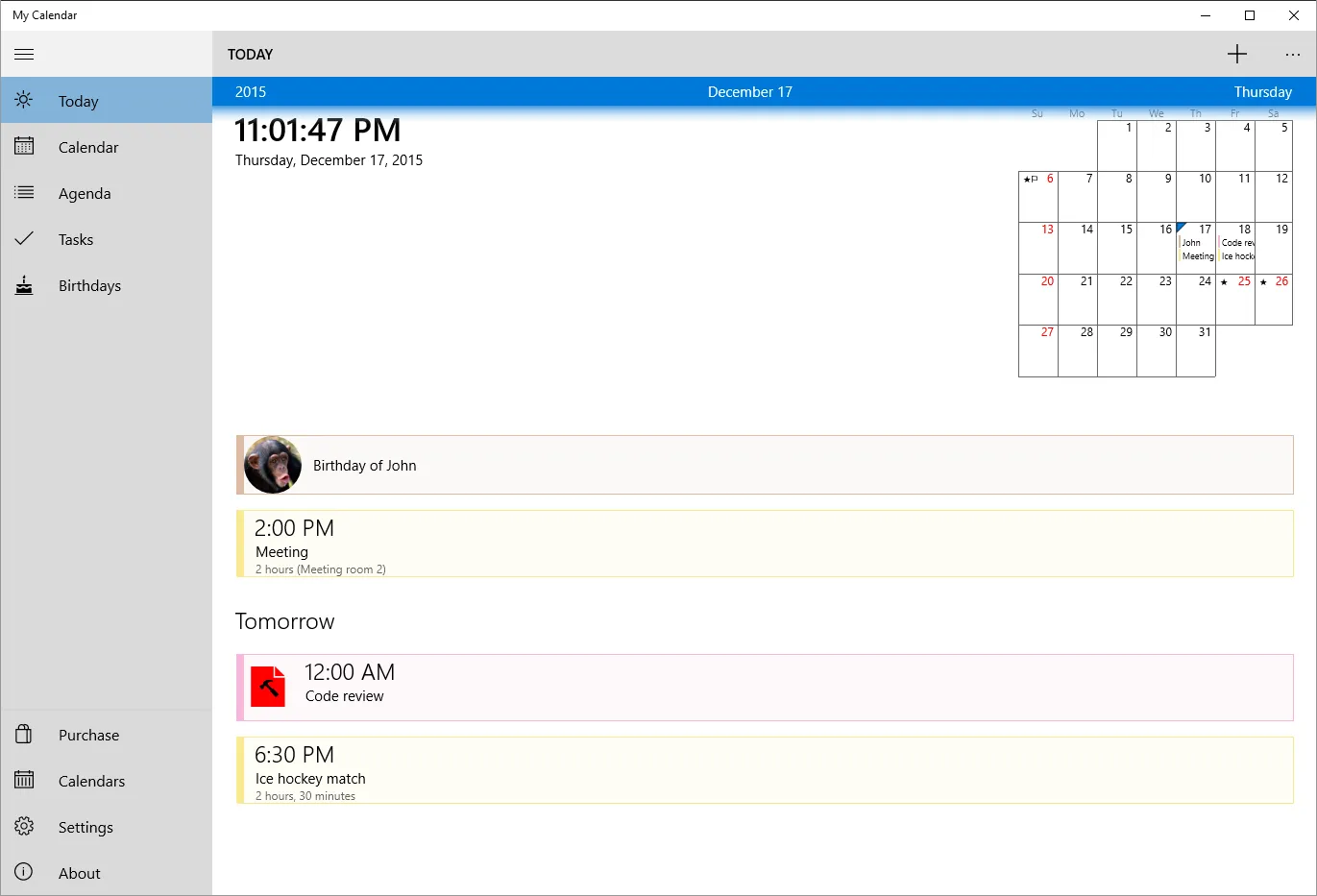
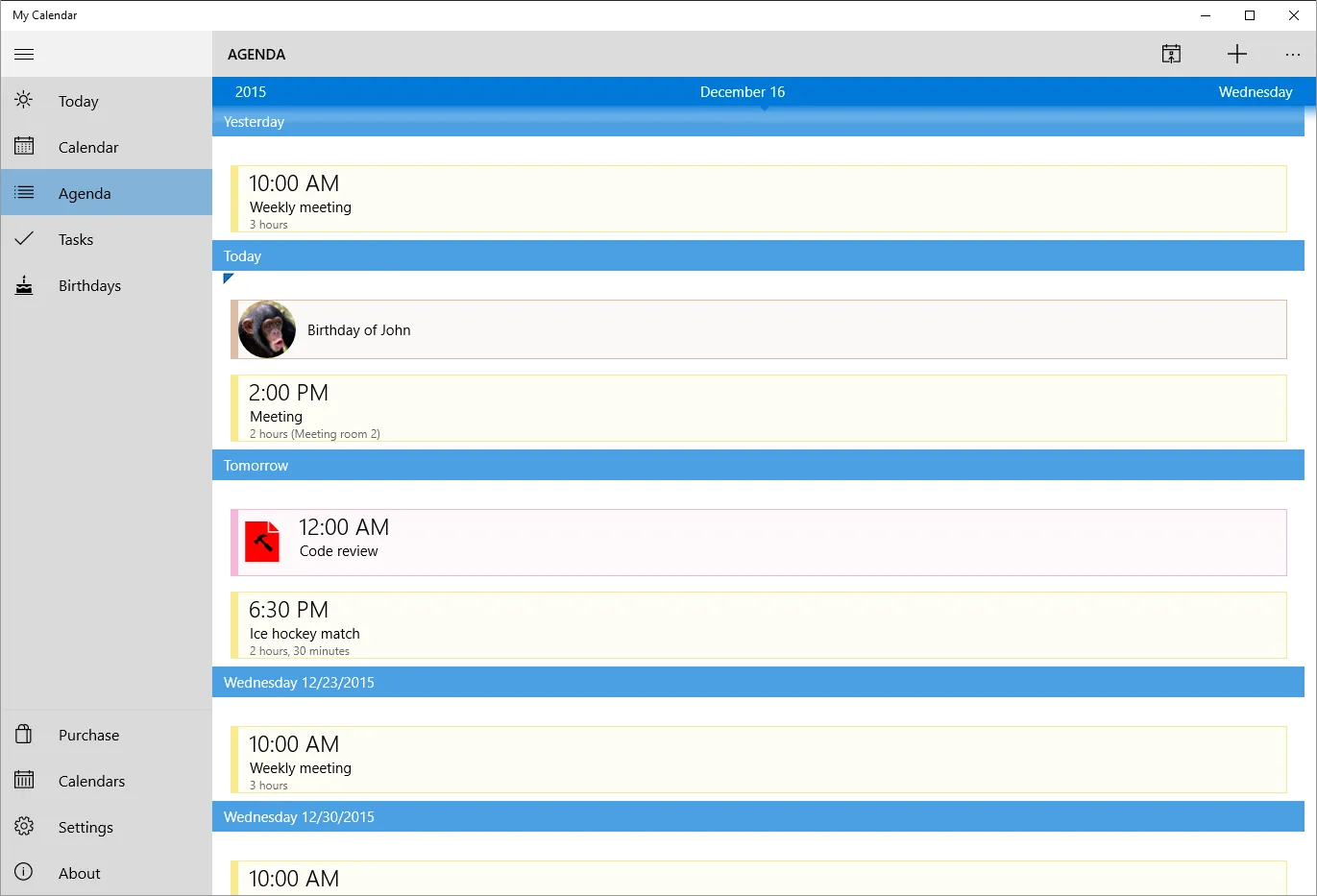
My Calendar is a powerful desktop software that offers a comprehensive solution to managing your schedule. It's designed to help users keep track of their appointments, tasks, and important dates in a simple and intuitive interface. The software allows you to add, edit, and delete events with ease, making it a breeze to keep your schedule up to date.
Customizable Appearance
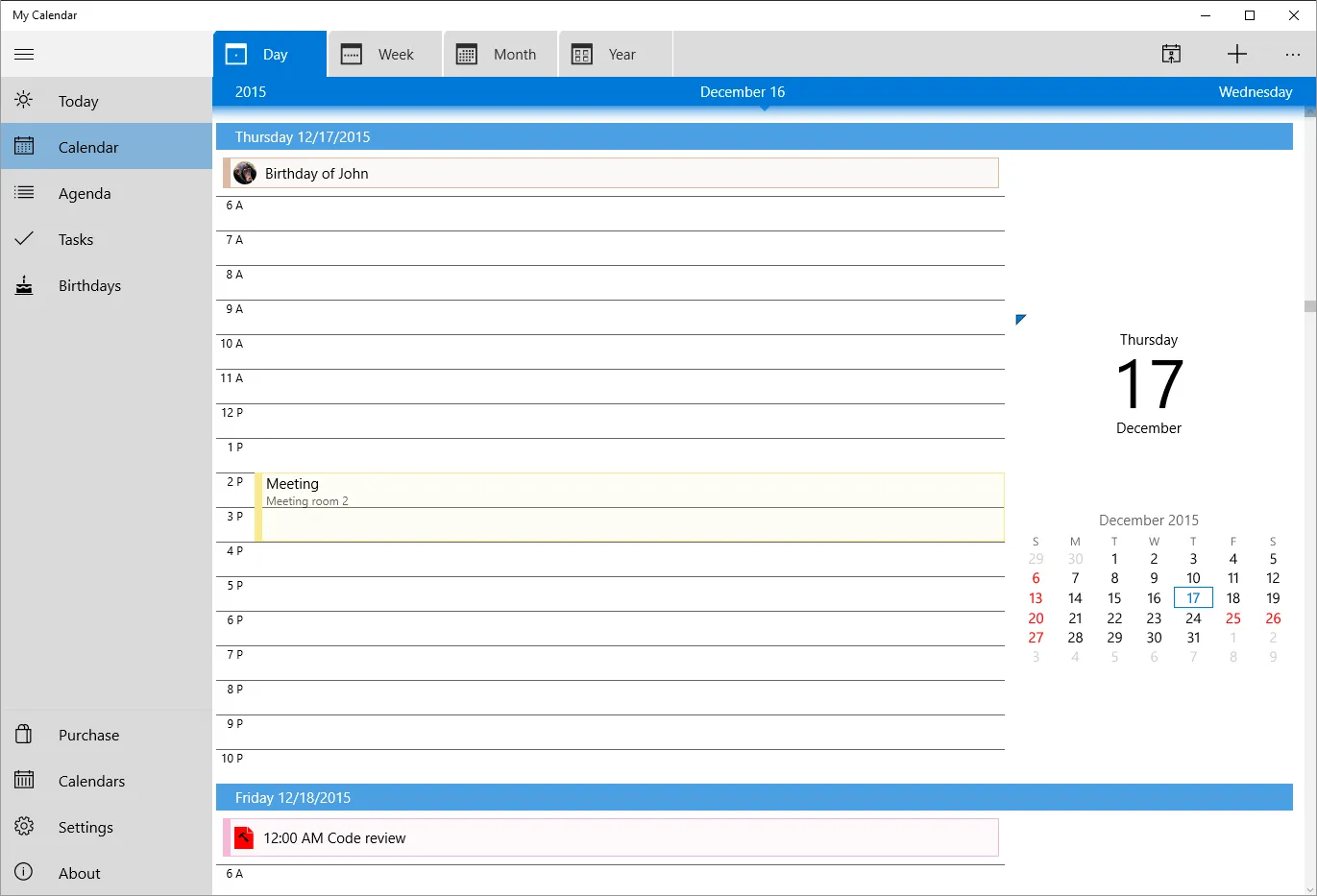
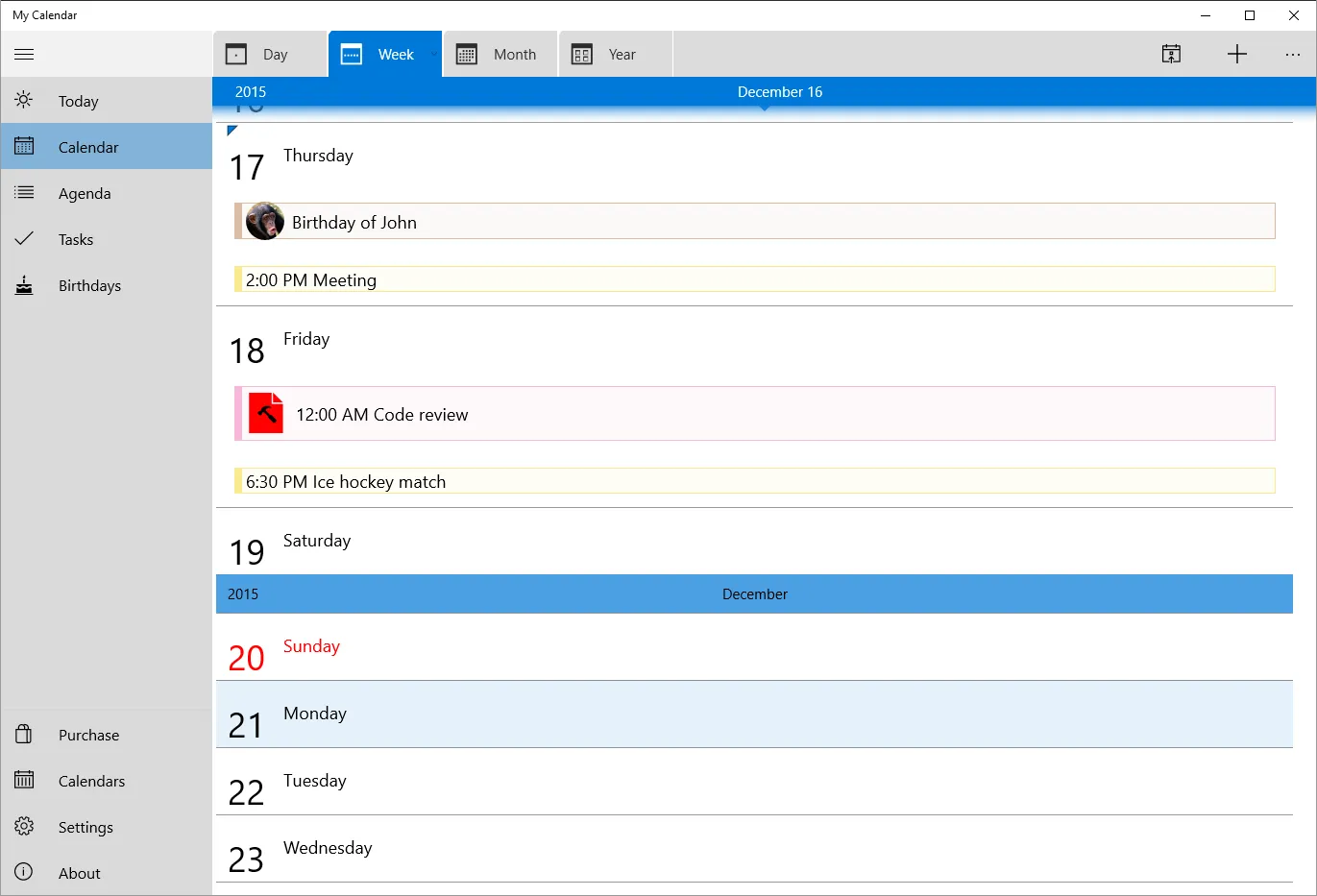
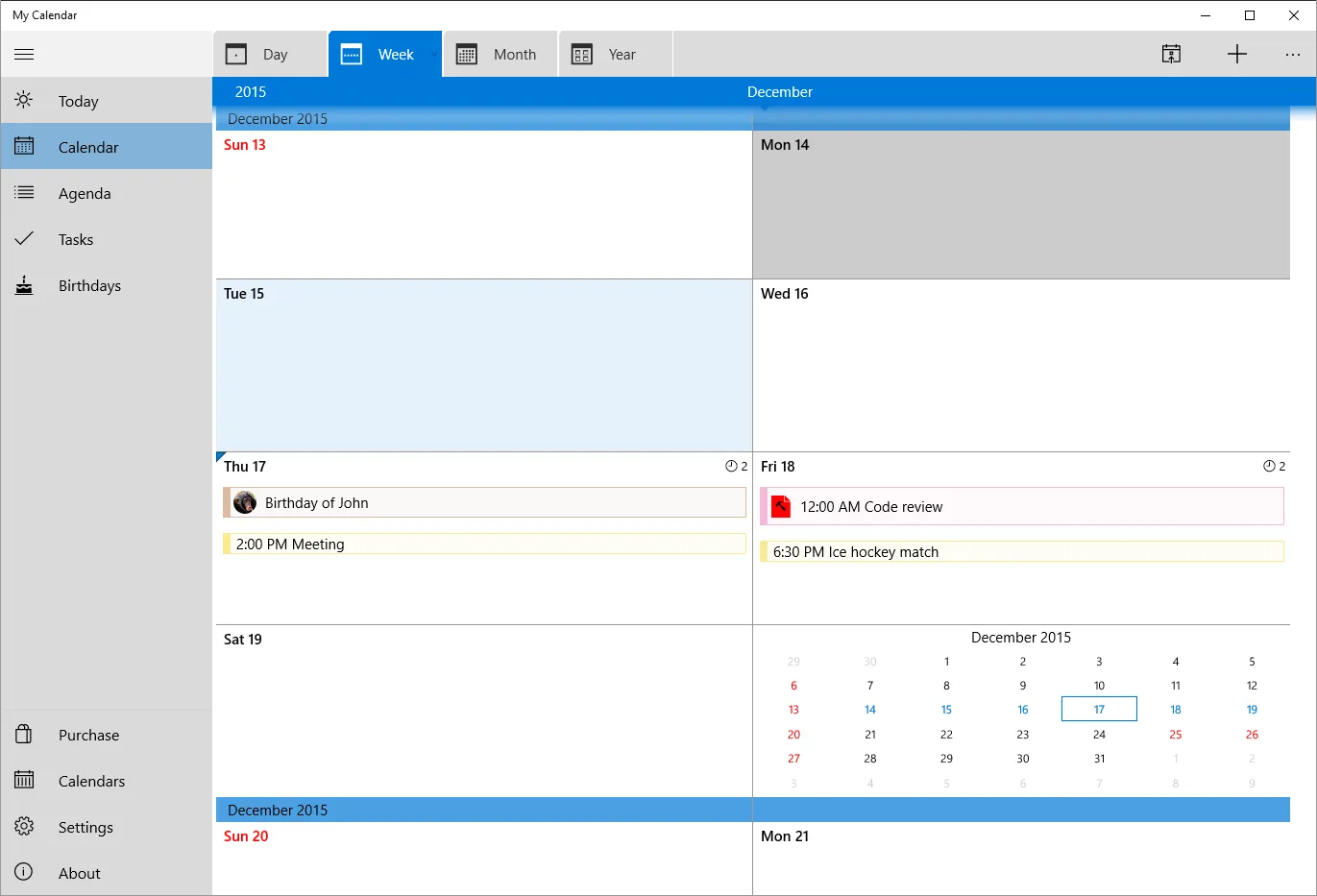
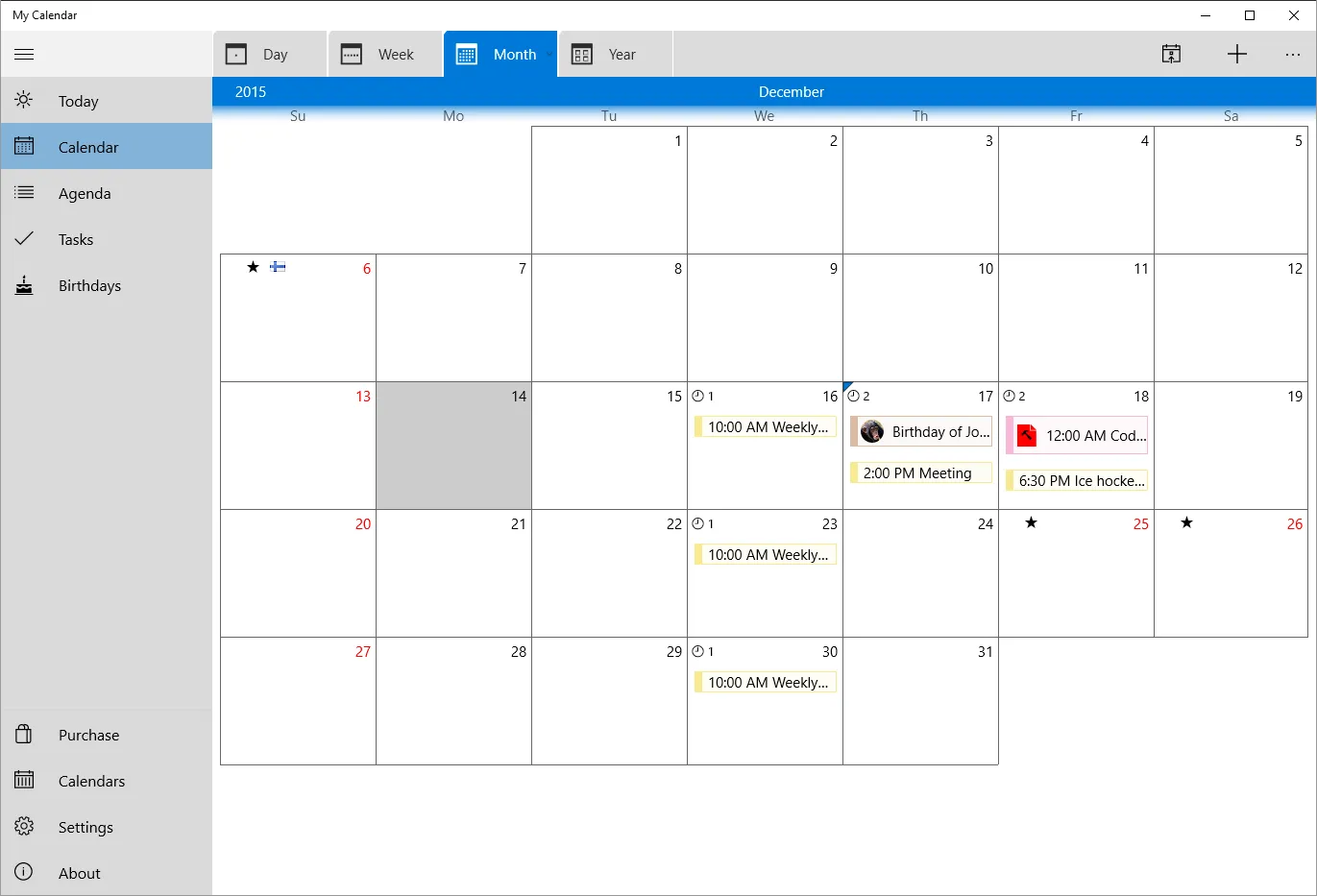
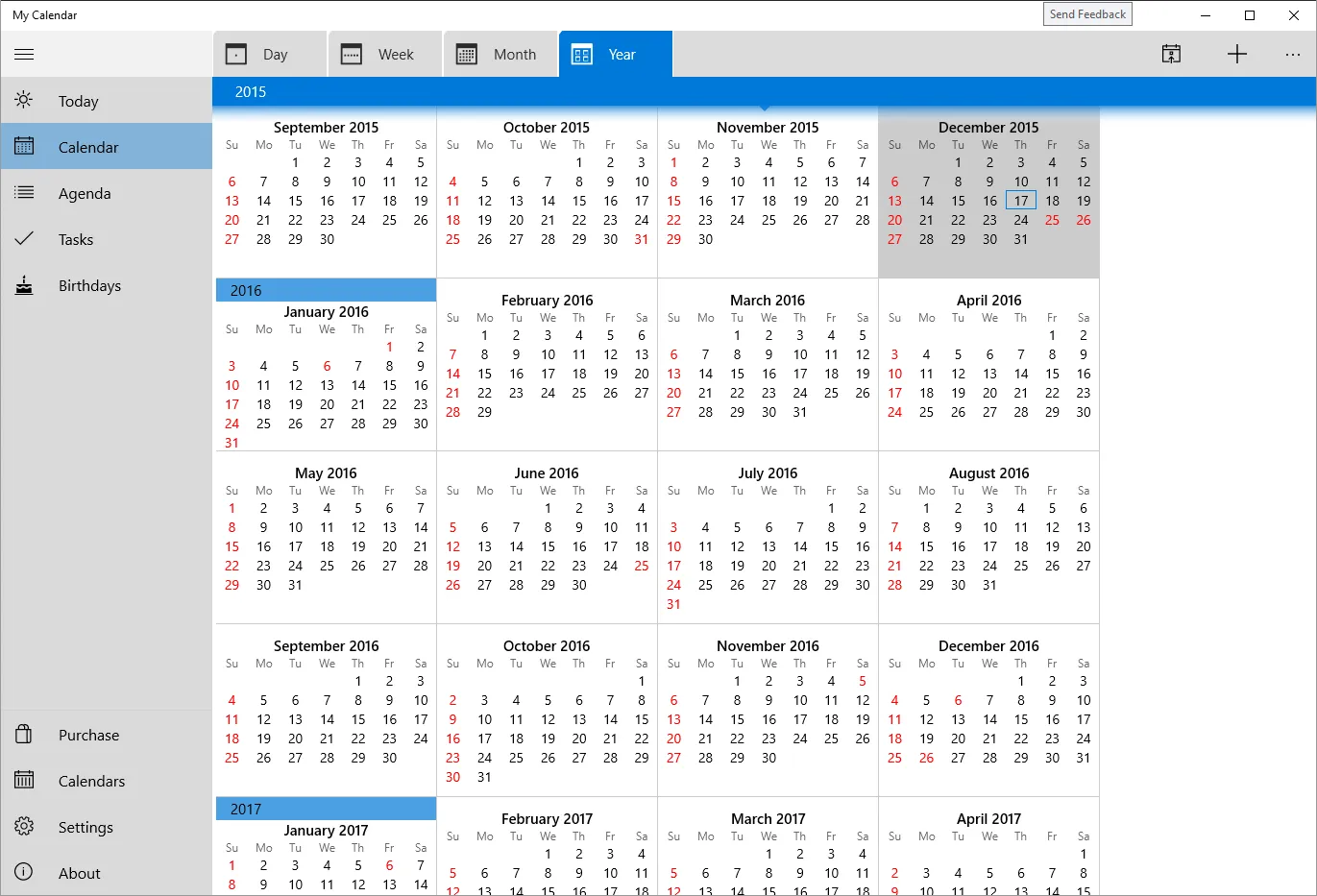
One of the standout features of My Calendar is its customizability. Users can choose from a variety of view modes - daily, weekly, monthly, or yearly - depending on their preference. Additionally, each event can be color-coded based on its type or importance, making it easy to get a quick overview of your schedule at a glance.
Synchronization Capabilities
My Calendar also supports synchronization with other calendar services. This means you can import events from Google Calendar, Outlook, and other popular calendar services, ensuring you have all your important dates in one place. The software also allows you to export your calendar, making it easy to share your schedule with others.
Pros & Cons
- Intuitive user interface
- High level of customizability
- Supports calendar synchronization
- No mobile version available
- Limited customer support
- Requires regular updates
Top Downloads for Windows


