Features of AutoCAD - DWG Viewer & Editor
Advanced Designing Tools
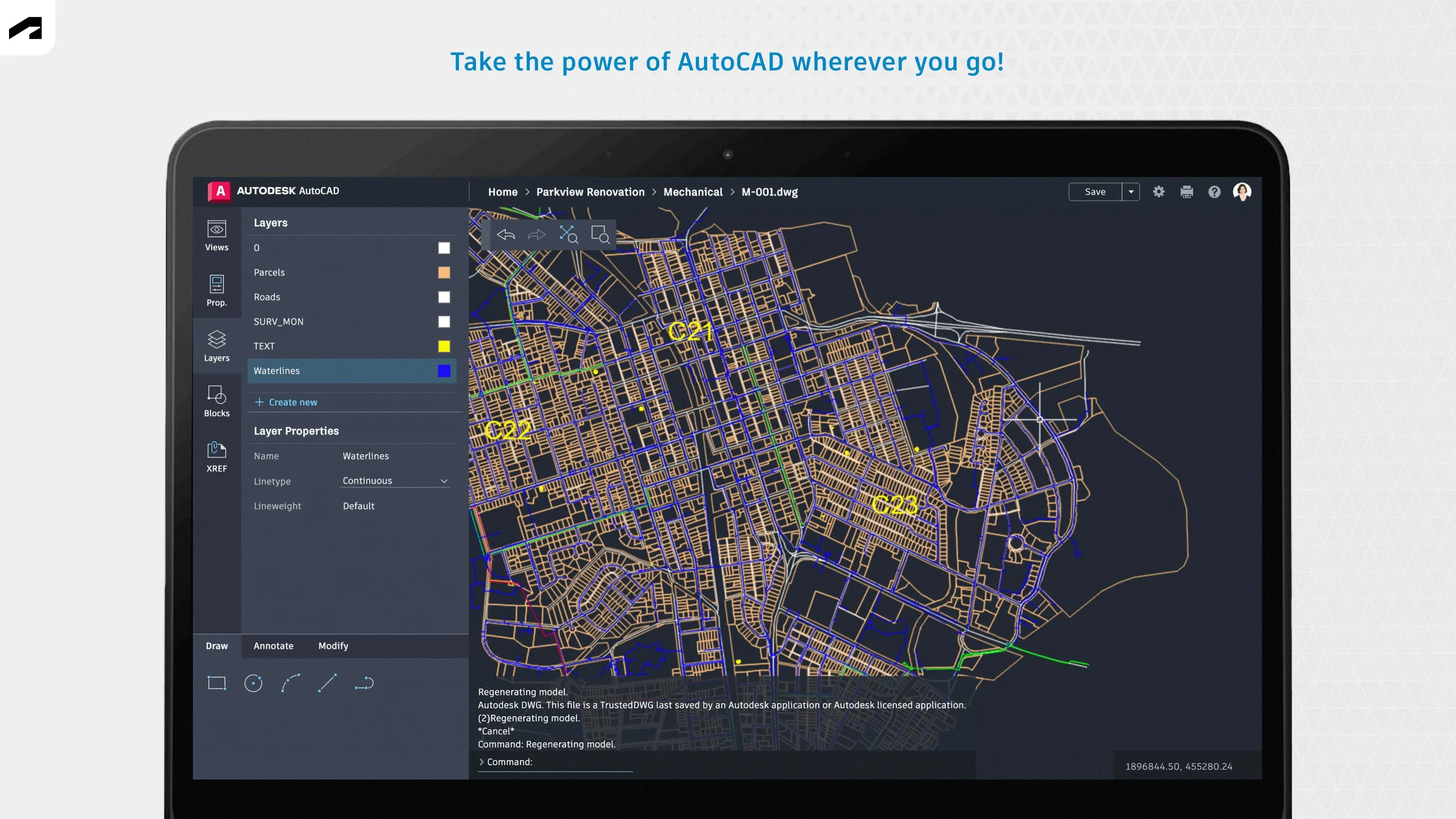
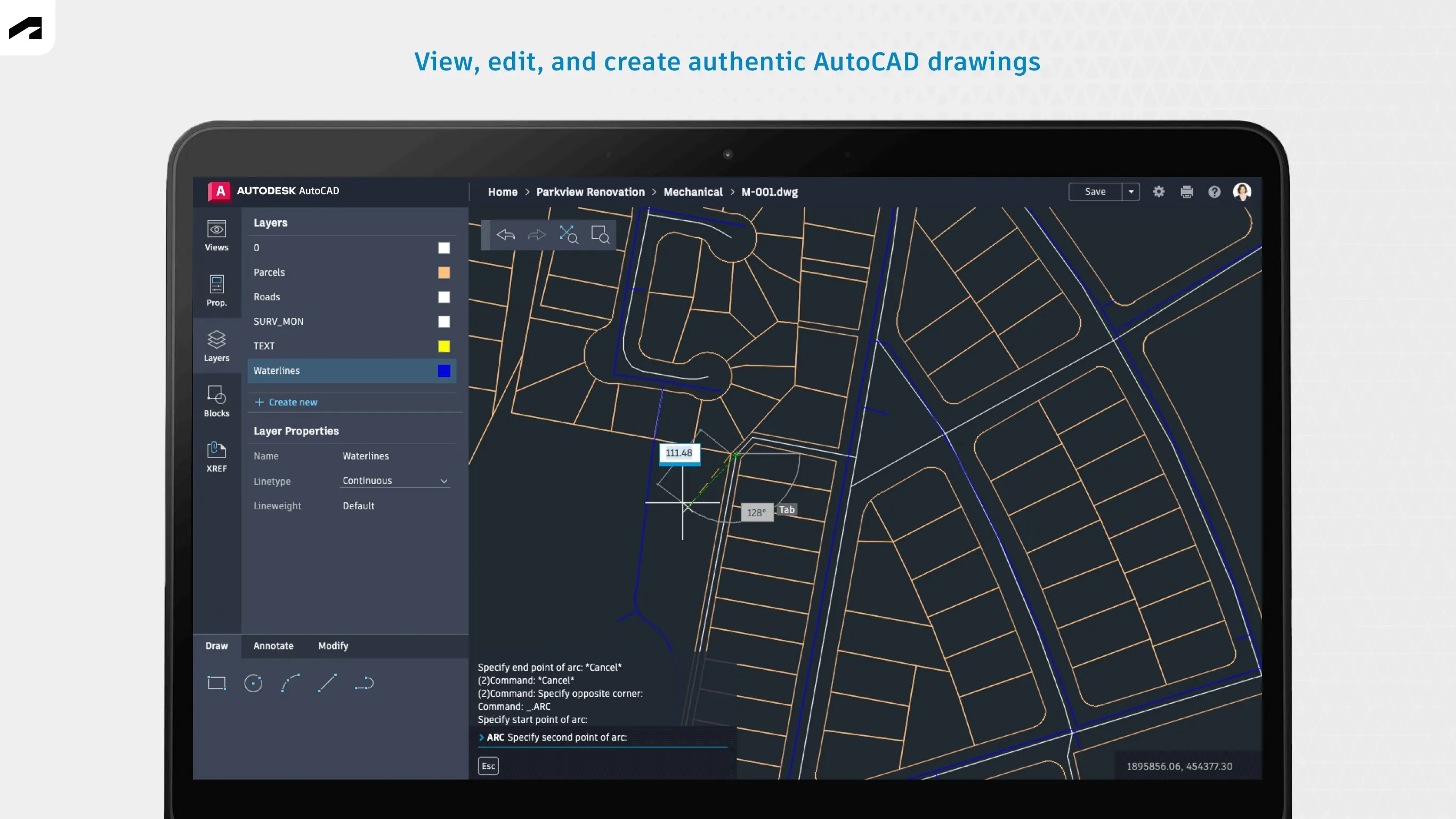
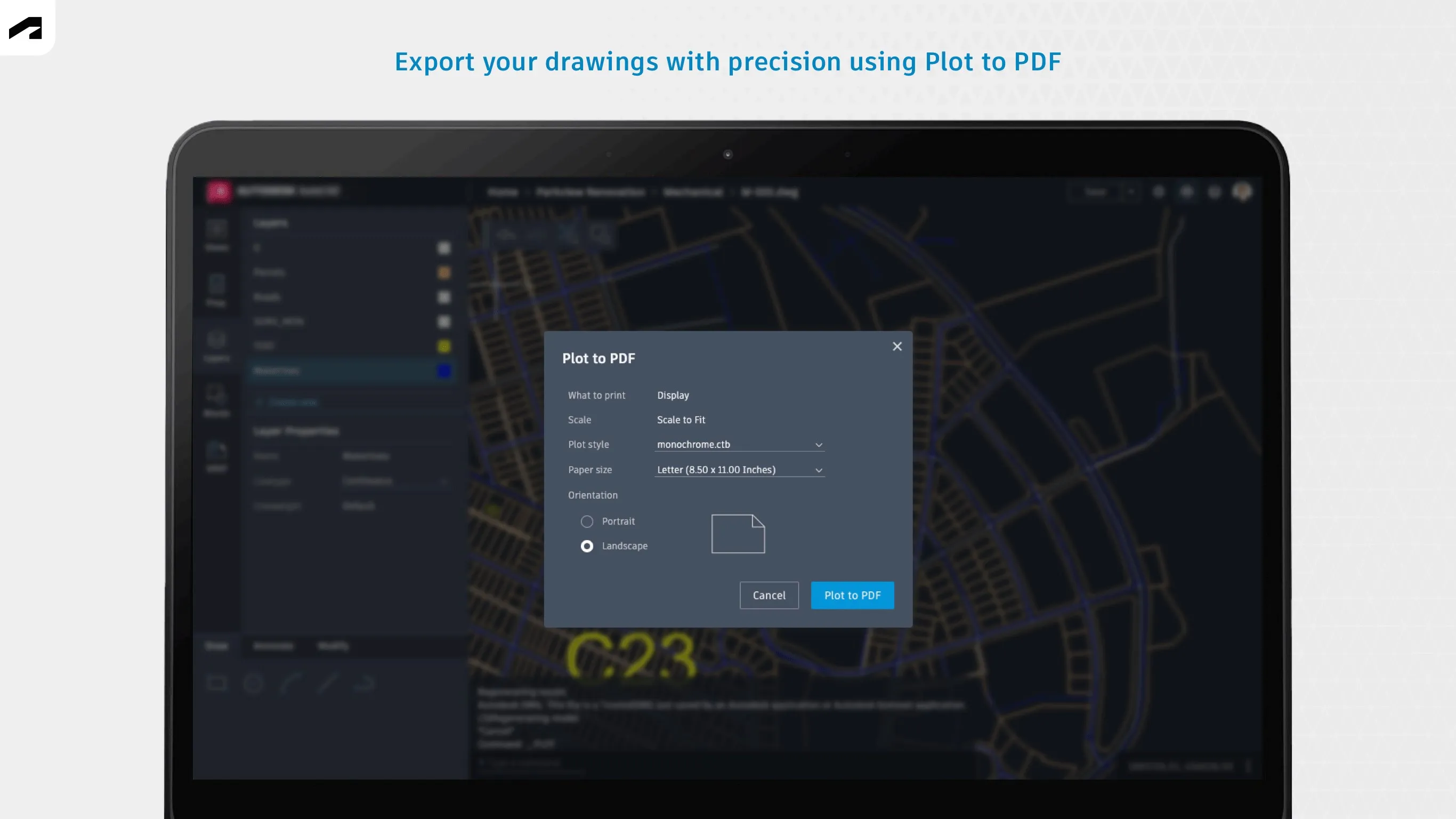
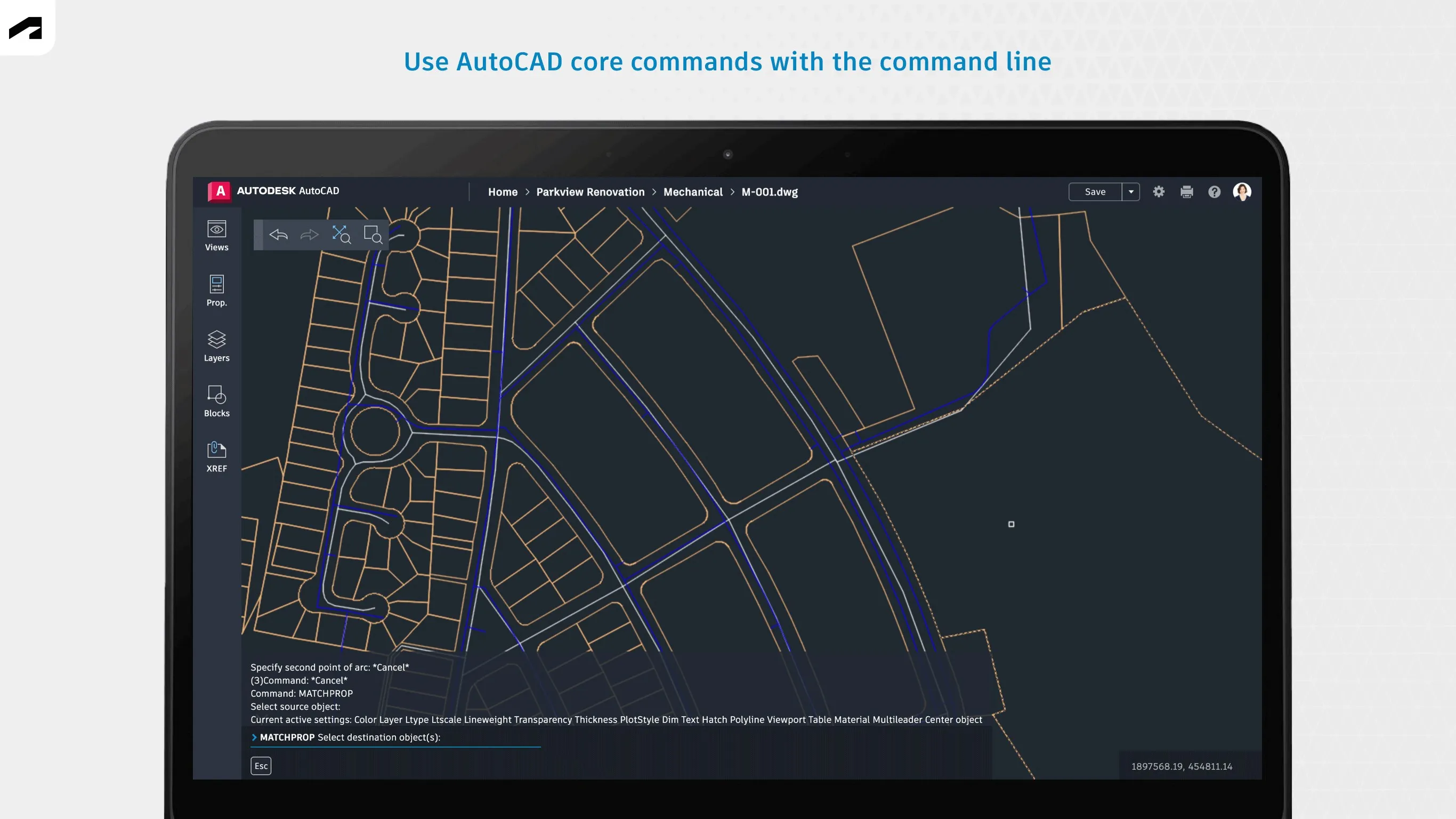
AutoCAD is a robust software equipped with advanced designing tools that enable users to create precise 2D and 3D drawings. These tools include geometric shapes, measuring tools, and layout tools, among others. The software also allows users to attach and import data from PDF files, adding to the convenience and efficiency of the designing process.
Customizable User Interface
The AutoCAD user interface is highly customizable, allowing users to tailor the workspace to their individual needs. This means that users can arrange tool sets, modify the properties of interface elements, and even change the overall appearance of the software. This level of customization enhances productivity by creating a more personalized and efficient workspace.
Extensive File Compatibility
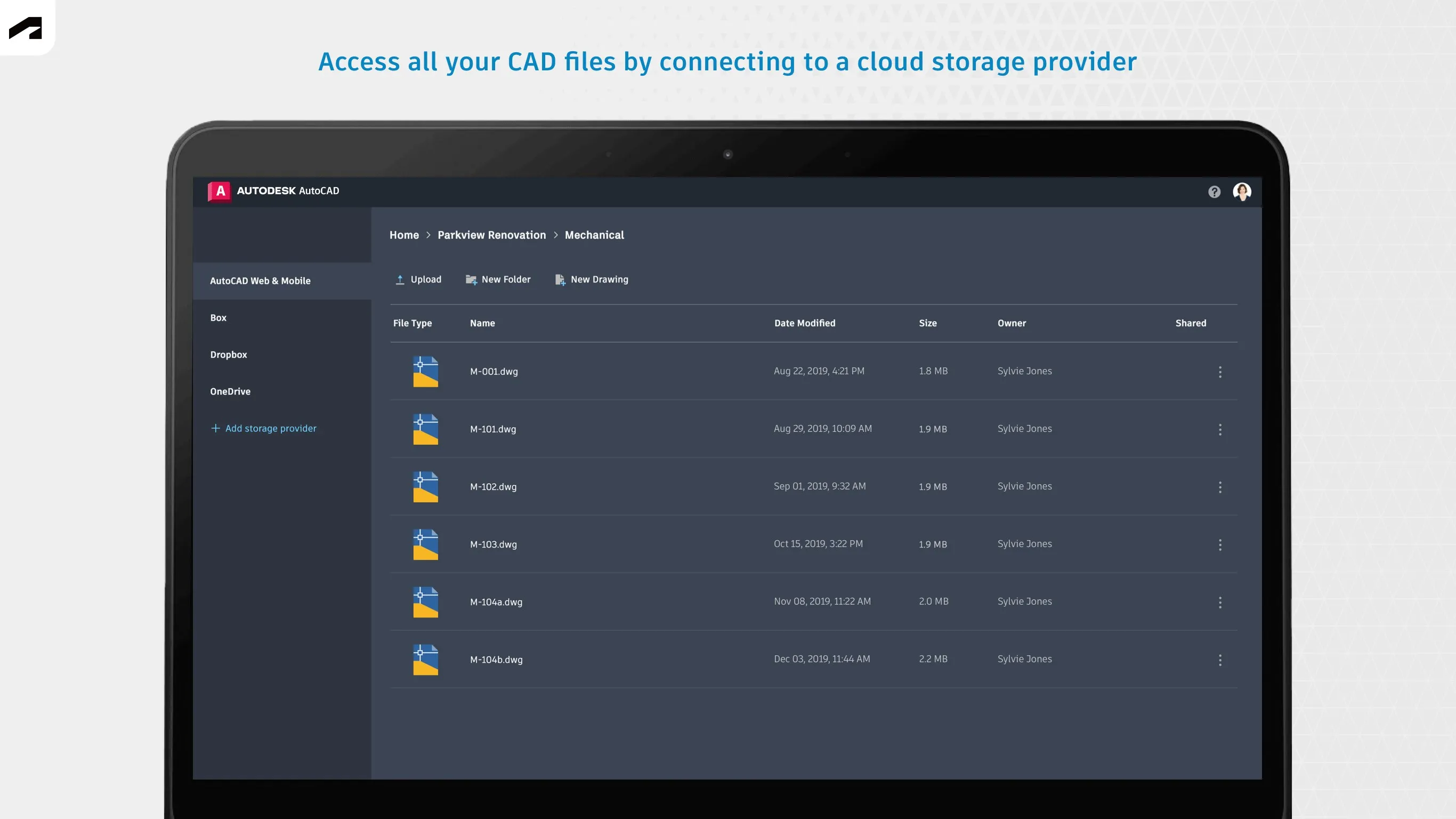
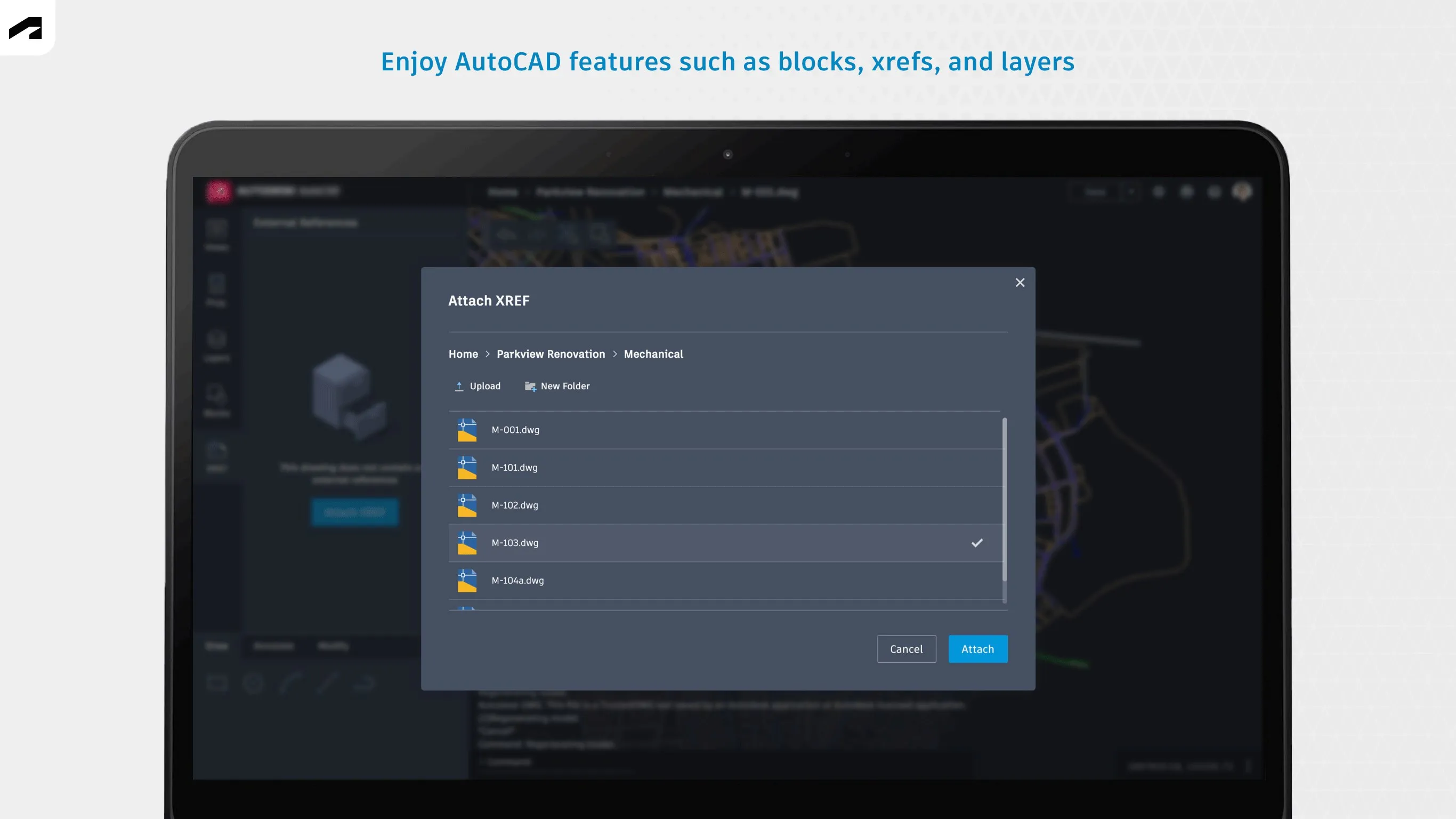
AutoCAD supports a wide range of file formats, making it a versatile tool for different design tasks. Users can open, edit, and save files in DWG format, which is the native file format for AutoCAD. Additionally, it also supports formats like DXF, DWF, and DGN, enabling users to work seamlessly with files created in other CAD software.
Pros & Cons
- Comprehensive set of design tools
- Highly customizable interface
- Wide file format compatibility
- Steep learning curve for beginners
- High system requirements
- Premium features can be expensive
Top Downloads for Windows