Features of Auto Clicker - autoclicker.org
Simple Interface
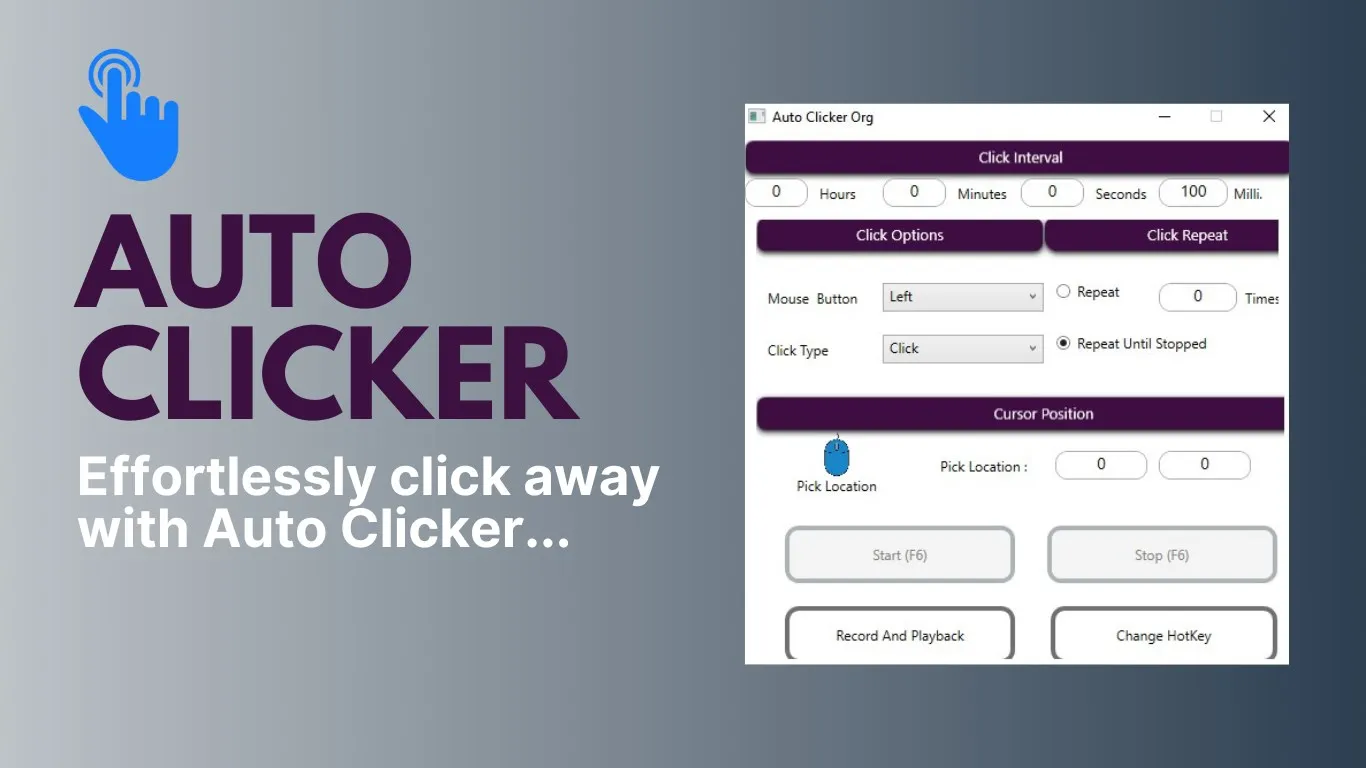
Auto Clicker features a straightforward, user-friendly interface that makes it easy for both beginners and advanced users. The design is intuitive, with clear labels and instructions that guide users through the process of setting up and executing automatic clicks. It doesn't require any technical knowledge, making it accessible to users of all skill levels.
Customizable Click Settings
The software allows you to customize your auto click settings to match your specific needs. You can adjust the click interval, choose between single and double clicks, and even select the exact location on the screen where the clicks should occur. This high level of customization allows you to automate tasks with precision and efficiency.
Schedule Automatic Clicks
One of the notable features of Auto Clicker is the ability to schedule automatic clicks. This means you can set the software to start and stop clicking at specific times, freeing you up to focus on other tasks. It's an excellent tool for those who need to automate repetitive tasks on their computer.
Pros & Cons
- User-friendly interface
- High level of customization
- Ability to schedule clicks
- No advanced scripting
- Limited to clicking tasks
- Requires constant running
Top Downloads for Windows