

Features of CapCut
Easy Video Editing
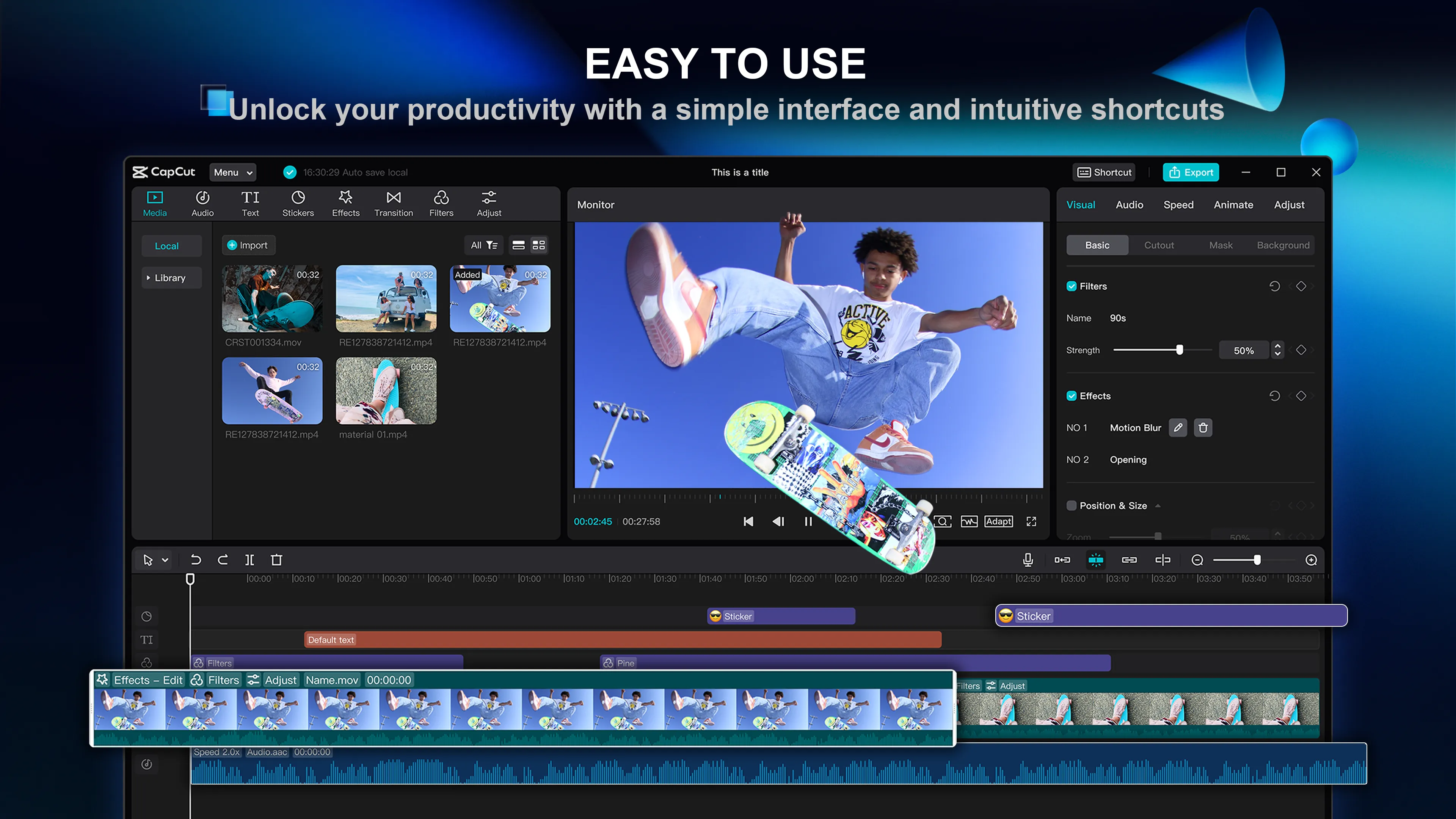
CapCut is a user-friendly video editing software that simplifies the process of creating professional-looking videos. It offers an intuitive interface, allowing even beginners to navigate through its functions with ease. The software provides a range of editing tools, including trimming, cutting, and merging clips, which can be used to create a cohesive video narrative.
Advanced Effects and Filters
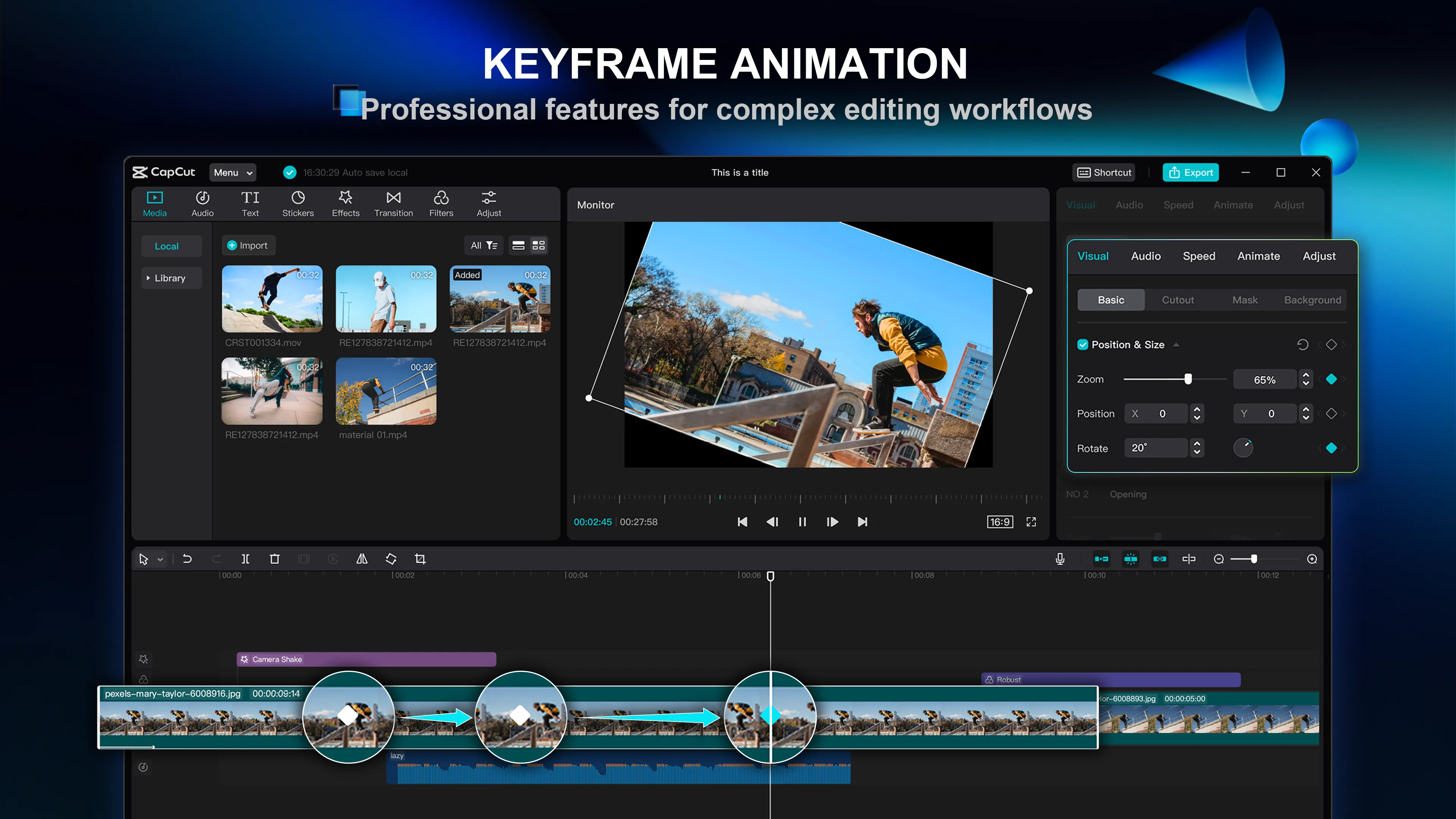
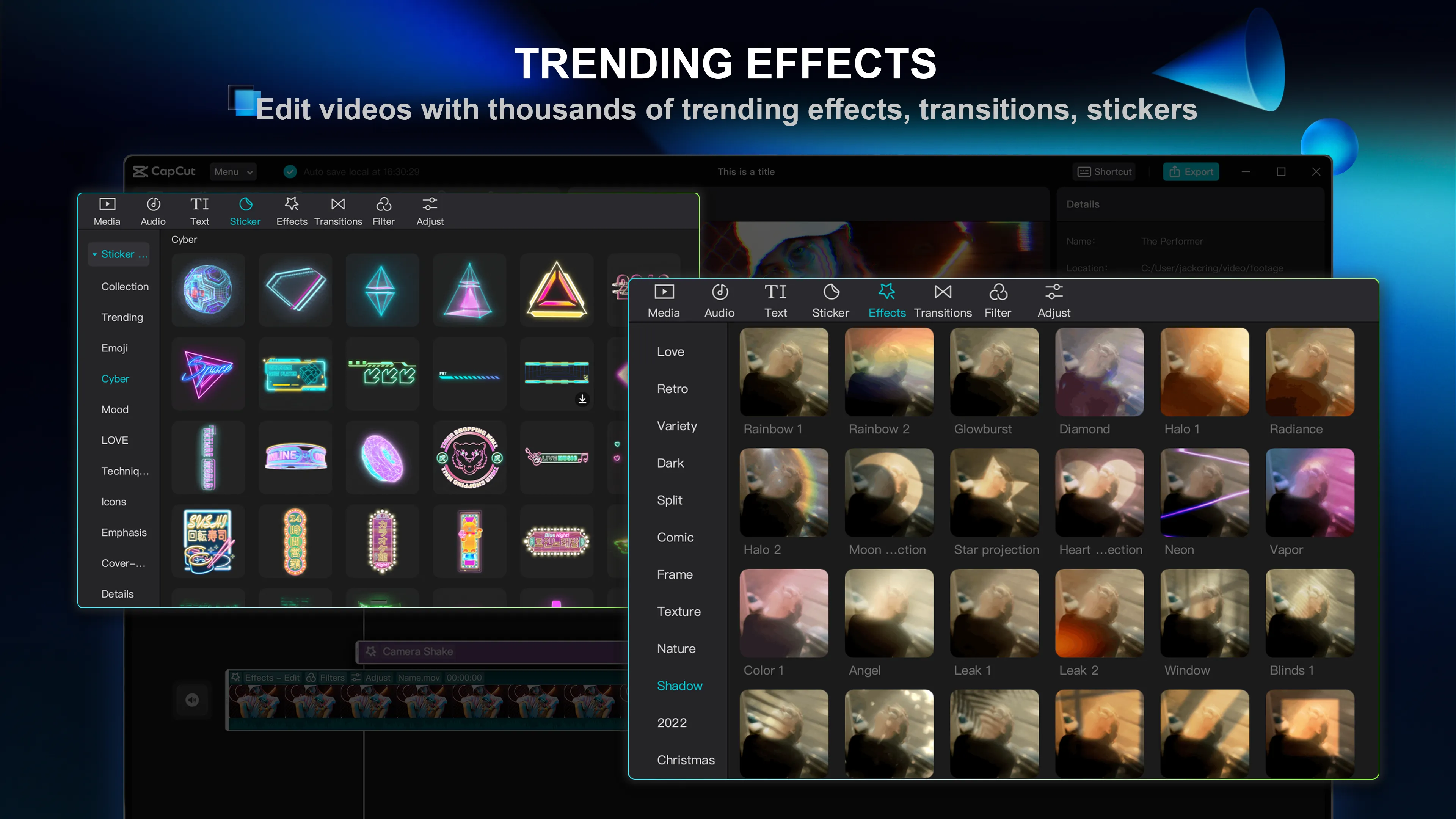
One of CapCut's standout features is its extensive collection of effects and filters. These include transitions, animations, and even augmented reality (AR) effects, enabling users to add a unique touch to their videos. The software also offers a variety of filters, from basic color adjustments to more artistic styles, providing users with countless possibilities for customization.
High-Quality Export Options
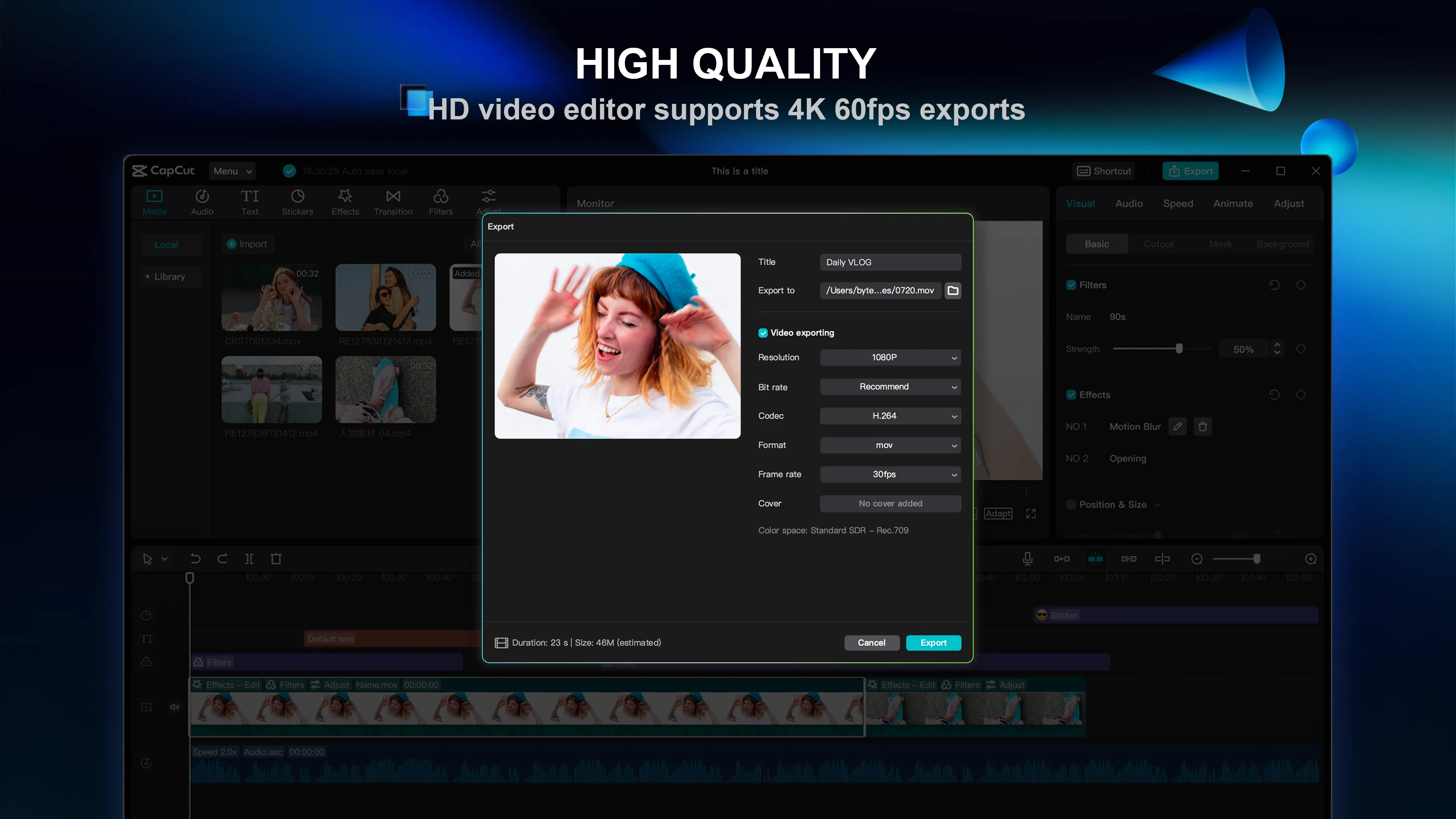
CapCut supports high-quality video exports, ensuring your final product looks polished and professional. It allows users to export videos in various resolutions, including HD, to meet different needs. Additionally, the software maintains the quality of audio tracks during the editing process, preserving the original sound of your clips.
Pros & Cons
- User-friendly interface
- Wide range of effects
- High-quality export options
- Limited advanced editing tools
- Requires high system resources
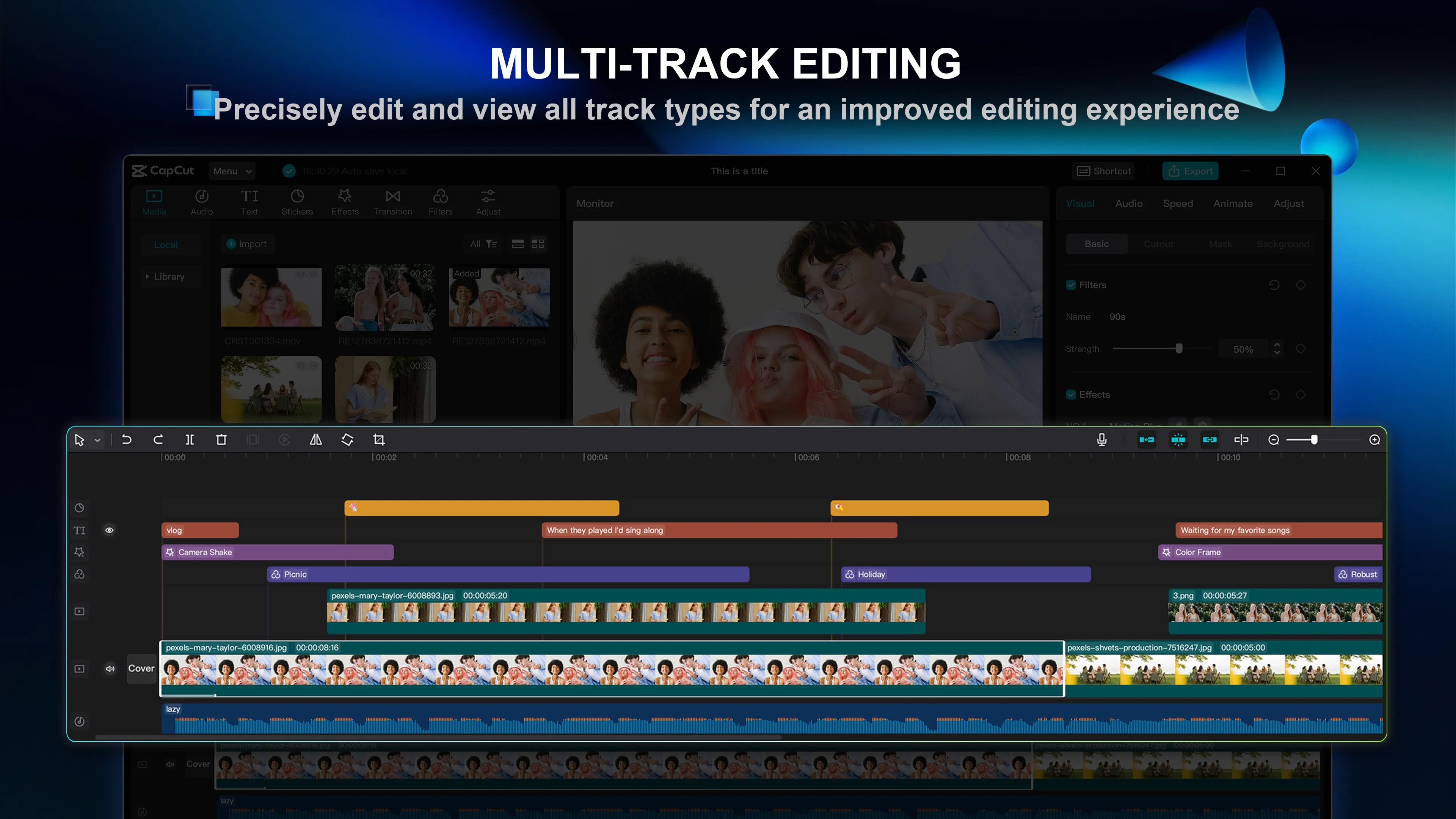
- No multi-track editing
Top Downloads for Windows


