Features of Speed Test for Windows
User-Friendly Interface
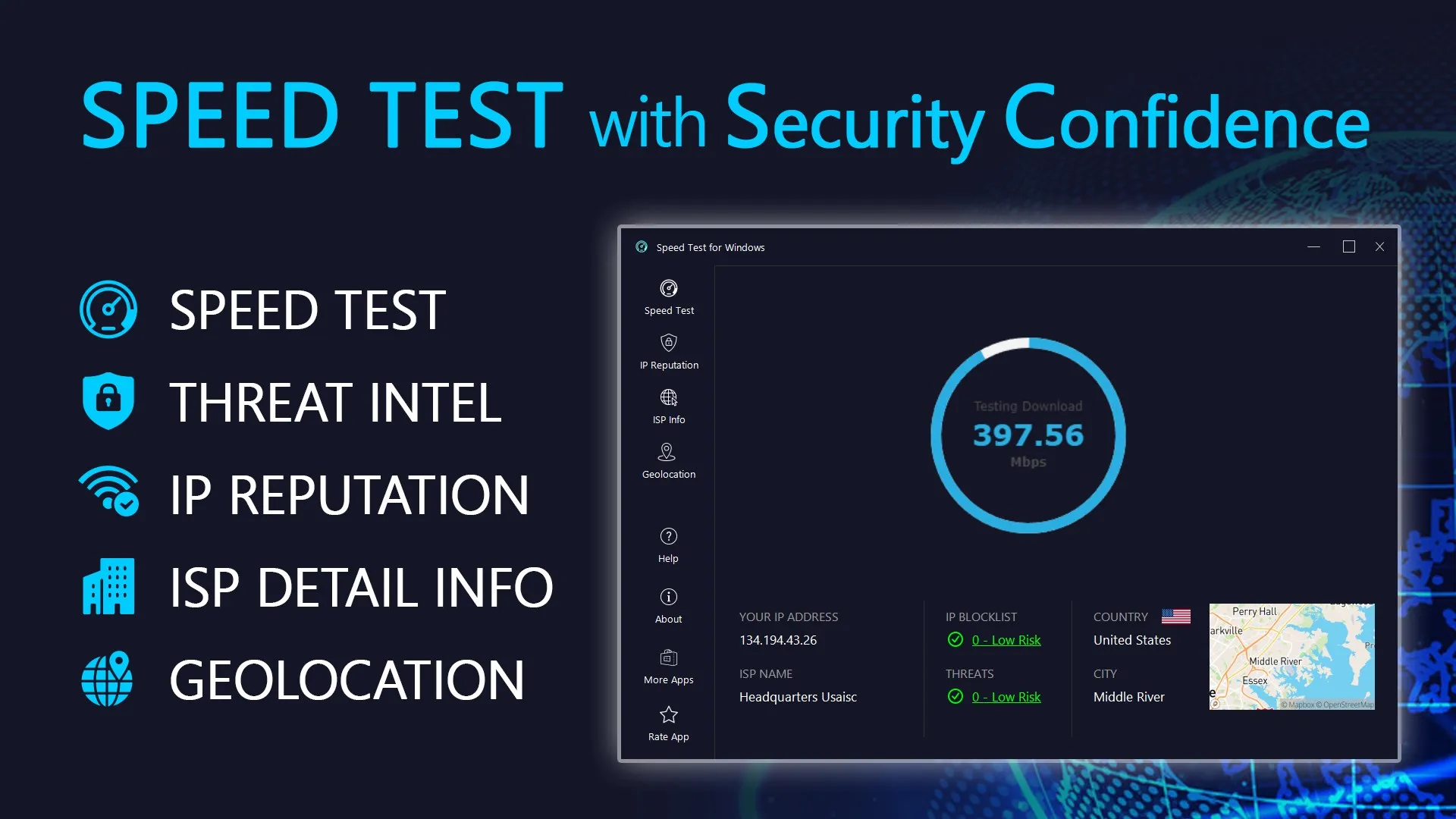
Speed Test for Windows has a clean and intuitive user interface. It's designed to be easily navigable even for users who are not tech-savvy. The main features are prominently displayed, and the visualizations of your internet speed are easy to understand. It's a straightforward tool that does its job without any unnecessary complications.
Comprehensive Speed Analysis
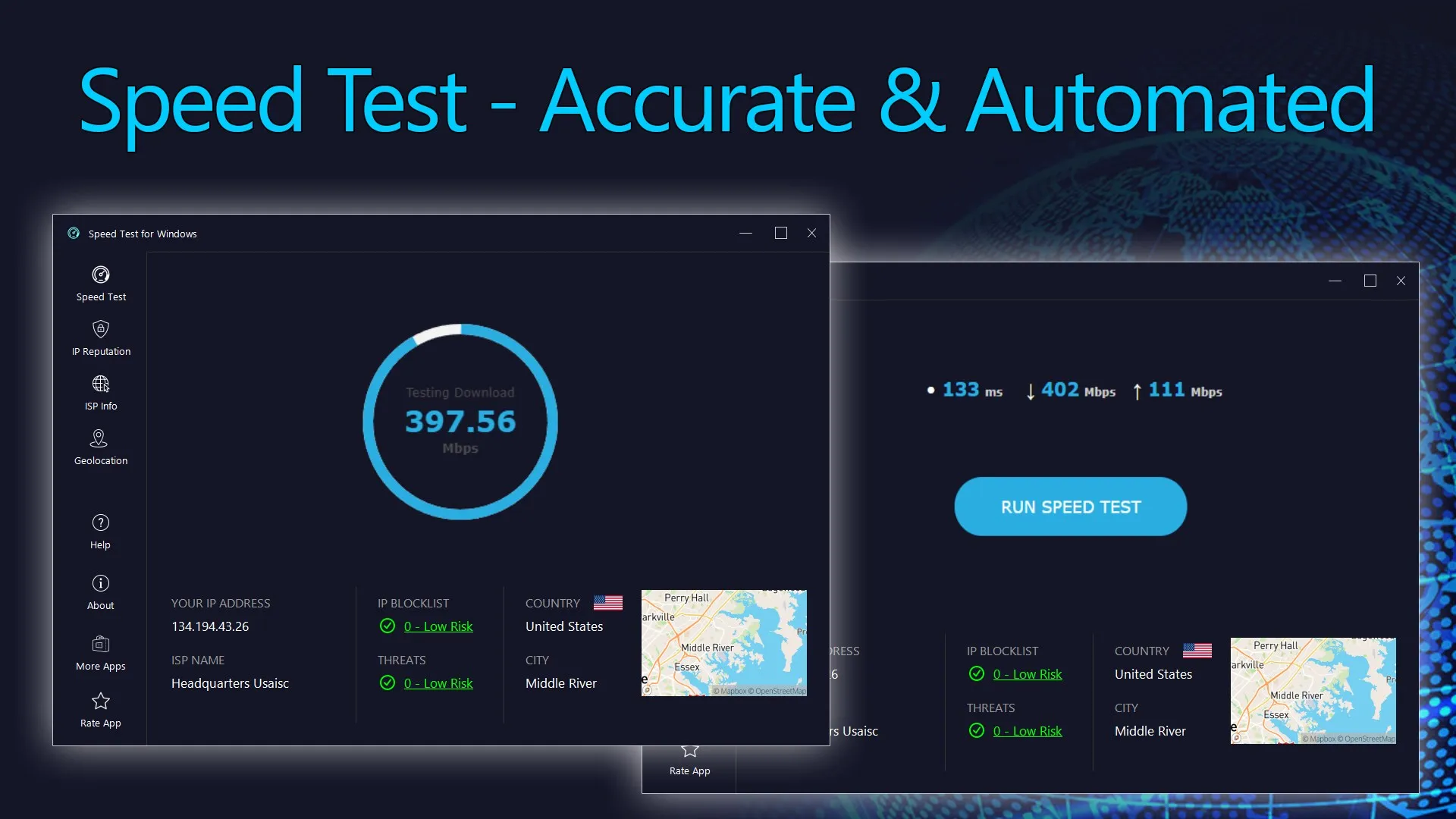
This software provides comprehensive analysis of your internet speed. It tests your download speed, upload speed, and ping latency. The results are presented in a clear and concise manner, making it easy for you to understand your internet connection's performance. The tests are accurate and reliable, providing you with the information you need.
Detailed Reporting
The detailed reporting feature is another highlight of Speed Test for Windows. It allows you to track your internet speed over time, providing you with a historical record of your internet performance. This is particularly useful if you're trying to diagnose intermittent connectivity issues or if you want to see if changes to your network setup have improved your speed.
Pros & Cons
- Easy to use interface
- Accurate speed measurements
- Detailed historical reports
- Requires internet connection
- No advanced features
- Limited customization options

Top Downloads for Windows