Features of Snapchat
Desktop Experience
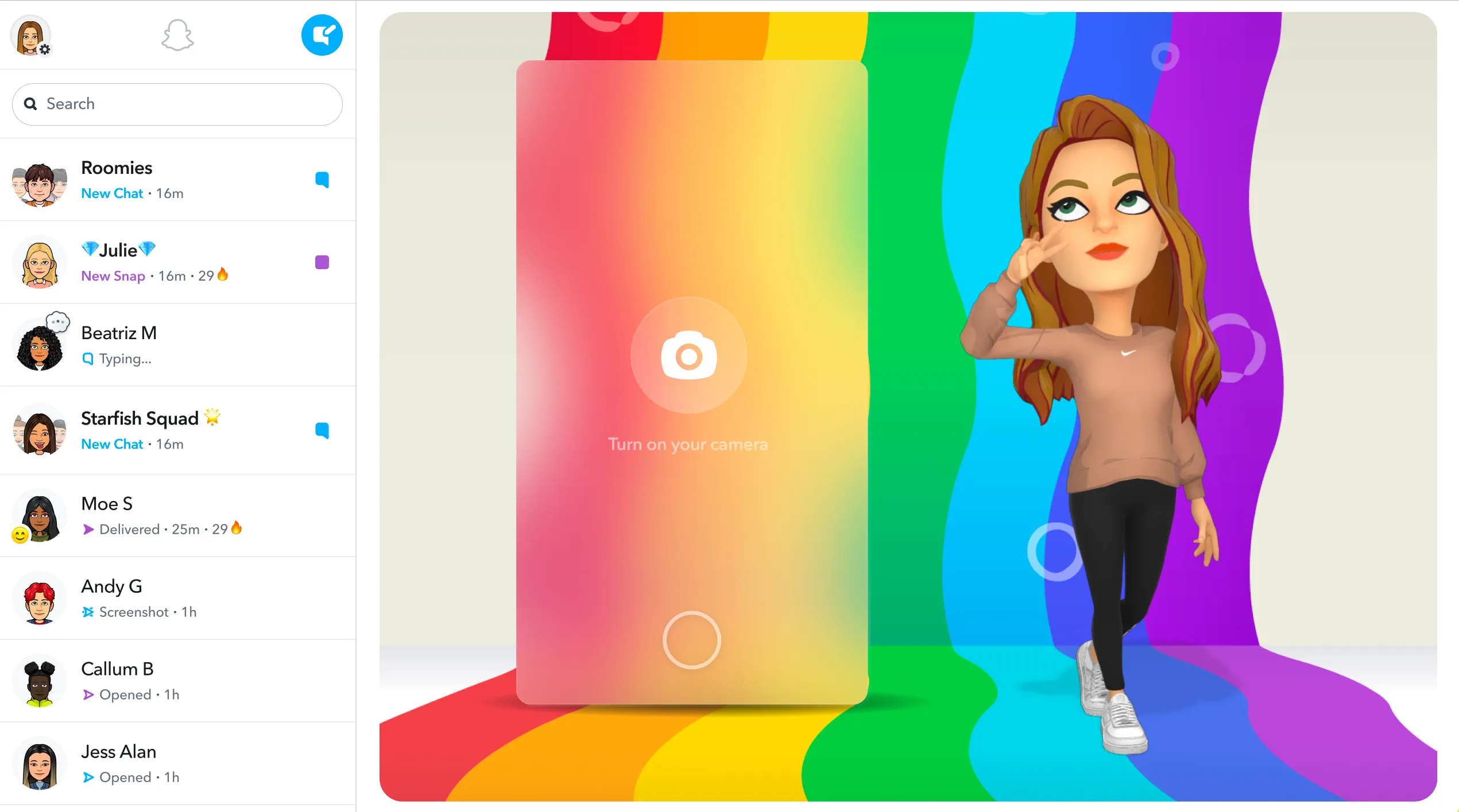
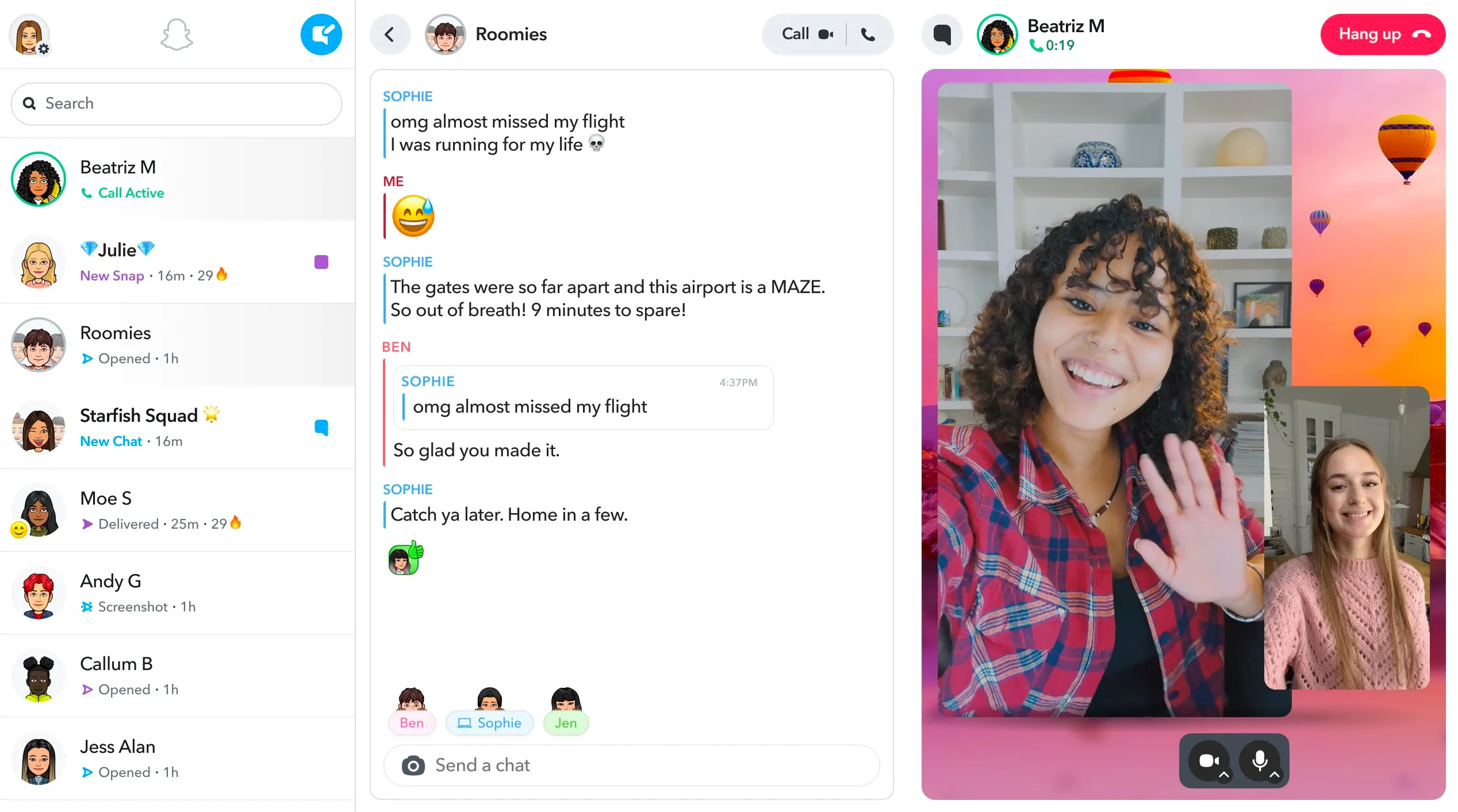
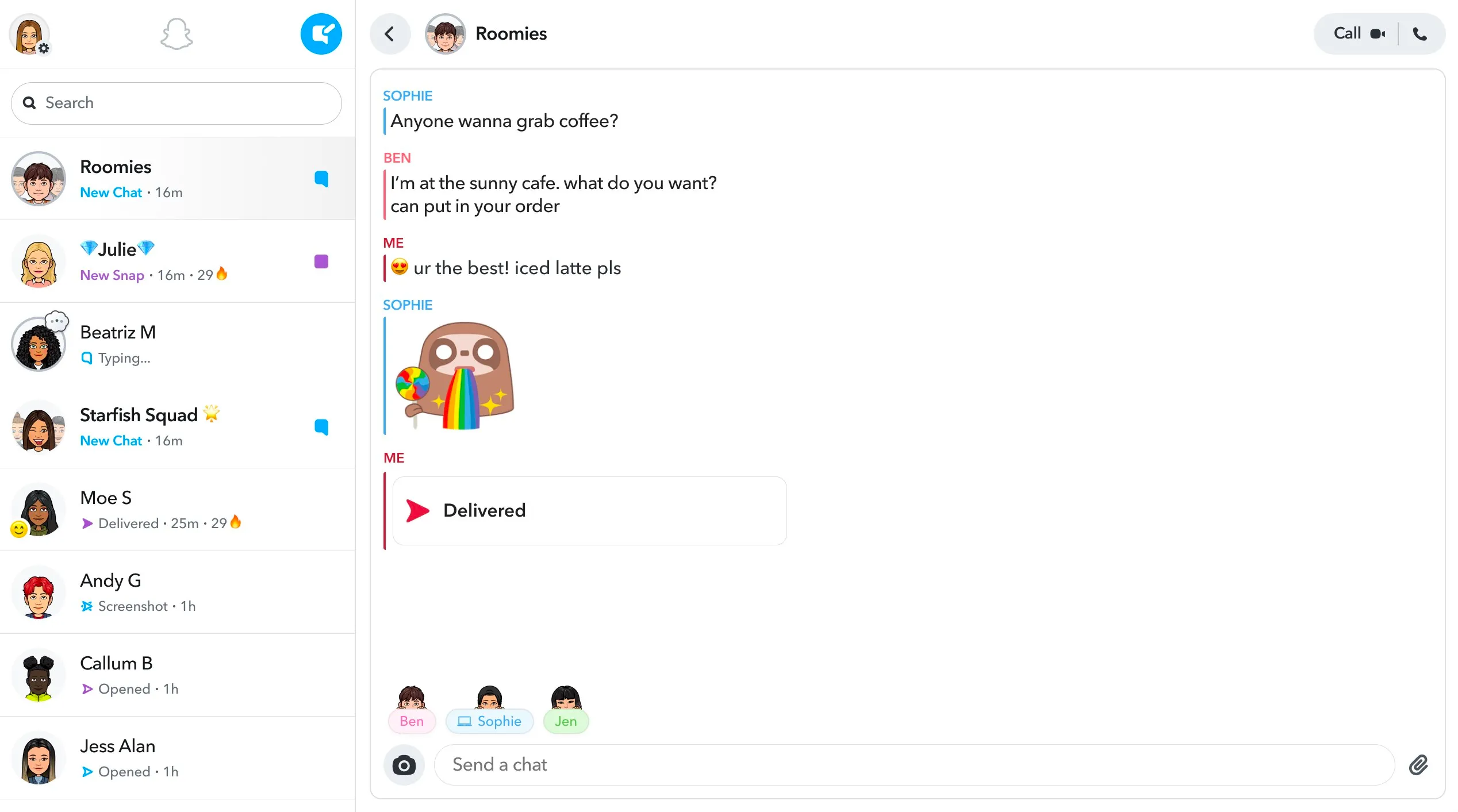
Snapchat for PC brings the full suite of features from the mobile app to your desktop. You can send snaps, create stories, and use filters just like you would on the mobile app. The desktop version also supports video chat, allowing you to connect with friends in real-time. The user interface is intuitive and easy to navigate, making it a breeze to stay connected with your friends.
Snap Map
One unique feature of Snapchat is the Snap Map, which is also available on the desktop version. The Snap Map allows you to see where your friends are in the world, as long as they've chosen to share their location. You can also explore snaps from various locations, giving you a glimpse into what's happening around the world.
Creative Tools
Snapchat for PC also includes the same creative tools found in the mobile app. This means you can add fun filters, stickers, and text to your photos and videos. The desktop version also supports Bitmoji, allowing you to create a personalized avatar that you can use in your snaps.
Pros & Cons
- Full suite of Snapchat features
- Supports video chat
- Includes creative tools
- Requires strong internet connection
- No offline mode
- Limited to Snapchat users
Top Downloads for Windows