

Features of Snipping Tool
Versatile Capture Modes
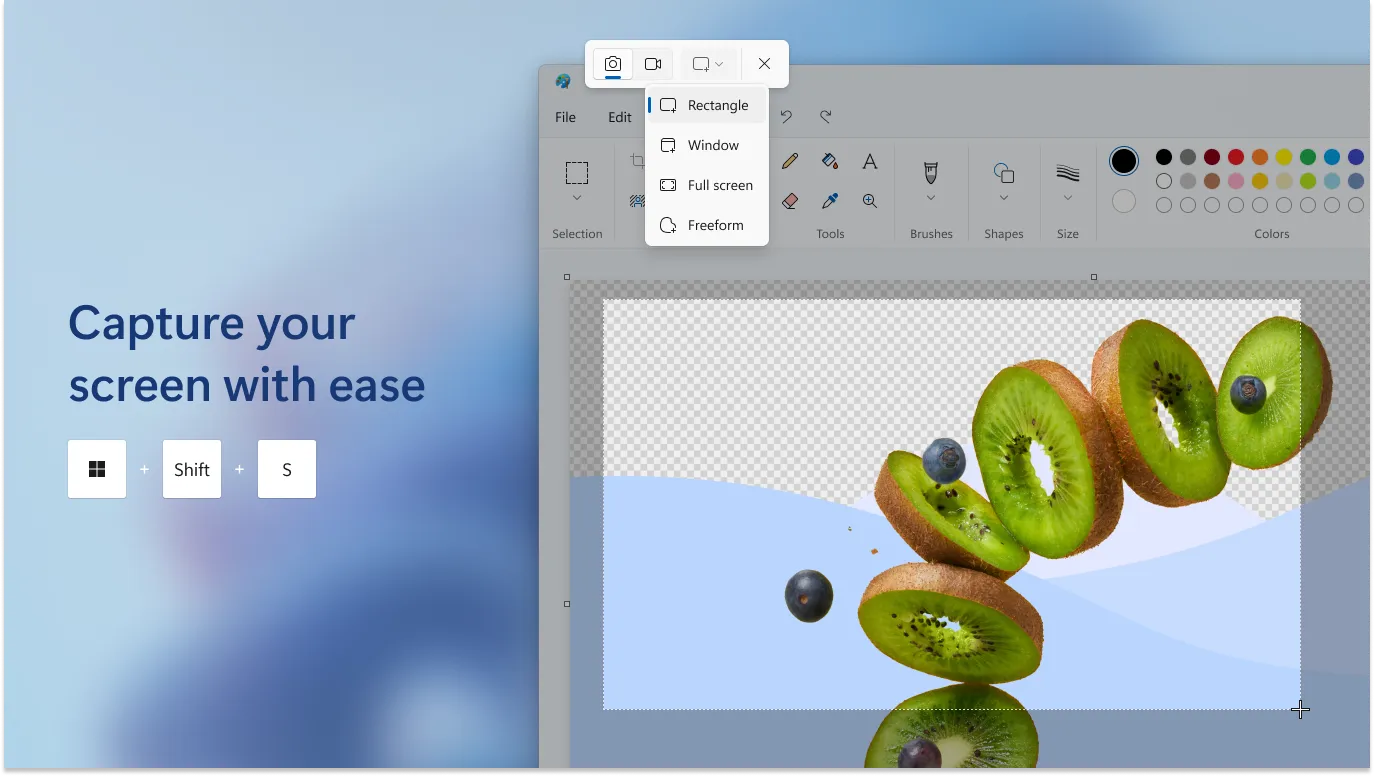
The Snipping Tool offers a variety of capture modes to suit any user's needs. From full-screen snips to more precise options like window, rectangular, or free-form captures, it provides the flexibility to select exactly what you want from your screen.
Annotate with Ease
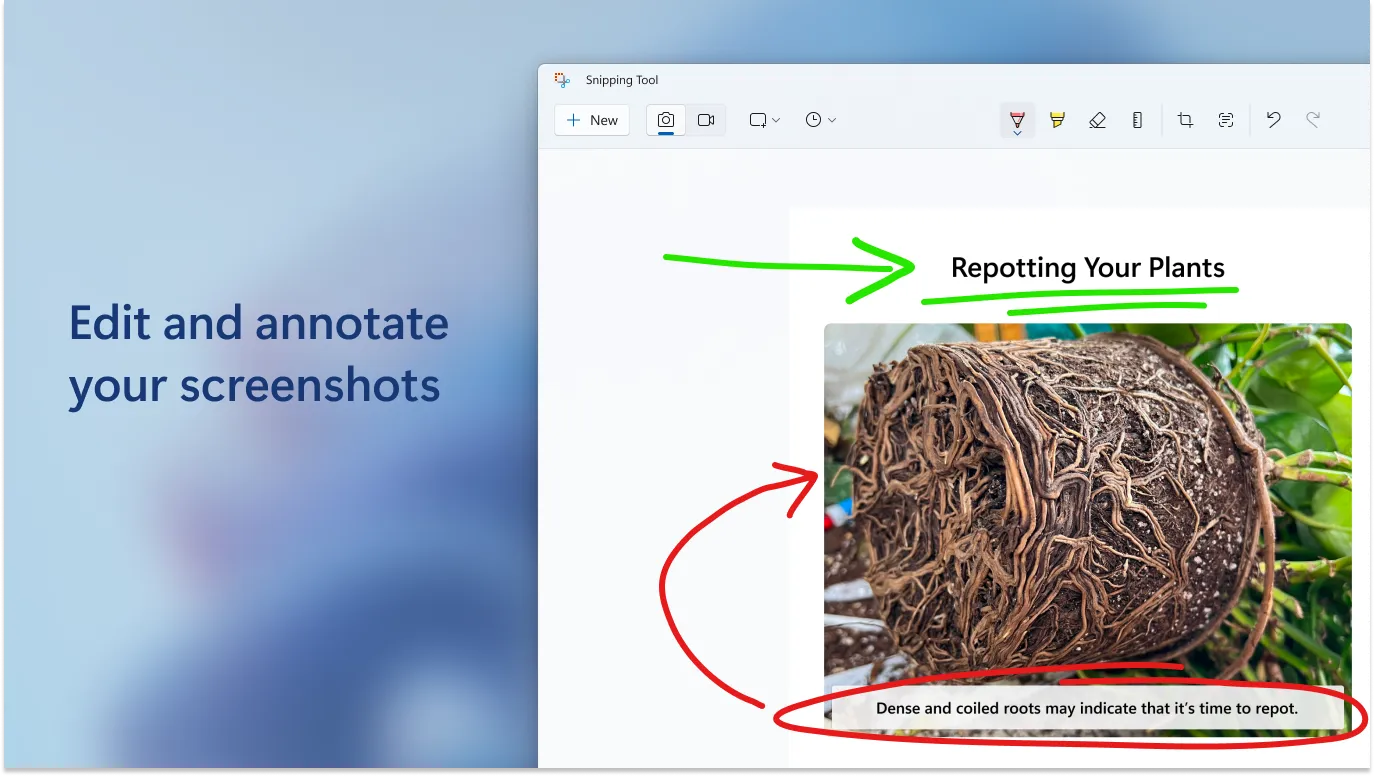
Once a screenshot is taken, the Snipping Tool allows you to annotate it directly within the app. This is perfect for highlighting important information or adding notes to share with colleagues. The simple interface makes it easy to draw, highlight, or write on your captures.
Delay Feature for Timing
The delay feature gives you the ability to set a timer for your captures, which is particularly useful for snatching pop-up menus or tooltips that disappear quickly. This function ensures you don't miss a thing and can capture the exact moment you need.
Pros & Cons
- Easy to use interface
- Multiple snipping modes
- Built-in annotation tools
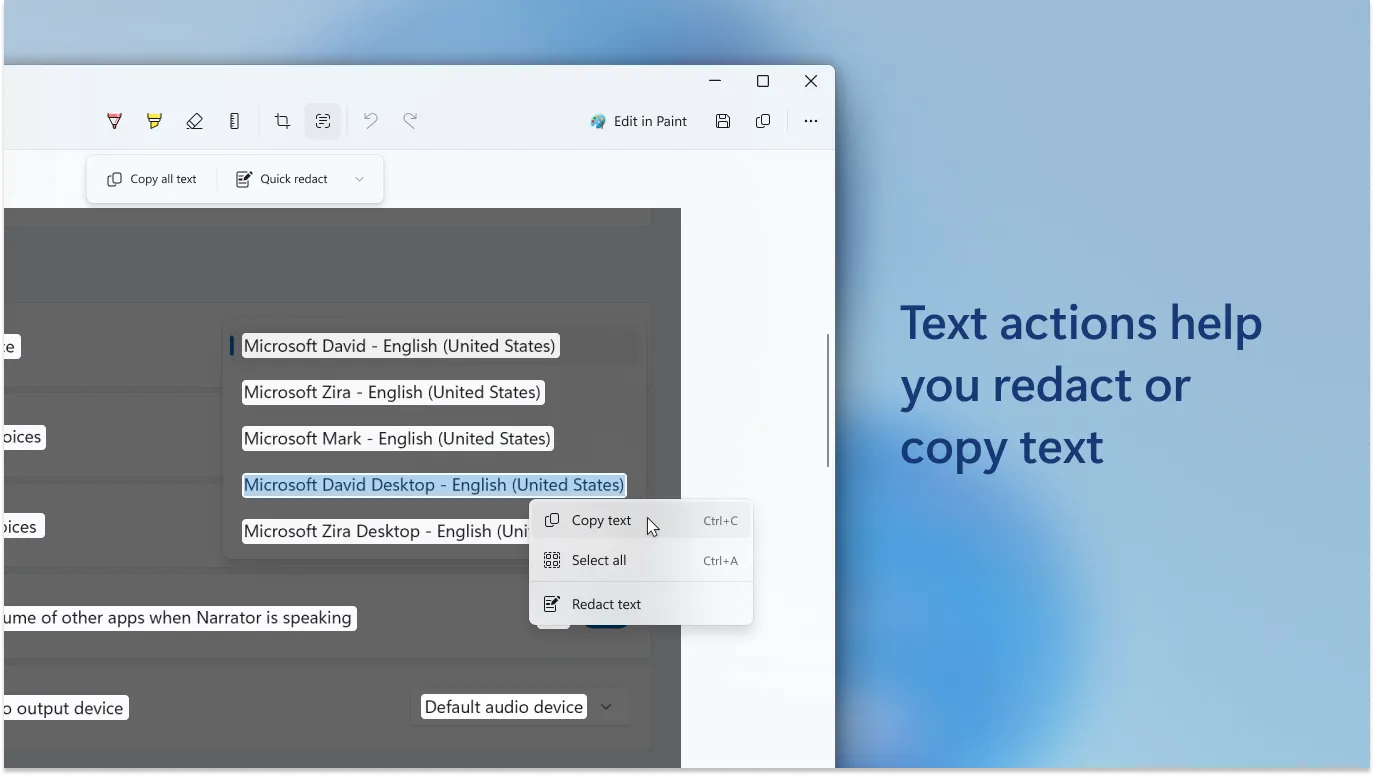
- Basic editing features
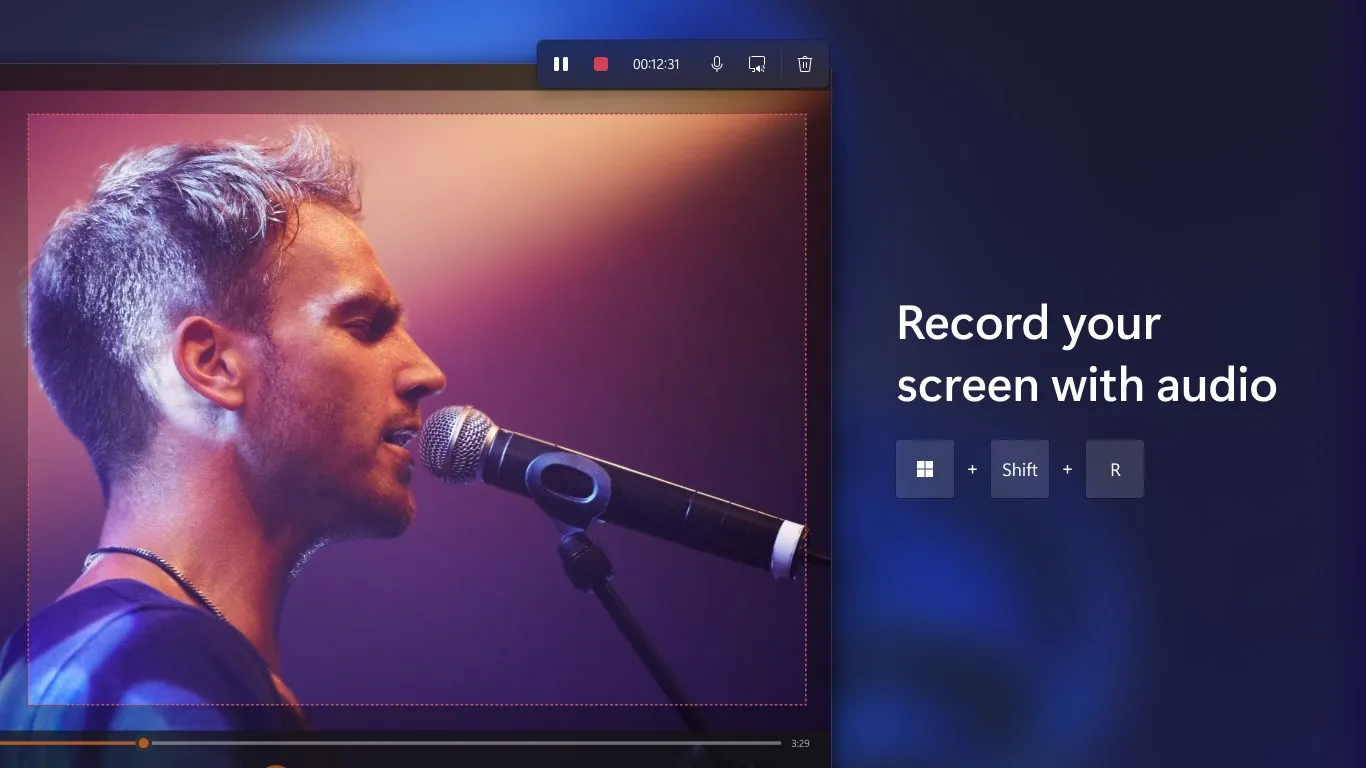
- No video capture
- Limited sharing options
Top Downloads for Windows


