

Features of Audacity
Comprehensive Audio Editing
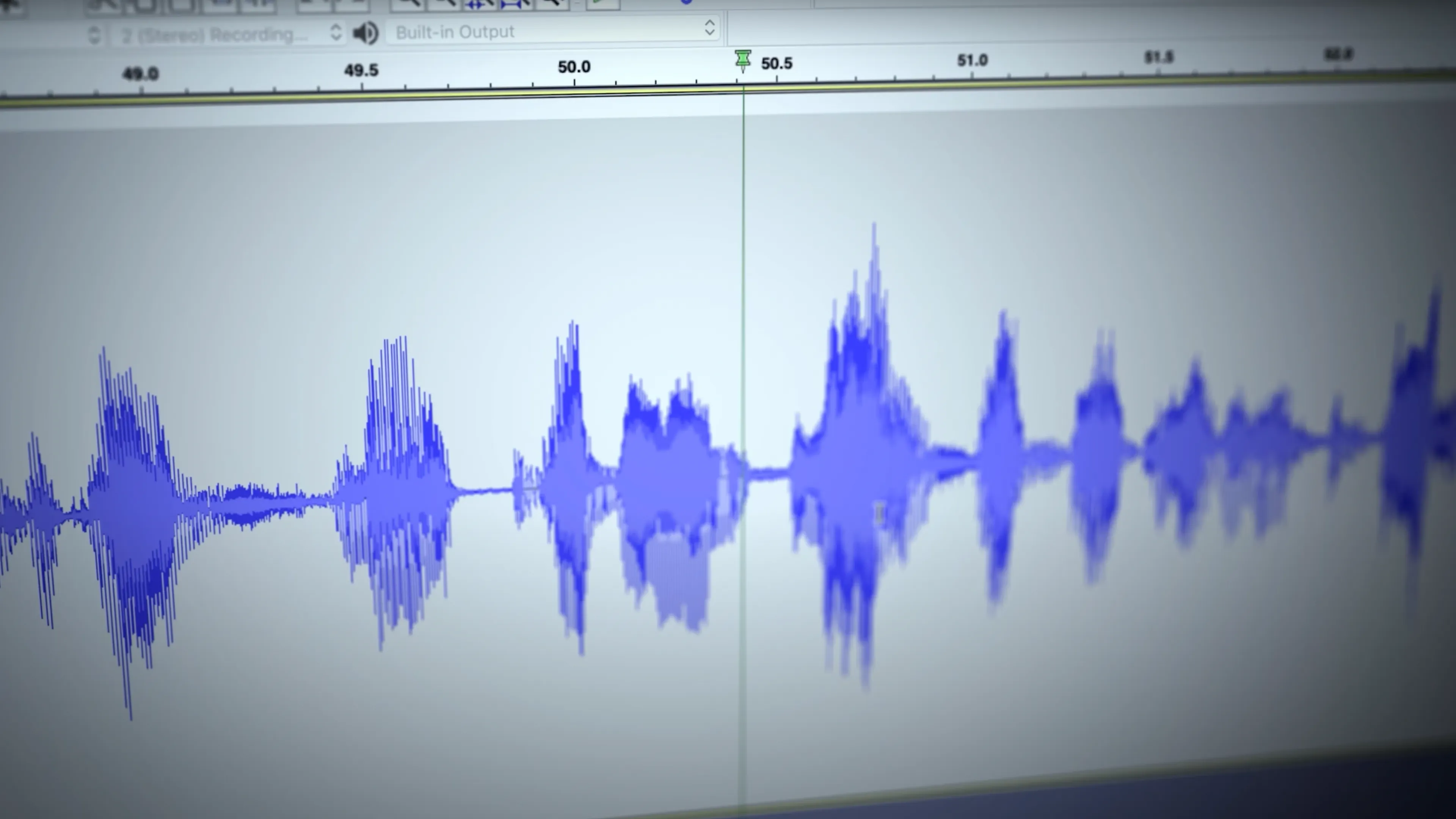
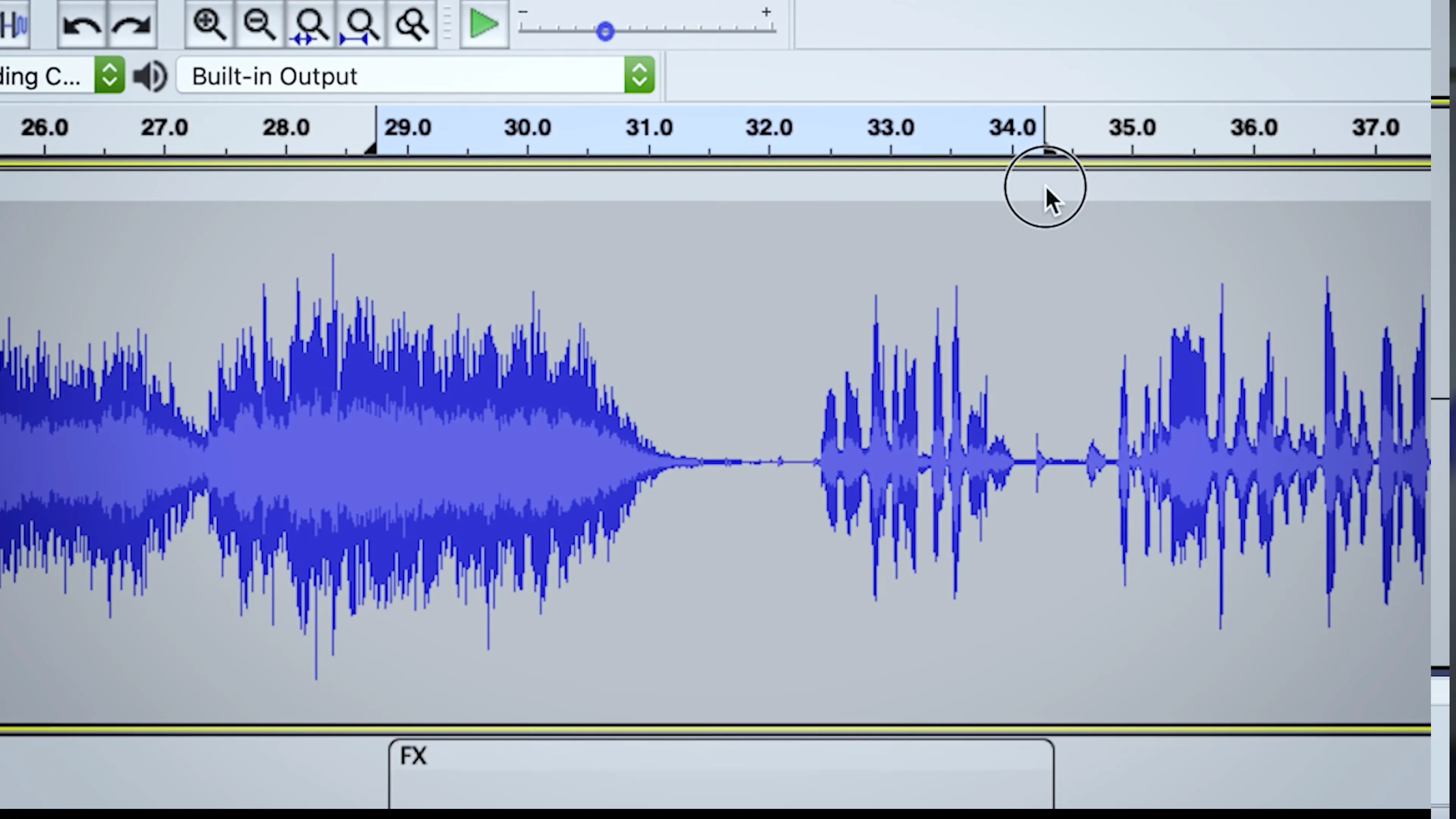
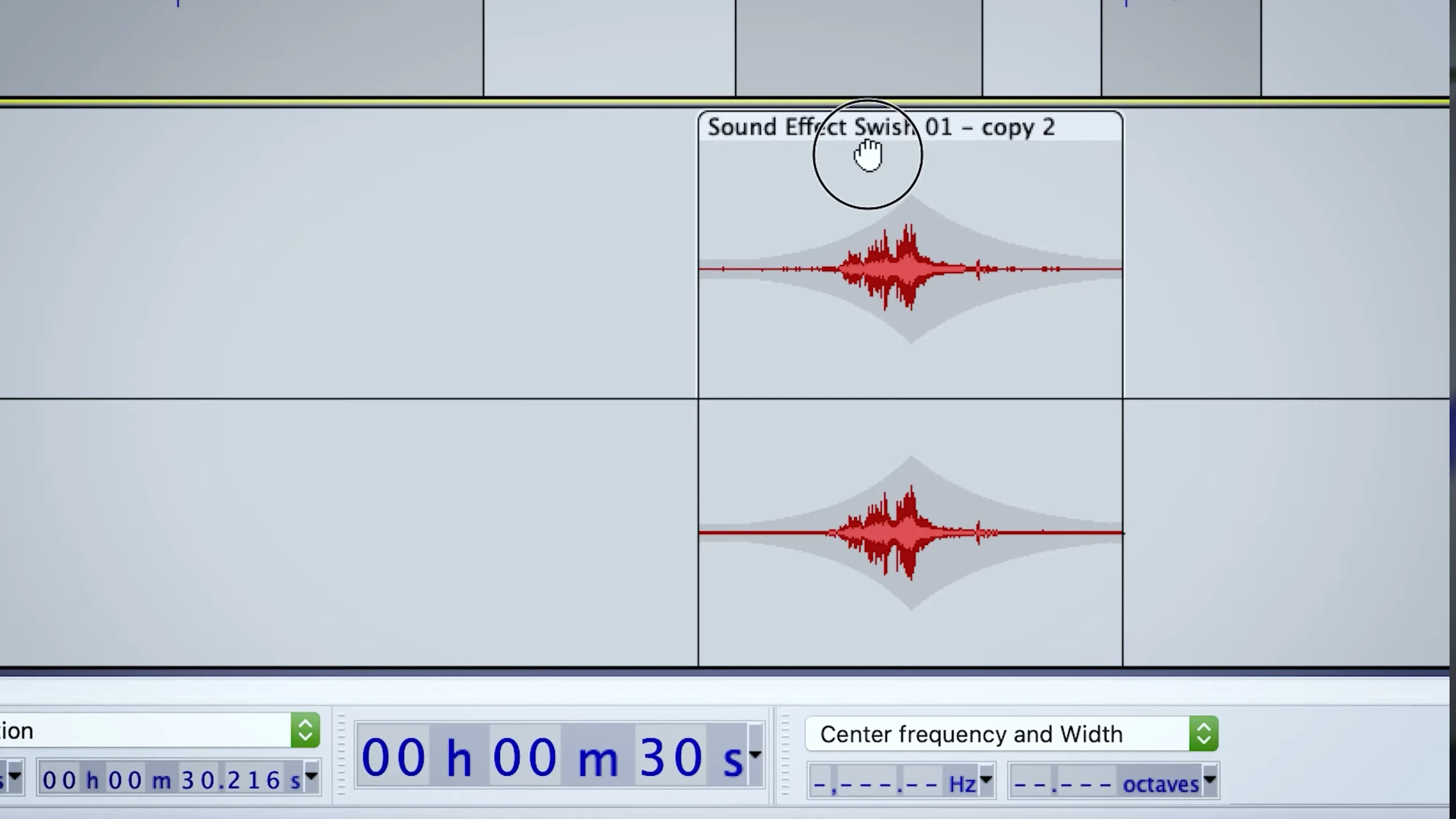
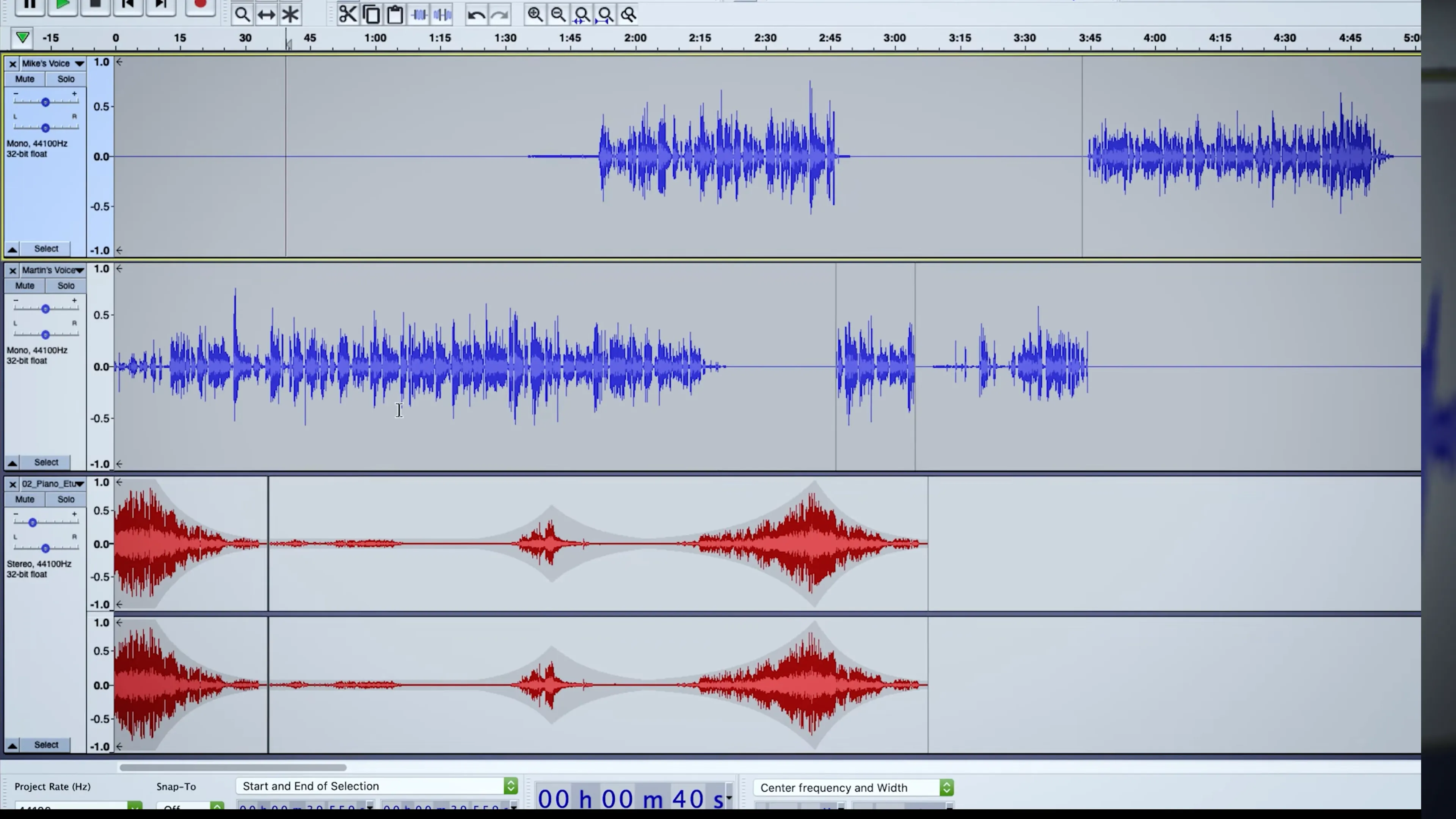
Audacity provides a comprehensive suite of audio editing tools, making it a powerful choice for any desktop user. Whether you're cutting, copying, or pasting audio, applying effects, or analyzing tracks, Audacity has you covered. It supports multitrack editing and recording, enabling users to manage multiple audio tracks simultaneously.
Wide Range of Supported Formats
Audacity supports a wide range of audio formats, including MP3, WAV, AIFF, and OGG. This versatility allows users to work with almost any audio file they may encounter. Additionally, with the software's import/export capabilities, users can easily convert audio files from one format to another, making it a handy tool for audio file conversion.
Customizable and Expandable
Audacity is not just a static audio editing tool. It's highly customizable and expandable, with a host of plugins available to enhance its functionality. Users can add new effects, support for additional audio formats, and more. This makes Audacity a flexible tool that can adapt to a user's specific needs.
Pros & Cons
- Multitrack editing and recording
- Supports multiple audio formats
- Highly customizable with plugins
- Interface can be overwhelming
- Requires learning curve
- Lacks advanced mastering tools

Top Downloads for Windows


