Features of Voice Changer-change the voice
asy Voice Modulation
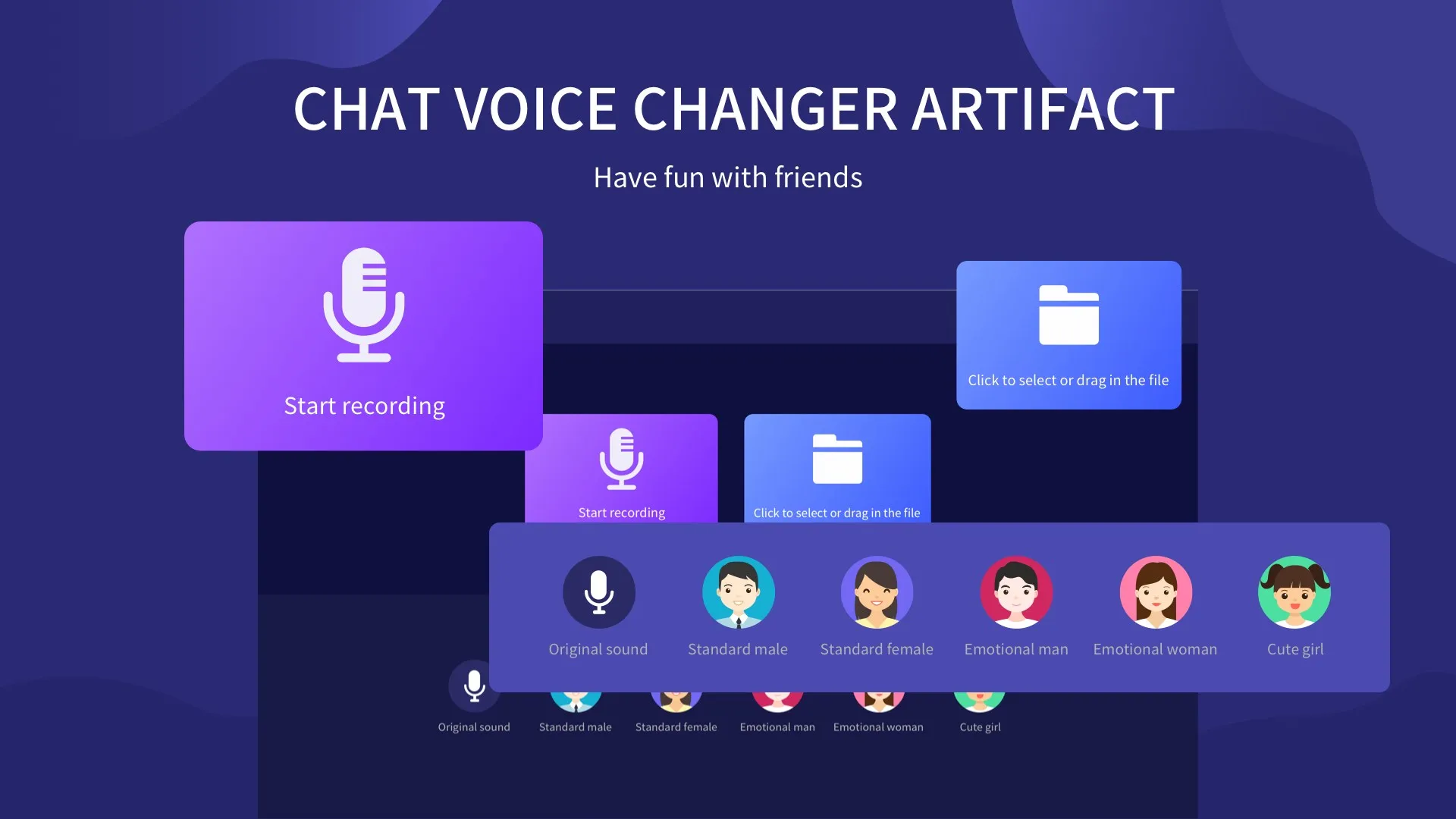
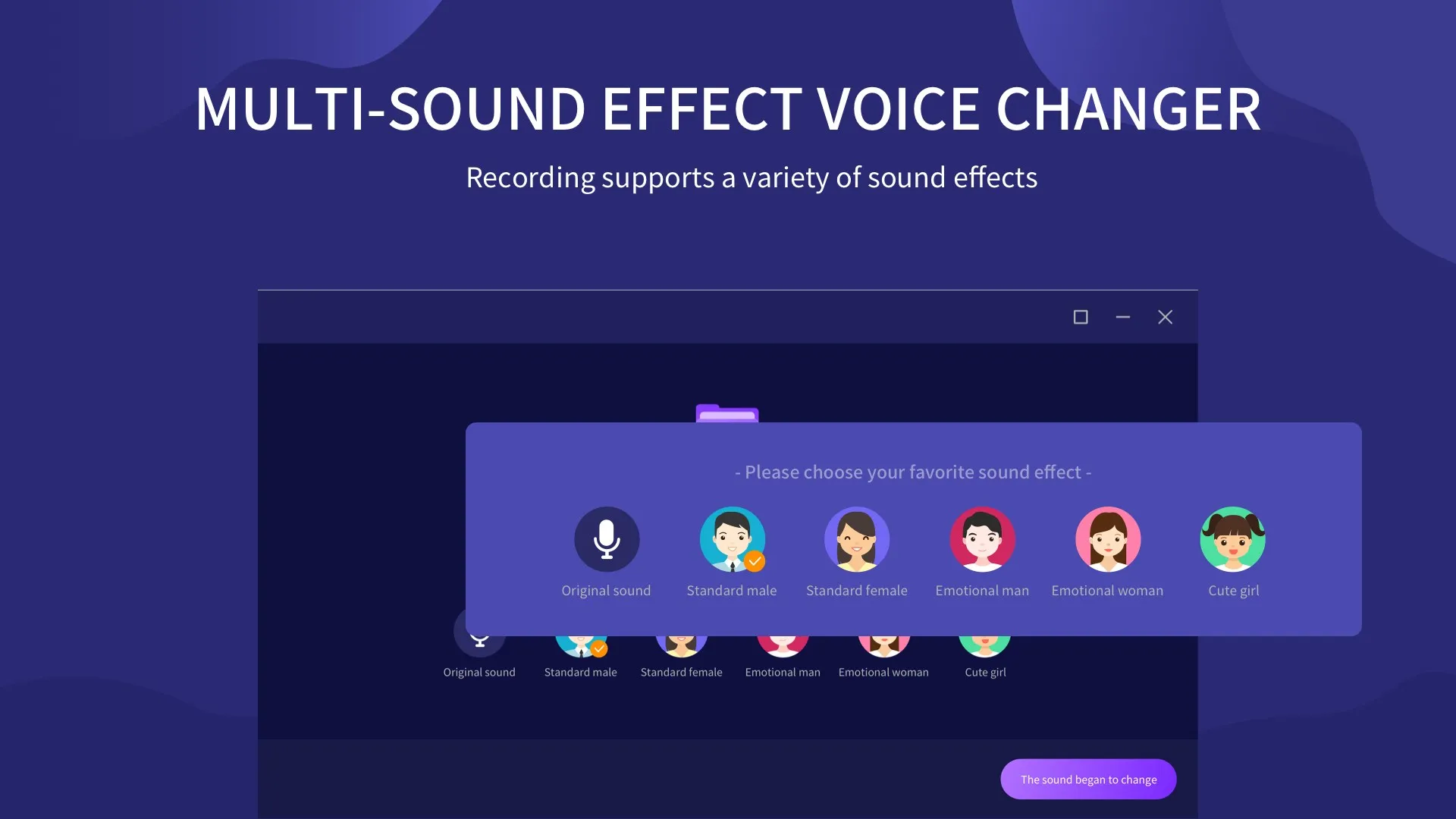
The Voice Changer software offers a simple and straightforward interface for users to alter their voices. With a wide range of presets and effects, users can easily modify their voice to sound like a child, an adult, a robot, or even a cartoon character. The software also allows for real-time voice modulation, making it perfect for online gaming or live streaming.
Audio Recording and Editing
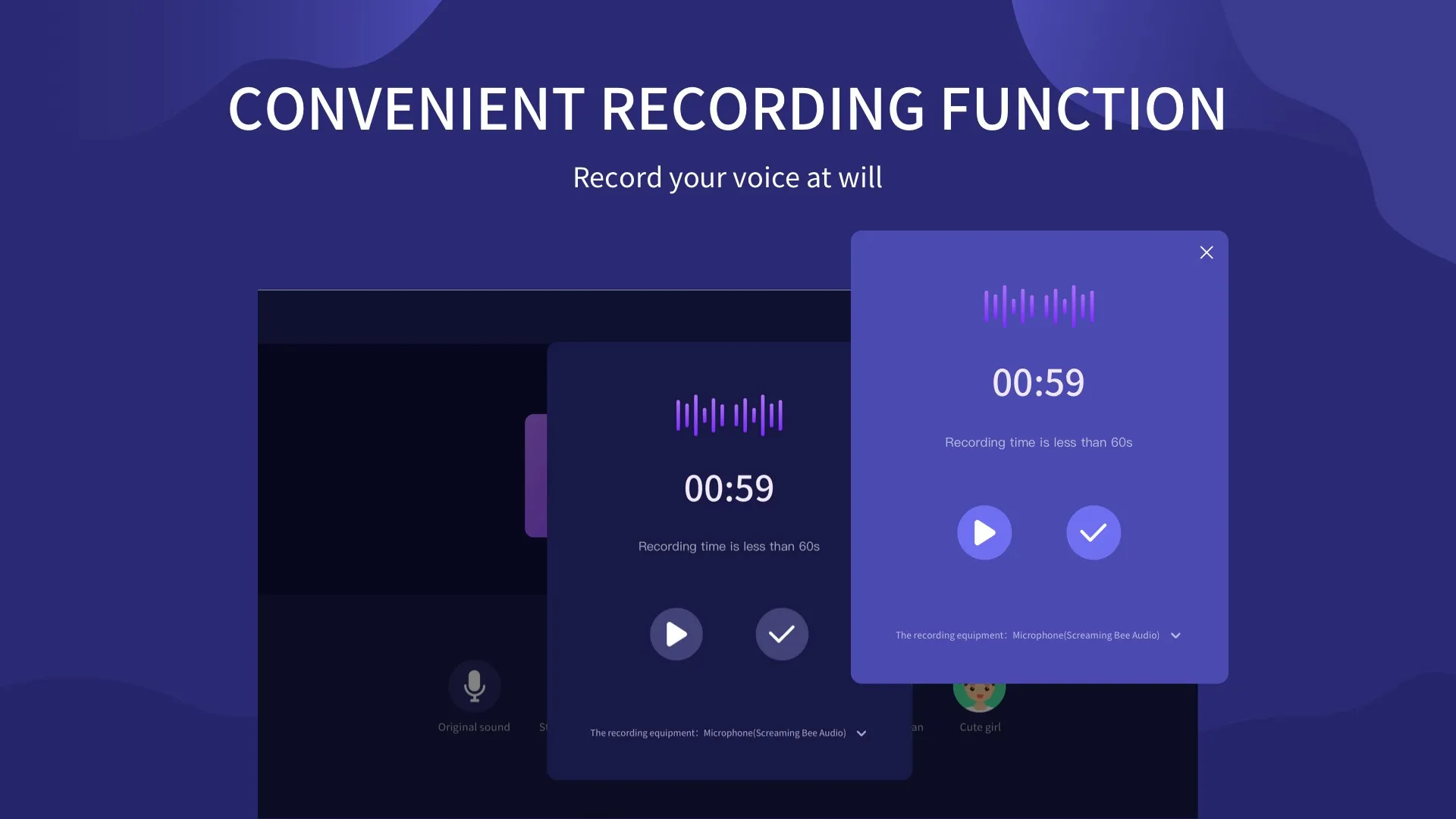
Beyond just changing your voice, the software also provides audio recording and editing capabilities. You can record your voice, apply the desired effects, and then edit the audio clip for optimal results. The editing features include options to cut, merge, and adjust the volume of the audio clip. This feature can be particularly useful for content creators or podcasters.
Compatibility with Multiple Platforms
Despite being a desktop software, Voice Changer is compatible with multiple platforms and applications. It can be used alongside communication software like Skype or Zoom, gaming platforms like Steam, or broadcasting services like OBS Studio. This makes it a versatile tool that can be used in a variety of scenarios.
Pros & Cons
- Real-time voice changing
- Wide range of voice effects
- Compatible with multiple platforms
- Requires system resources
- Limited advanced features
- Potential privacy concerns
Top Downloads for Windows