Features of Apache OpenOffice
Comprehensive Office Suite
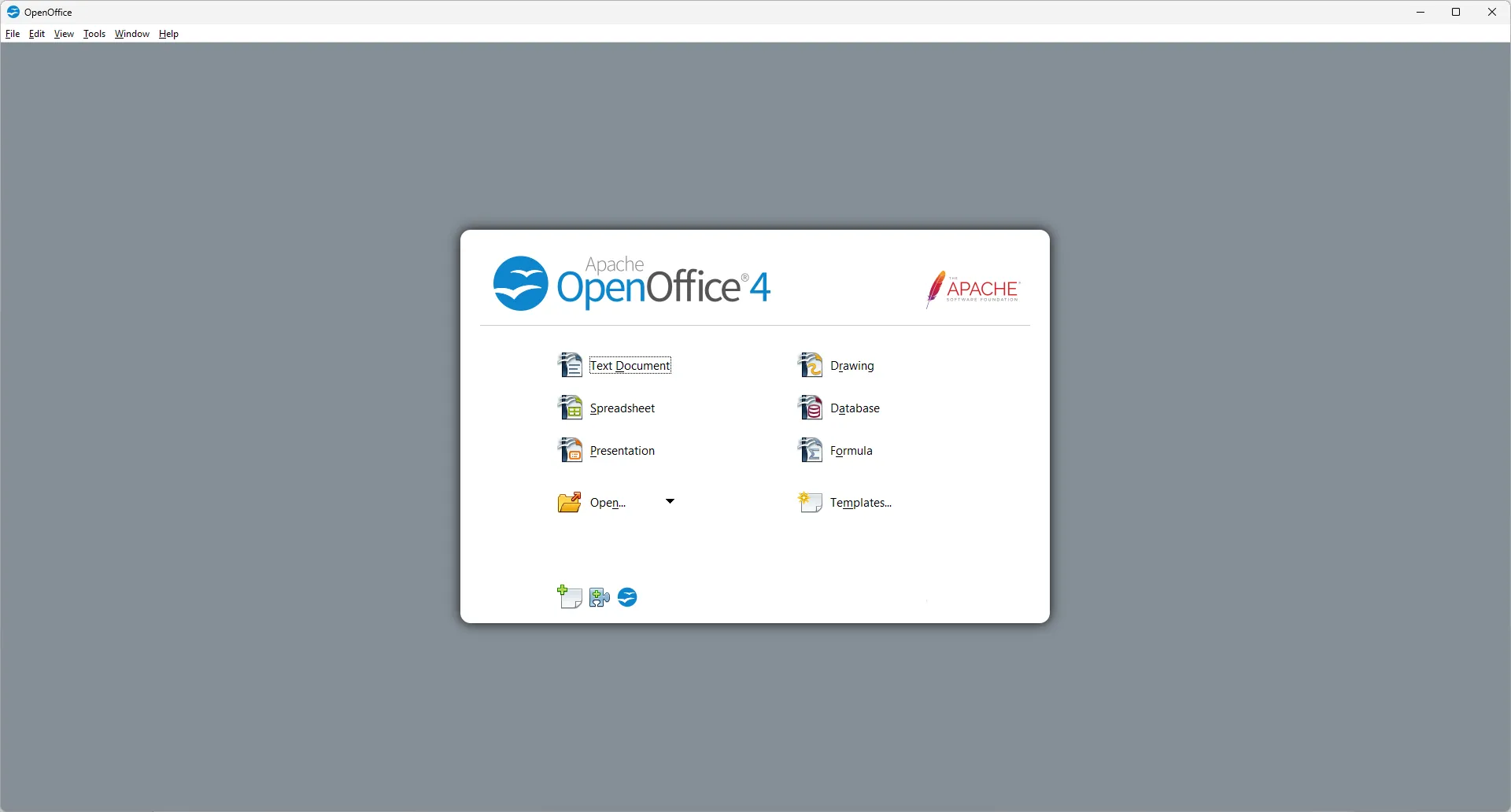
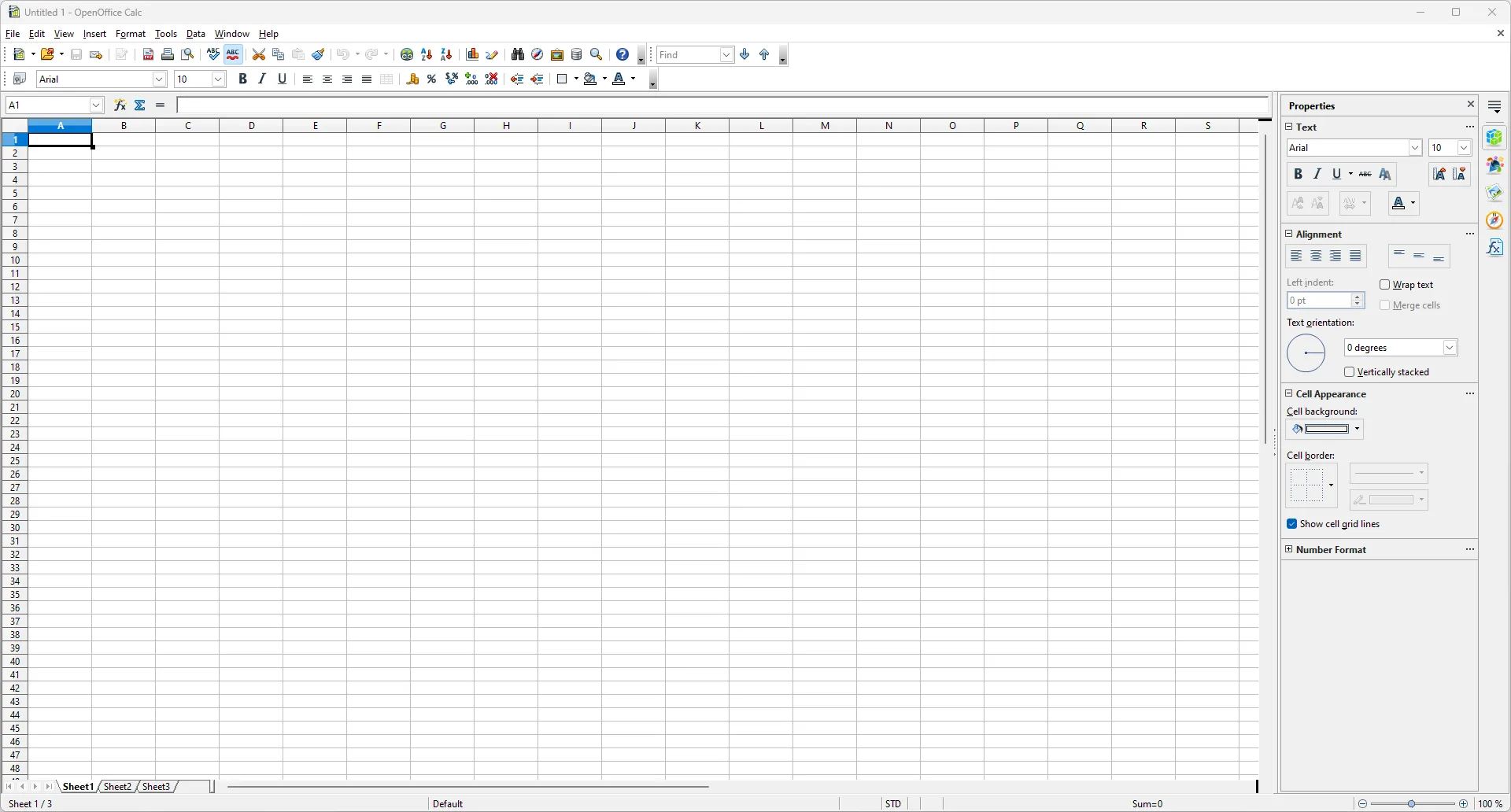
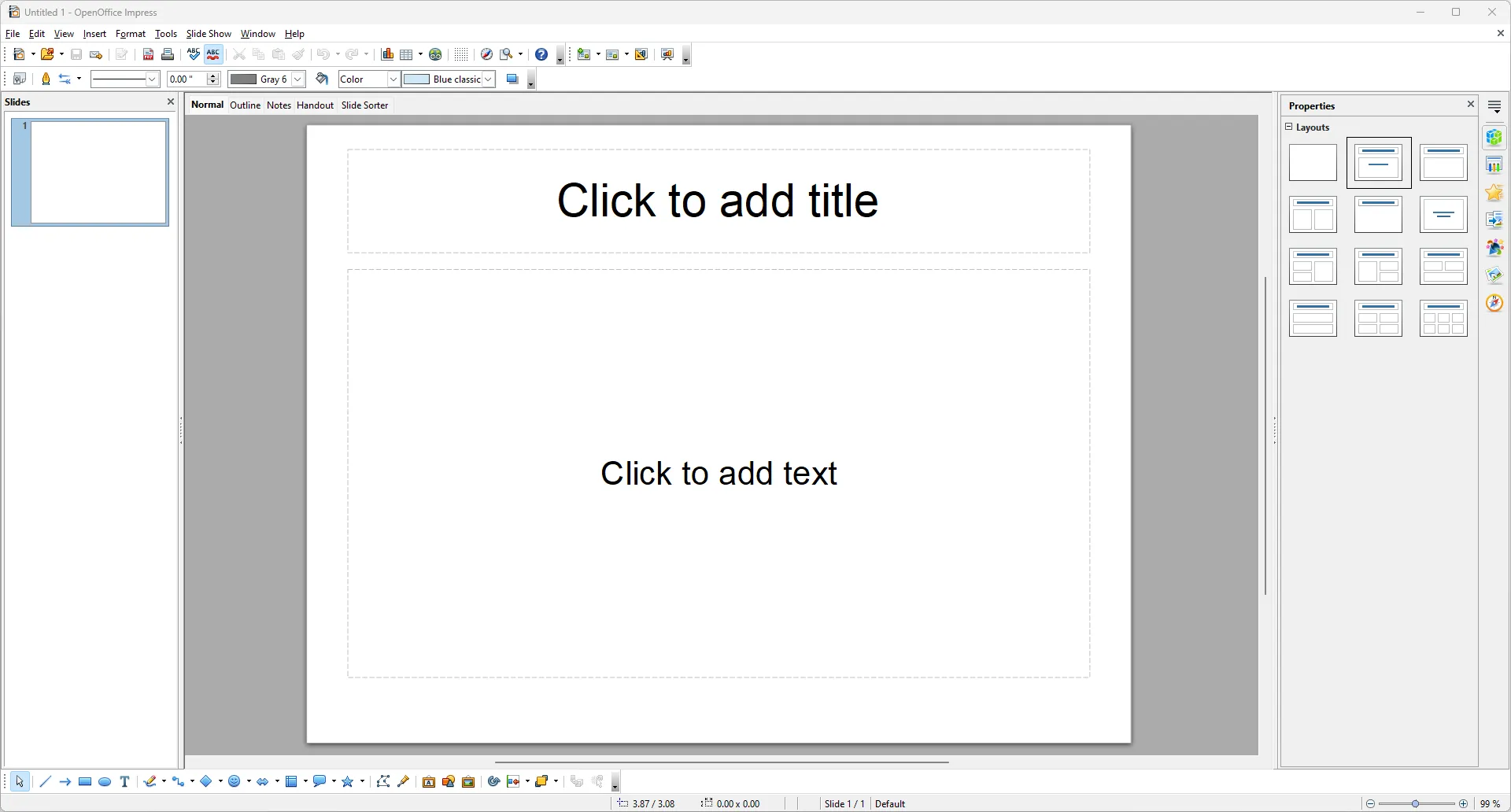
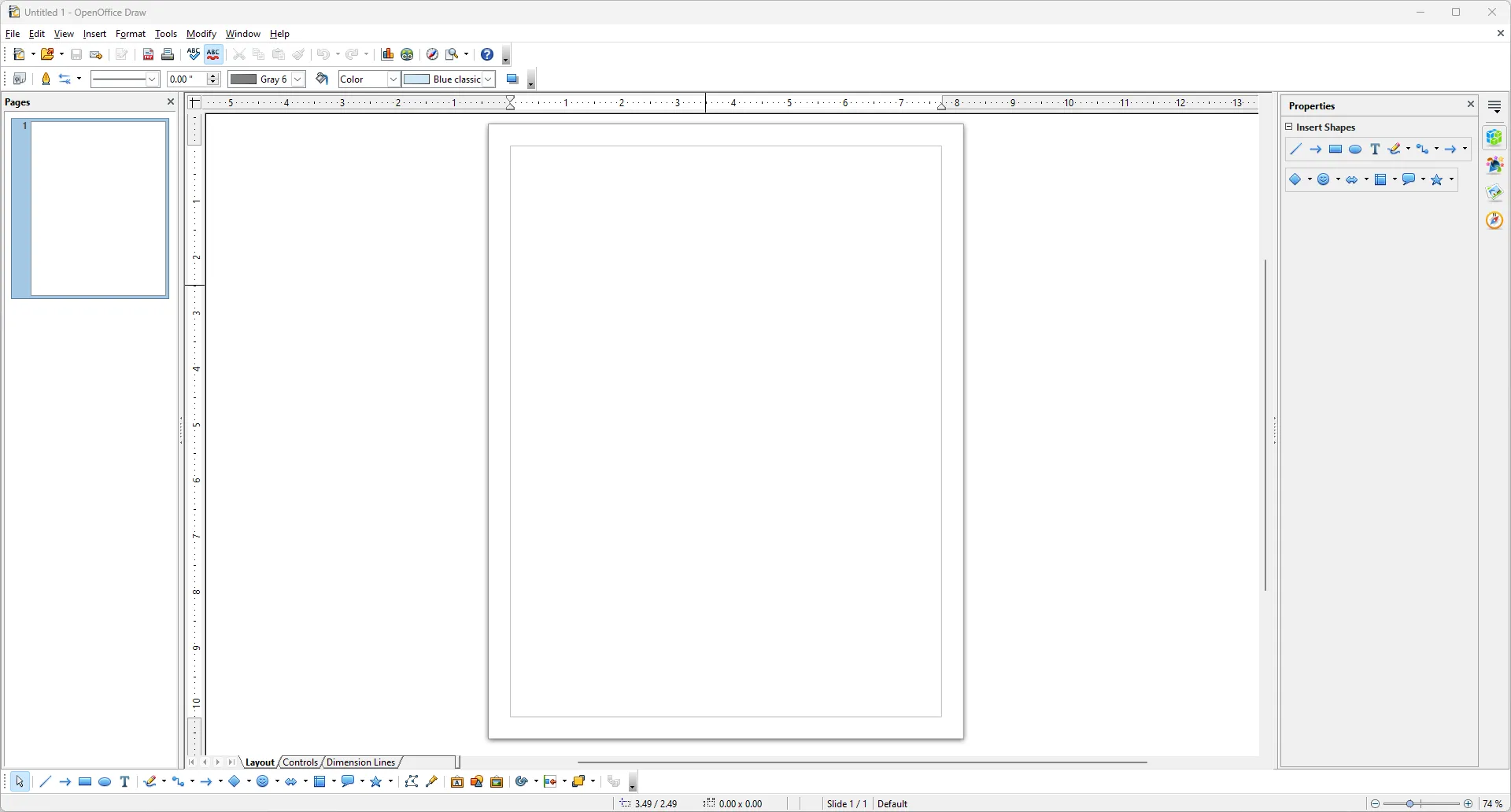
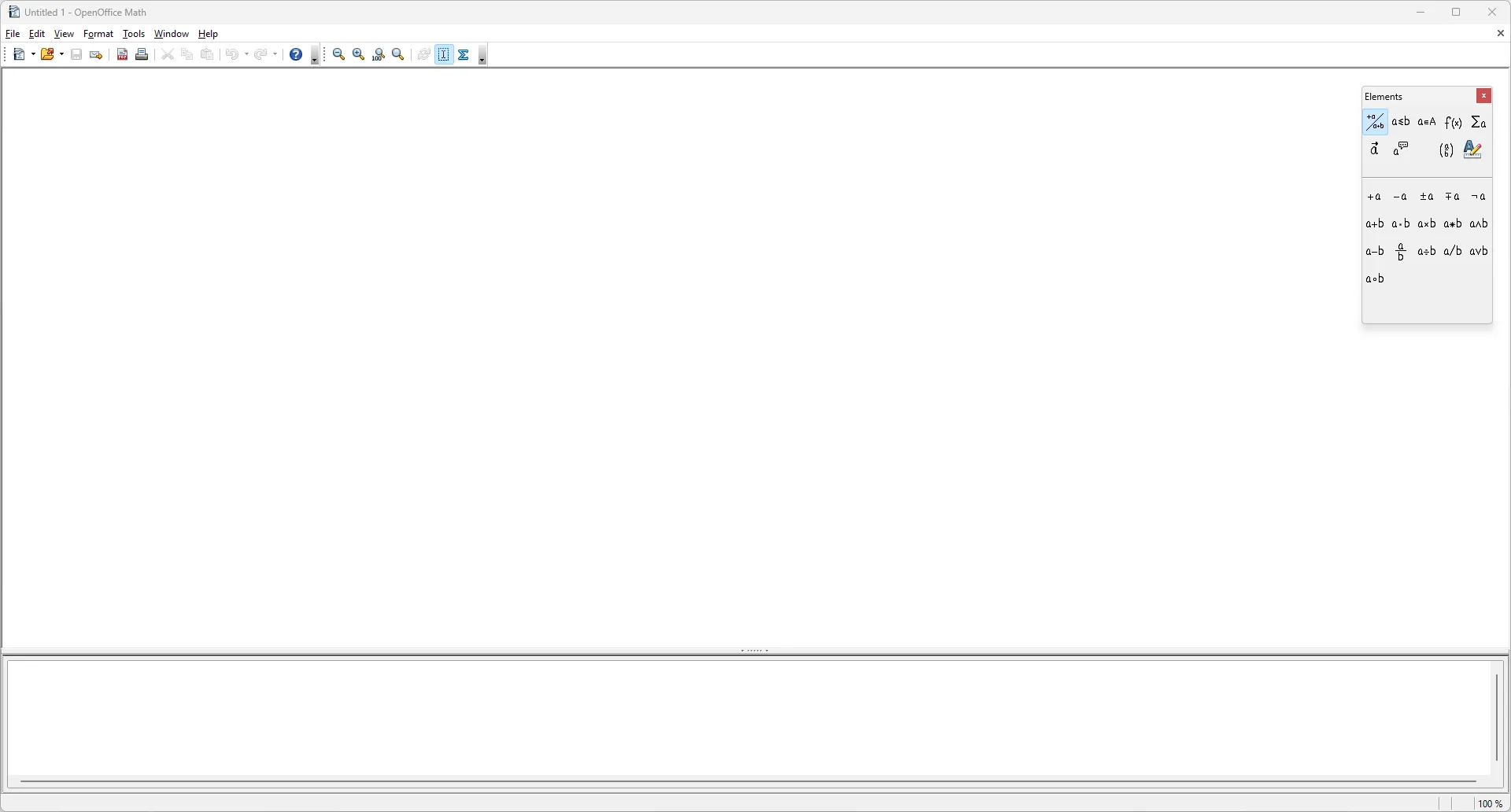
Apache OpenOffice is a full-featured office suite that offers a range of applications to cater to your document creation needs. It includes a word processor (Writer), a spreadsheet program (Calc), a presentation software (Impress), a database management system (Base), a drawing tool (Draw), and a mathematical formula editor (Math). Each of these applications is designed to be user-friendly, making document creation and editing a breeze.
Cross-Platform Compatibility
One of the standout features of Apache OpenOffice is its cross-platform compatibility. It can run on various operating systems, including Windows, Linux, and macOS. This makes it a versatile tool for users who work across different platforms. Furthermore, it supports a wide range of file formats, ensuring that you can open and edit documents created in other office suites without any issues.
Free and Open Source
Perhaps the most appealing aspect of Apache OpenOffice is its free and open-source nature. Unlike many other office suites, Apache OpenOffice doesn't come with any subscription fees or hidden charges. This makes it an excellent choice for those who are looking for a budget-friendly alternative to other office suites. Plus, being open-source means that it's continually improved by a community of developers.
Pros & Cons
- Full-featured office suite
- Cross-platform compatibility
- Free and open source
- Less frequent updates
- No cloud integration
- Interface can feel dated

Top Downloads for Windows