

Features of Paint
Simple and User-Friendly Interface
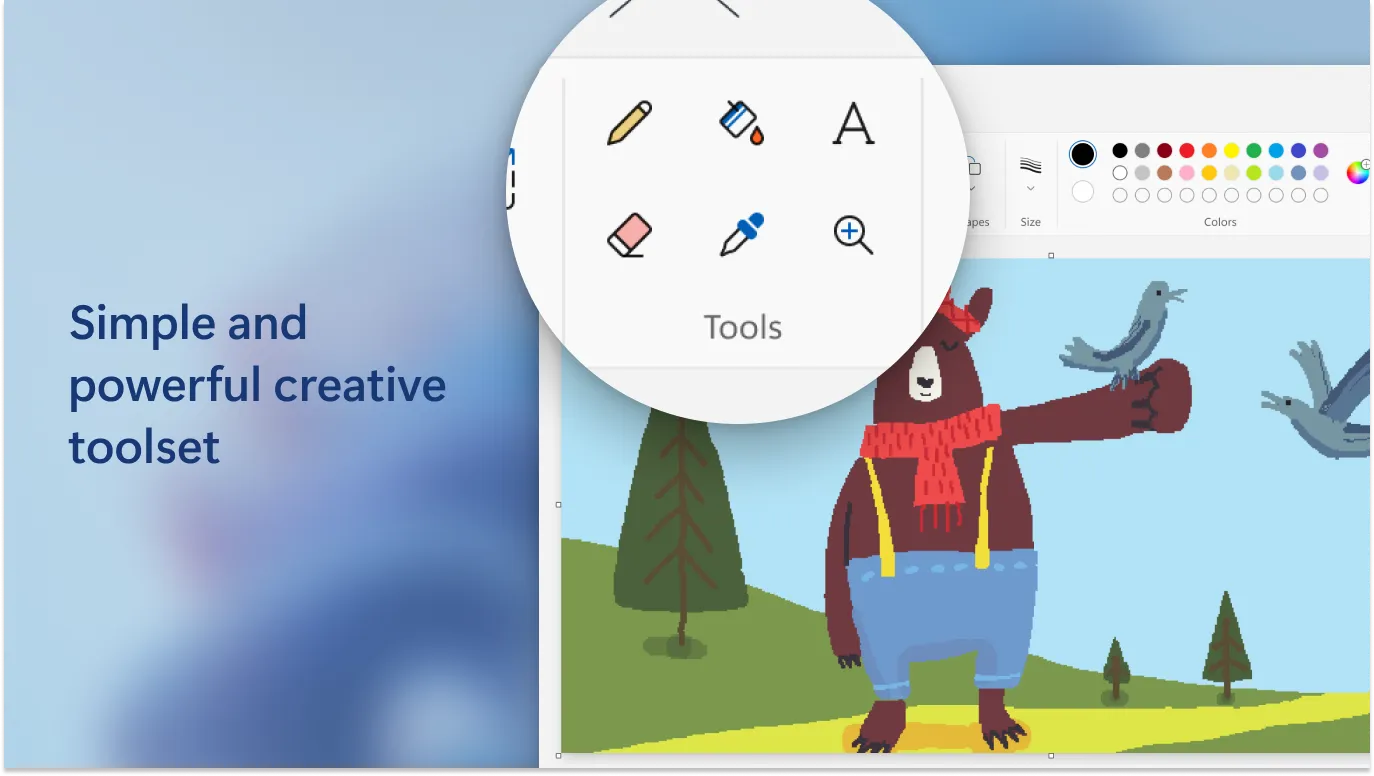
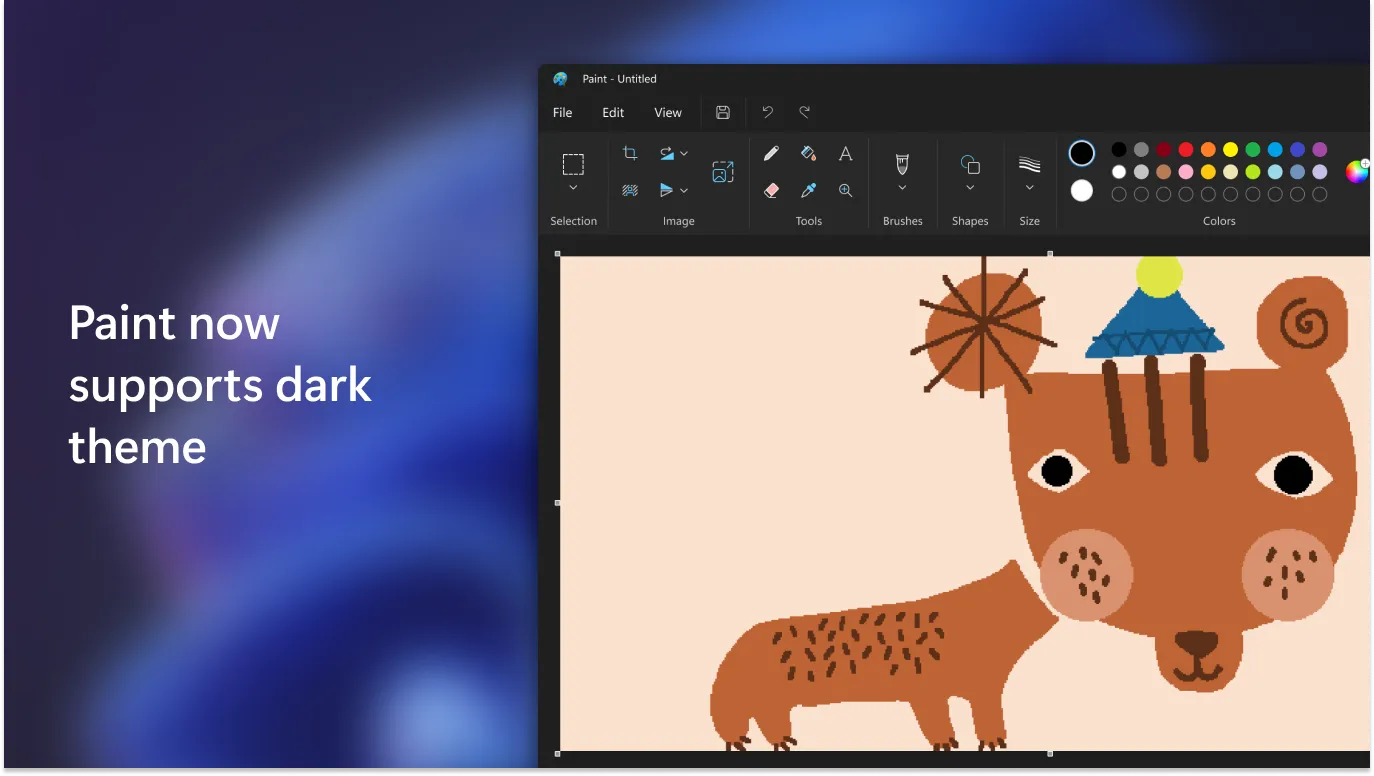
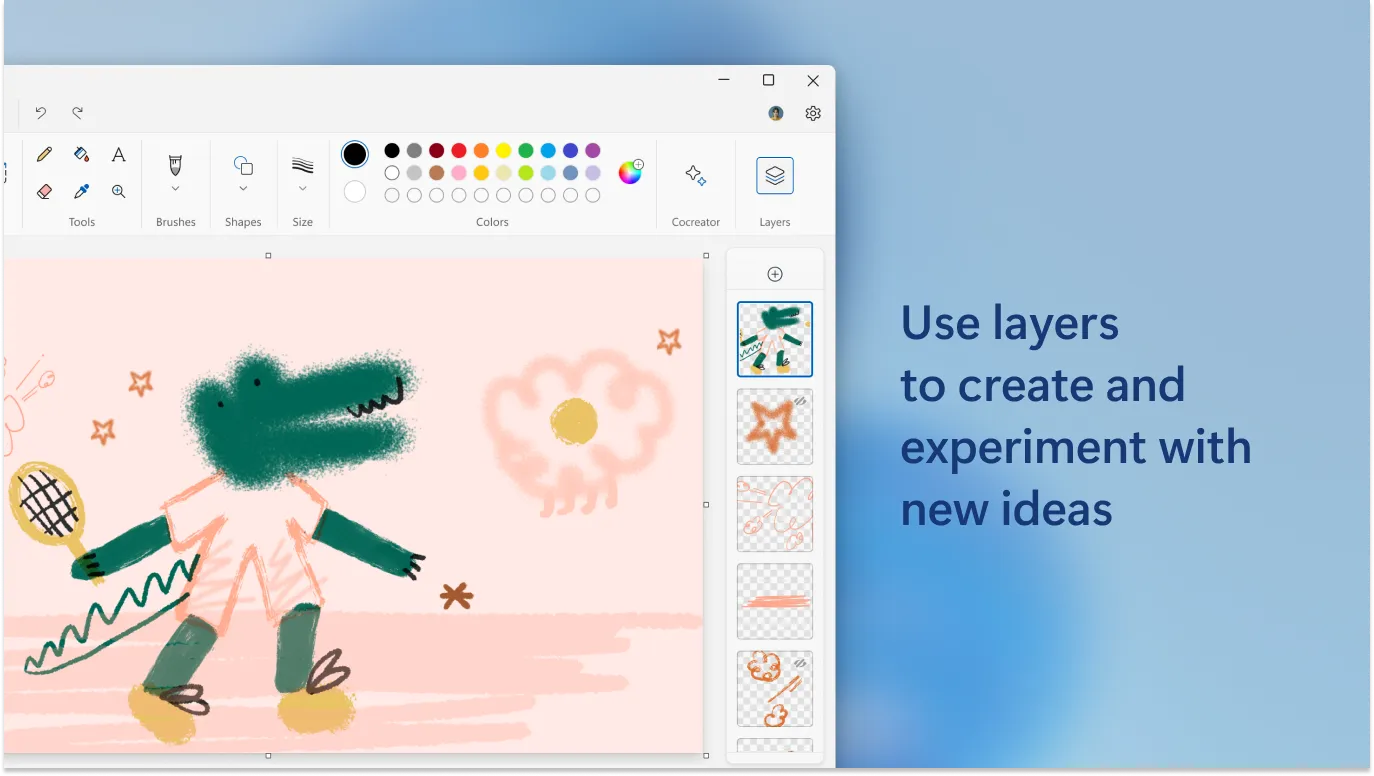
Microsoft Paint is a classic graphics editing program that comes bundled with Windows. The software features a simple and user-friendly interface that makes it easy for beginners to start creating and editing images. The toolbar is filled with a variety of tools, such as brushes, shapes, and text, allowing users to quickly access and use them.
Basic Image Editing Tools
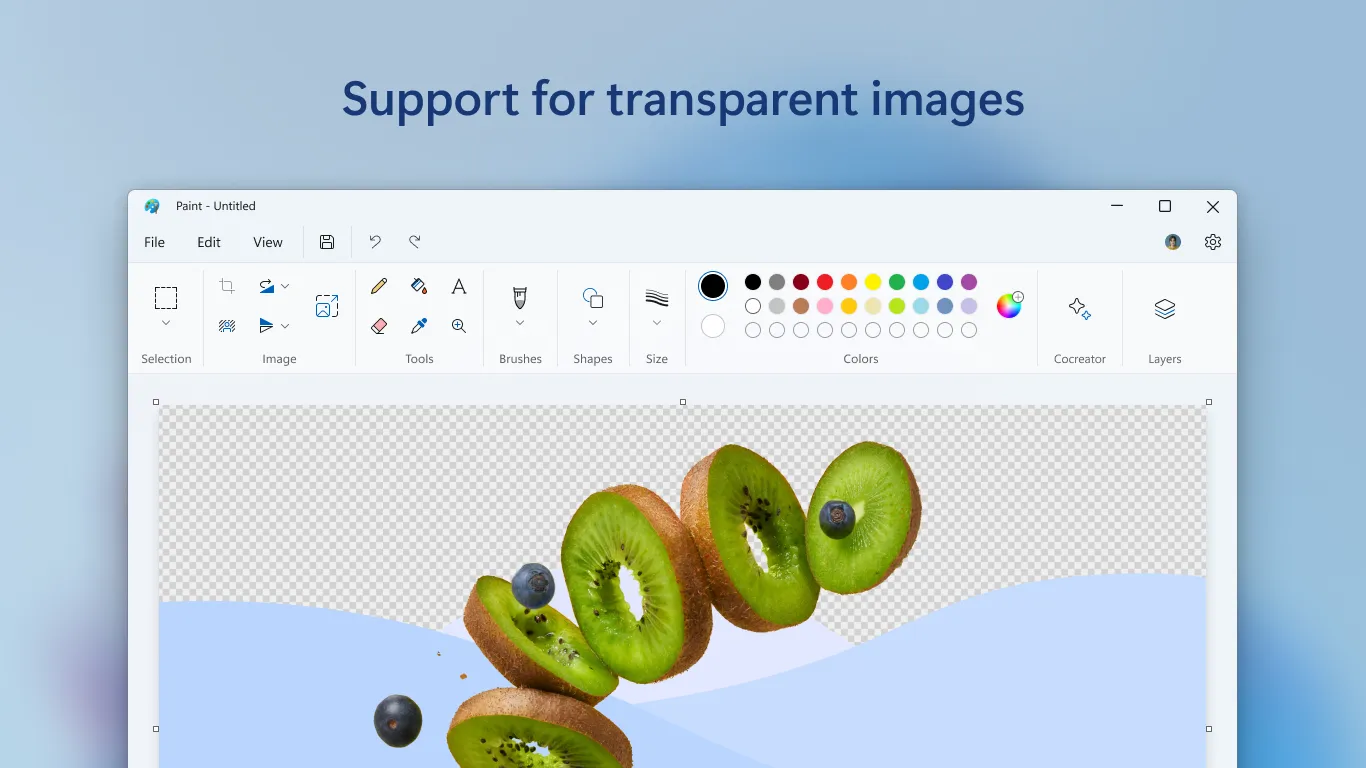
Paint provides a range of basic image editing tools that are perfect for straightforward tasks. Users can resize, crop, rotate, and flip images with ease. Additionally, the software supports a variety of file formats, including BMP, JPEG, PNG, and GIF, which enhances its versatility in handling different types of images.
Drawing and Annotation Capabilities
Aside from image editing, Paint also excels in drawing and annotation. Users can draw shapes, lines, and freehand drawings using different colors and brush sizes. The text tool allows for the addition of annotations, making it useful for creating diagrams or simple infographics.
Pros & Cons
- Easy to use interface
- Supports various file formats
- Good for basic editing
- Lacks advanced editing features
- No layer support
- Limited effects and filters
Top Downloads for Windows


