

Features of Inkscape
Vector Graphics Editing
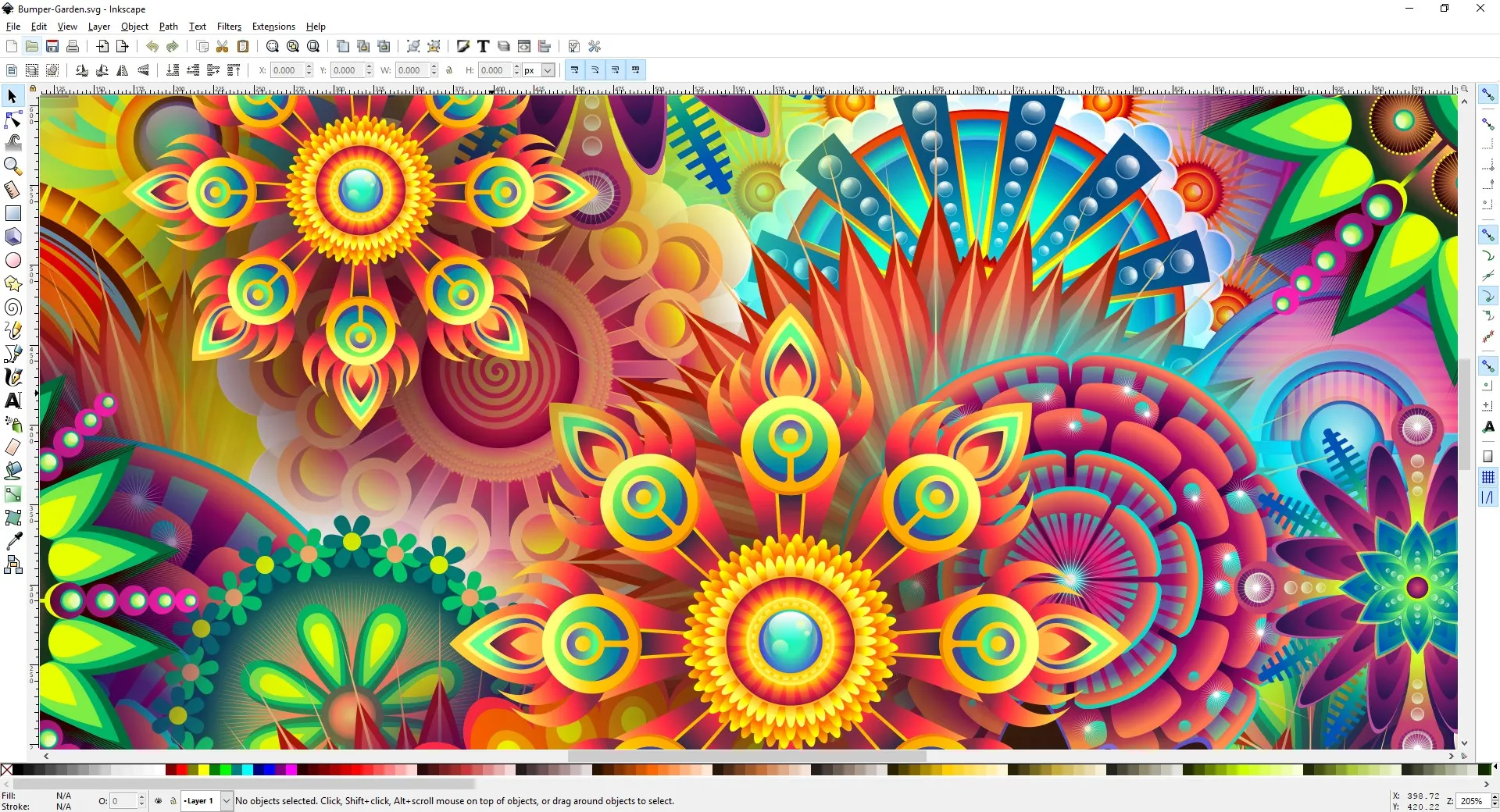
Inkscape is a robust, open-source vector graphics editor that supports SVG (Scalable Vector Graphics) format. This means users can create and edit graphics without losing any quality when scaling. The software is designed for illustrators, designers, and web designers, offering a broad range of tools for creating and manipulating vector images.
Wide Array of Tools
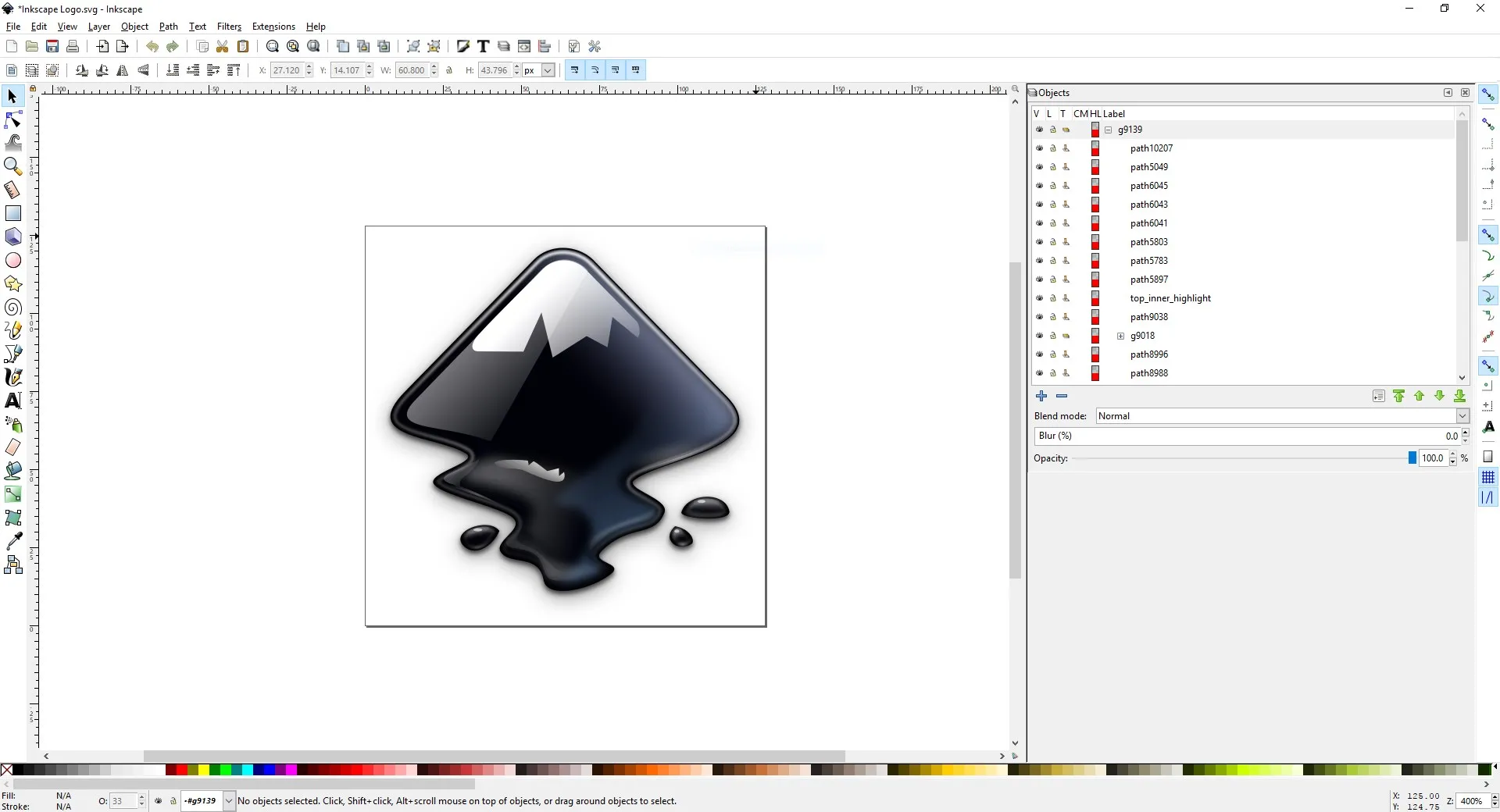
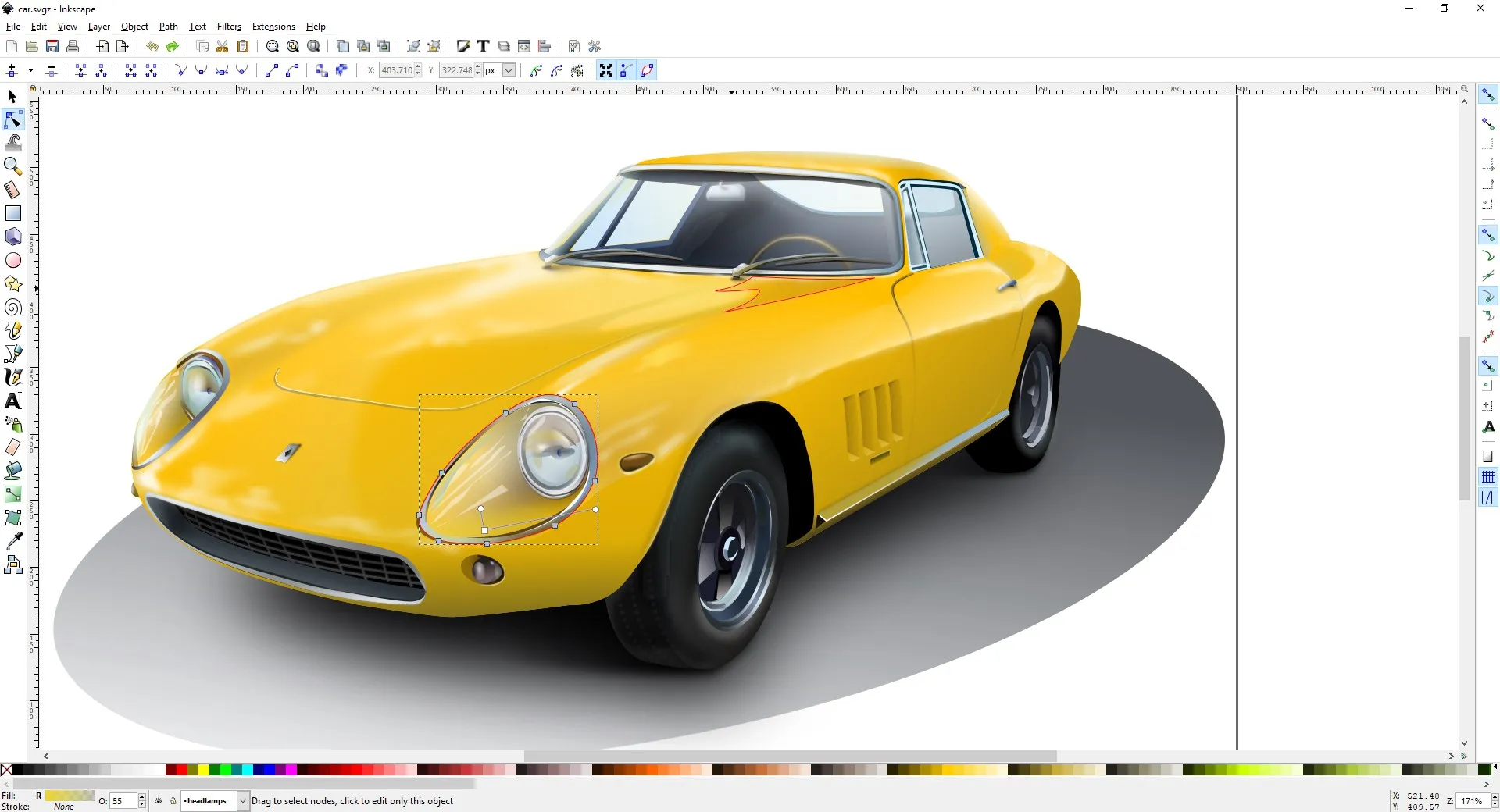
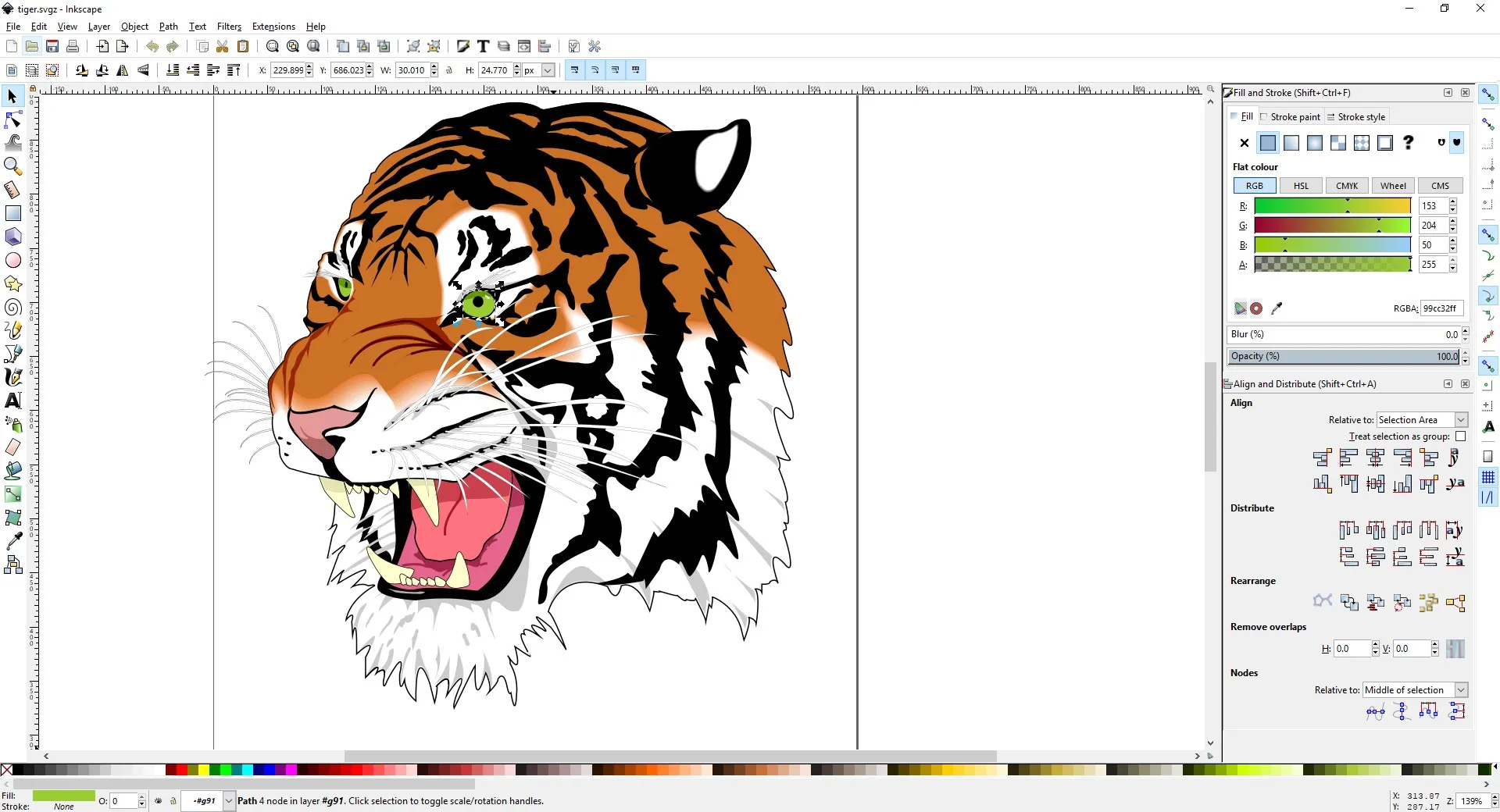
Inkscape comes packed with a variety of tools that aid in creating complex vector illustrations. These include freehand drawing, shape tools, text tools, cloning, transformations, layers, gradients, and patterns. The software also supports object creation and manipulation, allowing users to work with paths, text, markers, clones, and more.
Extensive File Format Support
Inkscape supports a wide range of file formats, ensuring compatibility with other design software. It can import and export various file types, including SVG, EPS, JPEG, PNG, and TIFF. This makes it easy for users to integrate Inkscape into their existing workflow, regardless of the software they are currently using.
Pros & Cons
- Open-source and free
- Extensive toolset
- Supports many file formats
- Steep learning curve
- Can be slow with complex graphics
- Lack of professional features
Top Downloads for Windows


